
beautiful-mermaid は Mermaid ダイアグラムを美しい SVG または ASCII アートとしてレンダリングするライブラリです。高速で、テーマ設定ができ、DOM 依存ゼロのため、AI 時代のワークフロー向けに構築されています。
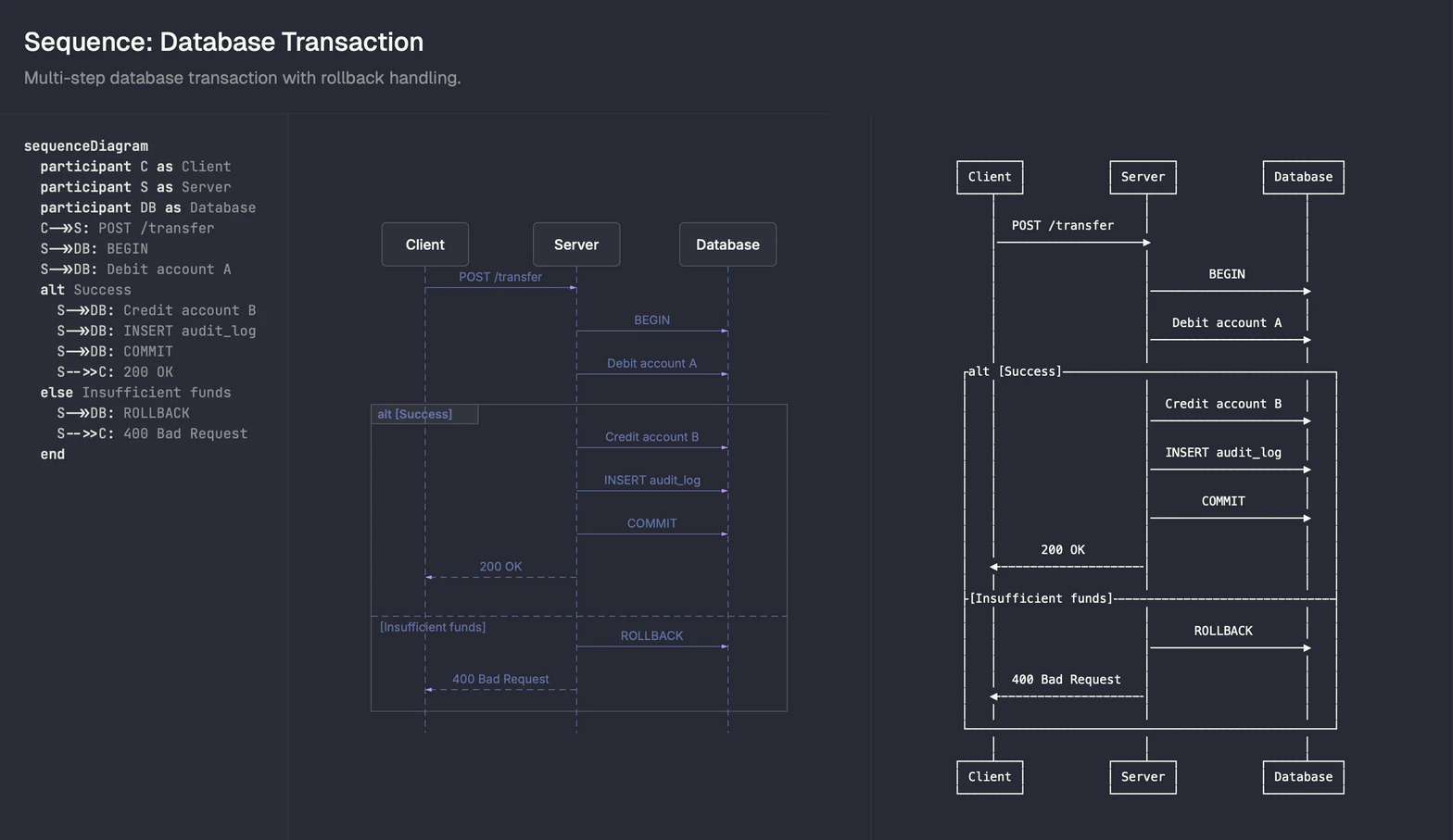
この記事では、普通の Mermaid レンダリングと beautiful-mermaid の結果を最初に並べて比較します。
beautiful-mermaid を使う理由
Mermaid はテキストベースのダイアグラムの標準ですが、既存のレンダラーには以下の悩みがあります。
- 見た目がプロダクション品質に届きにくい
- テーマ調整が複雑
- ターミナル向けの ASCII 出力がない
- 依存が重い
beautiful-mermaid は、リッチ UI からターミナルまで、どこでも高速に美しく描けることを狙っています。
比較の準備
さっそく標準の mermaid と beatiful-mermaid を比較します。手順は下記になります。
- render.mjs を保存する
- 依存関係を入れる
- Mermaid を diagram.md に書く
- Node で実行して SVG を出す
render.mjs は Mermaid を SVG に変換する実行用スクリプトです。以下の内容を render.mjs として保存します。
render.mjs の流れは次のとおりです。
- 標準入力から Mermaid を読み取る
- テーマ指定があれば反映して SVG を生成し、標準出力に書き出す
import { renderMermaid, THEMES } from "beautiful-mermaid";

function readStdin() {
  return new Promise((resolve, reject) => {
    let data = "";
    process.stdin.setEncoding("utf8");
    process.stdin.on("data", (chunk) => (data += chunk));
    process.stdin.on("end", () => resolve(data));
    process.stdin.on("error", reject);
  });
}

const argv = new Set(process.argv.slice(2));
const themeArg = process.argv
  .find((a) => a.startsWith("--theme="))
  ?.split("=", 2)[1];

const theme =
  themeArg && THEMES[themeArg]
    ? THEMES[themeArg]
    : THEMES["nord-light"];

const input = await readStdin();
const diagram = input.trim();

if (!diagram) {
  console.error("No mermaid diagram found in stdin.");
  process.exit(1);
}

try {
  const svg = await renderMermaid(diagram, theme);
  process.stdout.write(svg);
} catch (e) {
  console.error(String(e?.stack || e));
  process.exit(1);
}
依存関係を入れます。
npm install beautiful-mermaid
diagram.md を作成します。
printf '%s\n' 'graph TD' \
  '  A[開始] --> B{決定}' \
  '  B -->|はい| C[アクション]' \
  '  B -->|いいえ| D[終了]' > diagram.md
beautiful-mermaid で SVG を出力します。
cat diagram.md | node render.mjs > diagram-beautiful.svg
同じ図を通常レンダリングして並べると差が見えやすいです。ここでは外部サービスを使って SVG を作ります。
- Mermaid を diagram.mmd に書く
- 外部サービスで通常レンダリングを作る
- beautiful-mermaid のレンダリングを作る
printf '%s\n' 'graph TD' \
  '  A[開始] --> B{決定}' \
  '  B -->|はい| C[アクション]' \
  '  B -->|いいえ| D[終了]' > diagram.mmd
外部サービスで通常レンダリングを作ります。
cat diagram.mmd | curl -sS -X POST --data-binary @- https://kroki.io/mermaid/svg -o diagram-default.svg
外部に Mermaid を送るのが嫌な場合は、Docker を使ってローカルで生成します。
docker run --rm -v "$PWD":/data -w /data ghcr.io/mermaid-js/mermaid-cli \
  mmdc -i diagram.mmd -o diagram-default.svg
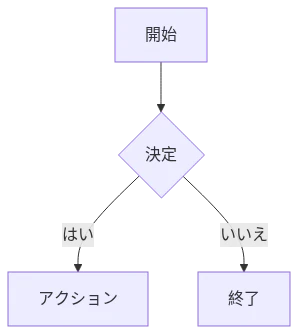
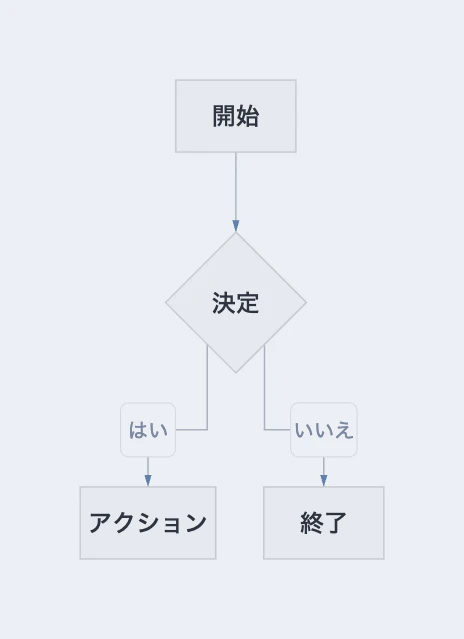
比較結果は次の画像で確認できます。
通常レンダリングでの出力は以下になります。
beautiful-mermaid での出力は以下になります。いいですね。
対応する図
対応範囲は広いので、気になる図は自分で試してみてください。https://agents.craft.do/mermaid からもサンプルを見ることができます。
対応図の例を見る
フローチャート
graph TD
  A[Start] --> B{Decision}
  B -->|Yes| C[Process]
  B -->|No| D[End]
  C --> D
方向は TD(上→下), LR(左→右), BT(下→上), RL(右→左)に対応しています。
状態図
stateDiagram-v2
  [*] --> Idle
  Idle --> Processing: start
  Processing --> Complete: done
  Complete --> [*]
シーケンス図
sequenceDiagram
  Alice->>Bob: Hello Bob!
  Bob-->>Alice: Hi Alice!
  Alice->>Bob: How are you?
  Bob-->>Alice: Great, thanks!
クラス図
classDiagram
  Animal <|-- Duck
  Animal <|-- Fish
  Animal: +int age
  Animal: +String gender
  Animal: +isMammal() bool
  Duck: +String beakColor
  Duck: +swim()
  Duck: +quack()
ER 図
erDiagram
  CUSTOMER ||--o{ ORDER : places
  ORDER ||--|{ LINE_ITEM : contains
  PRODUCT ||--o{ LINE_ITEM : "is in"
エージェントでの活用: SVG編集とskill
活用方法は二つです。
- SVG を直接編集させる
- beautiful-mermaid の skill を使う
SVG を直接編集させると、微調整や文言変更を素早く反映できます。
beautiful-mermaid の skill は Mermaid を SVG にレンダリングし、必要なら PNG に変換する流れがまとまっています。記事内の図を作るときに役立ちますが、自身で作成しても良いと思います。
参考