
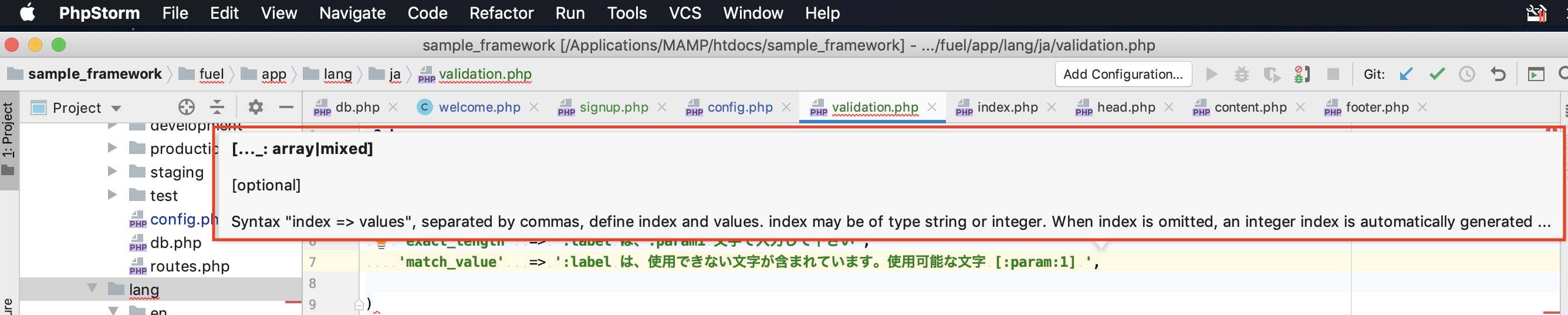
PhpStormを使い始めて、入力中に出てくるポップアップが邪魔だったので、非表示にする方法を記録しておきます。
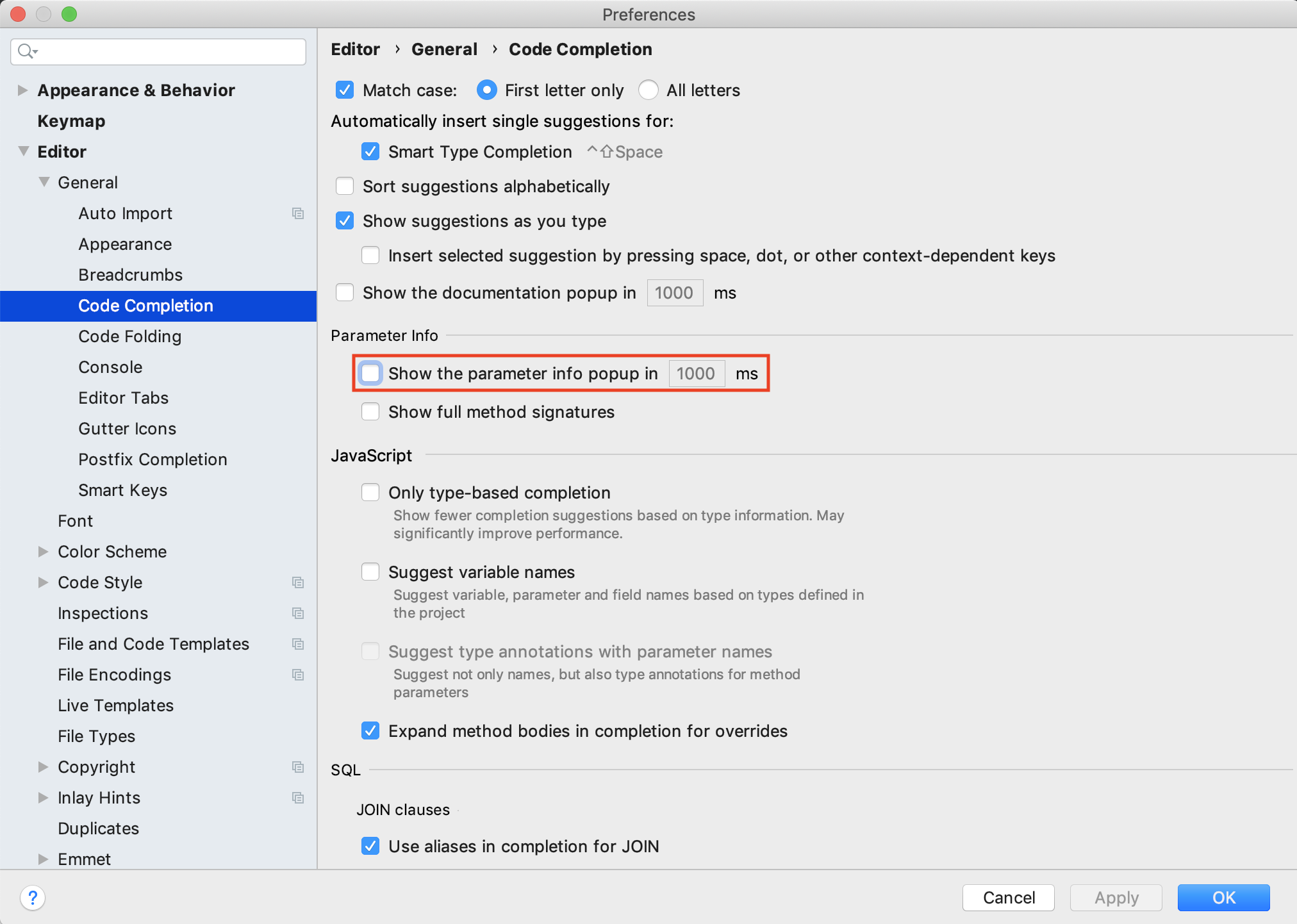
1.PhpStorm->Preference
2.Editor->General->Code Completion
3.Parameter infoの中にあるShow the parameter info popup in 1000ms のチェックボックスをOFF
ツールが英語なので、ググってもなかなか非表示にするやり方が分かりませんでした。
以下のページを参考にしました。
https://intellij-support.jetbrains.com/hc/en-us/community/posts/360000037590-Disable-pop-up-that-prevents-typing-
More than 5 years have passed since last update.
Register as a new user and use Qiita more conveniently
- You get articles that match your needs
- You can efficiently read back useful information
- You can use dark theme