
プッシュするディレクトリを作る。
mkdir REPOSITORY_NAME           # ディレクトリ REPOSITORY_NAME を作る。
cd REPOSITORY_NAME              # ディレクトリ REPOSITORY_NAME に移動する。
echo "# Read Me" > README.md    # 文字列 "# Read Me" をファイル README.md に書き込む。
ファイルを1つ作る必要があるので README.md を作っておく。
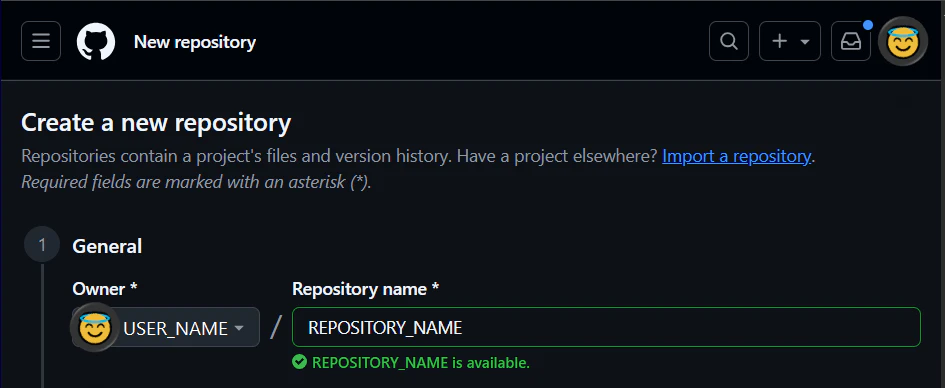
Github にリポジトリを作る。
リモートリポジトリの URL をコピーしておく
リポジトリを作成した際に表示される画面の中から URL をコピーしておく。

ローカルリポジトリを作成し、リモートリポジトリと接続する
git init                          # ローカルリポジトリを初期化する。
git add *                         # ローカルリポジトリにすべてのファイル (*) を追加する。
git commit -m "initial commit"    # ローカルリポジトリにメッセージ "initial commit" を添えてコミットする。
git branch -m master main         # ローカルリポジトリのブランチ名を master から main に改名する。
git remote add origin git@github.com:USER_NAME/REPOSITORY_NAME.git    # リモートリポジトリの origin として URL git@github.com:USER_NAME/REPOSITORY_NAME.git を加える。
git push -u origin main           # リモート origin にブランチ main をプッシュする
git init でローカルリポジトリを作るとブランチ名が master になってしまうので main に変えておく。