
概要
AliExpress で SXM2 の Tesla V100 を購入して画像生成を行なった
背景
何か LLM 系できないかと考えていたが GPU はお高い(ので諦めていた)
ところが、AliExpress で SXM2 版の Tesla V100 が比較的安価に入手可能であった
免責
本記事での情報は私個人がたまたまうまくいった感じのところもあるので、
EC サイトの利用や、各種 SW、HW については自己責任でお願いします
調達
tesla v100
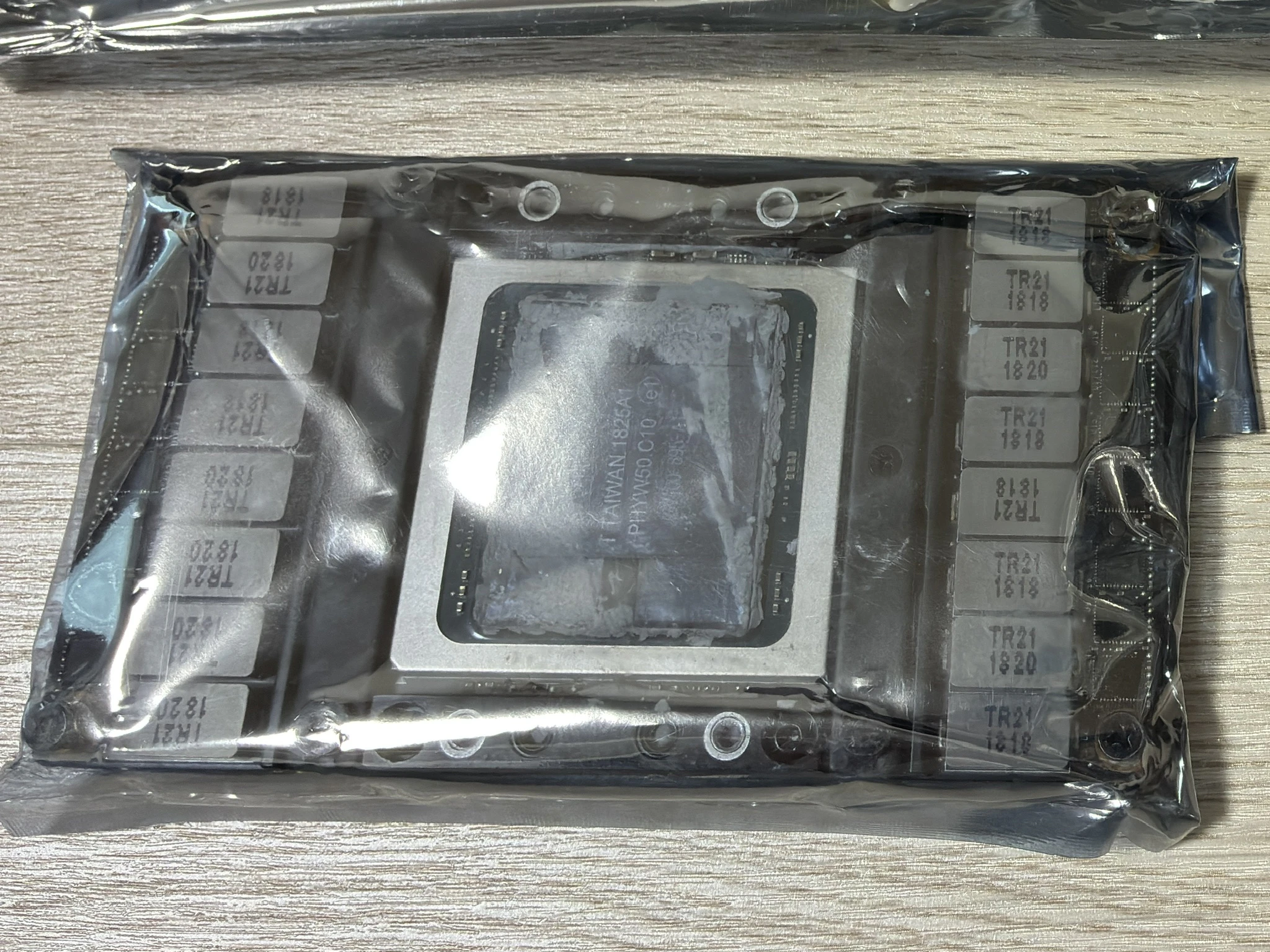
P100 とかではなく V100 がちゃんと届いた
かっこいい
SXM2 PCIe 変換基板
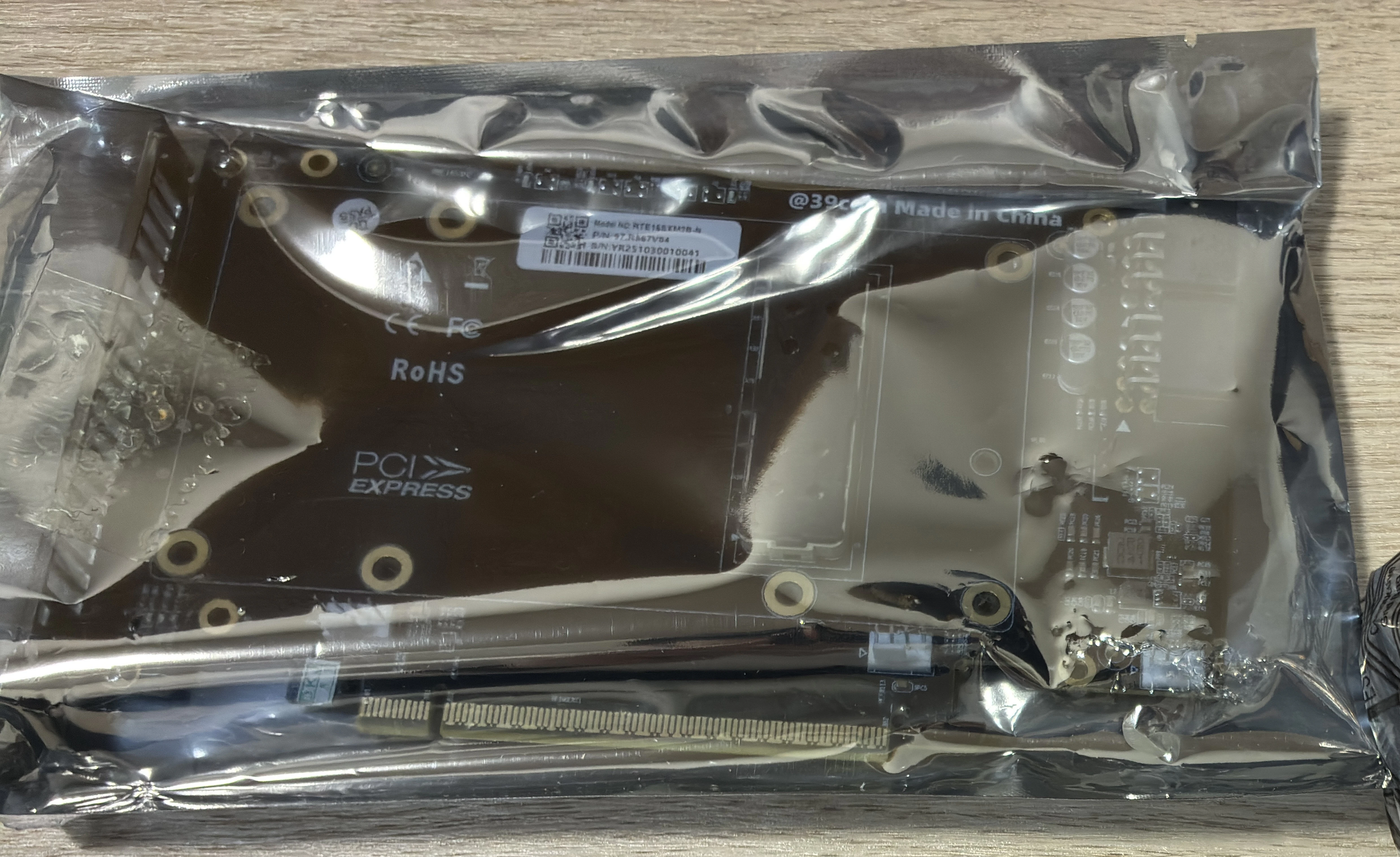
正直こいつが1番怪しかった
ヒートシンク
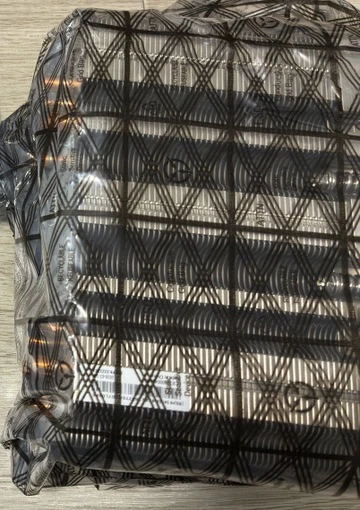
美品で届いた
GPU システム値段まとめ
| 項目 | 価格 |
|---|---|
| Tesla V100 | 12,376 |
| 変換基板 | 11,014 |
| ヒートシンク | 5,879 |
| 合計 | 29,269 |
(意外と結構かかってるじゃん・・・)
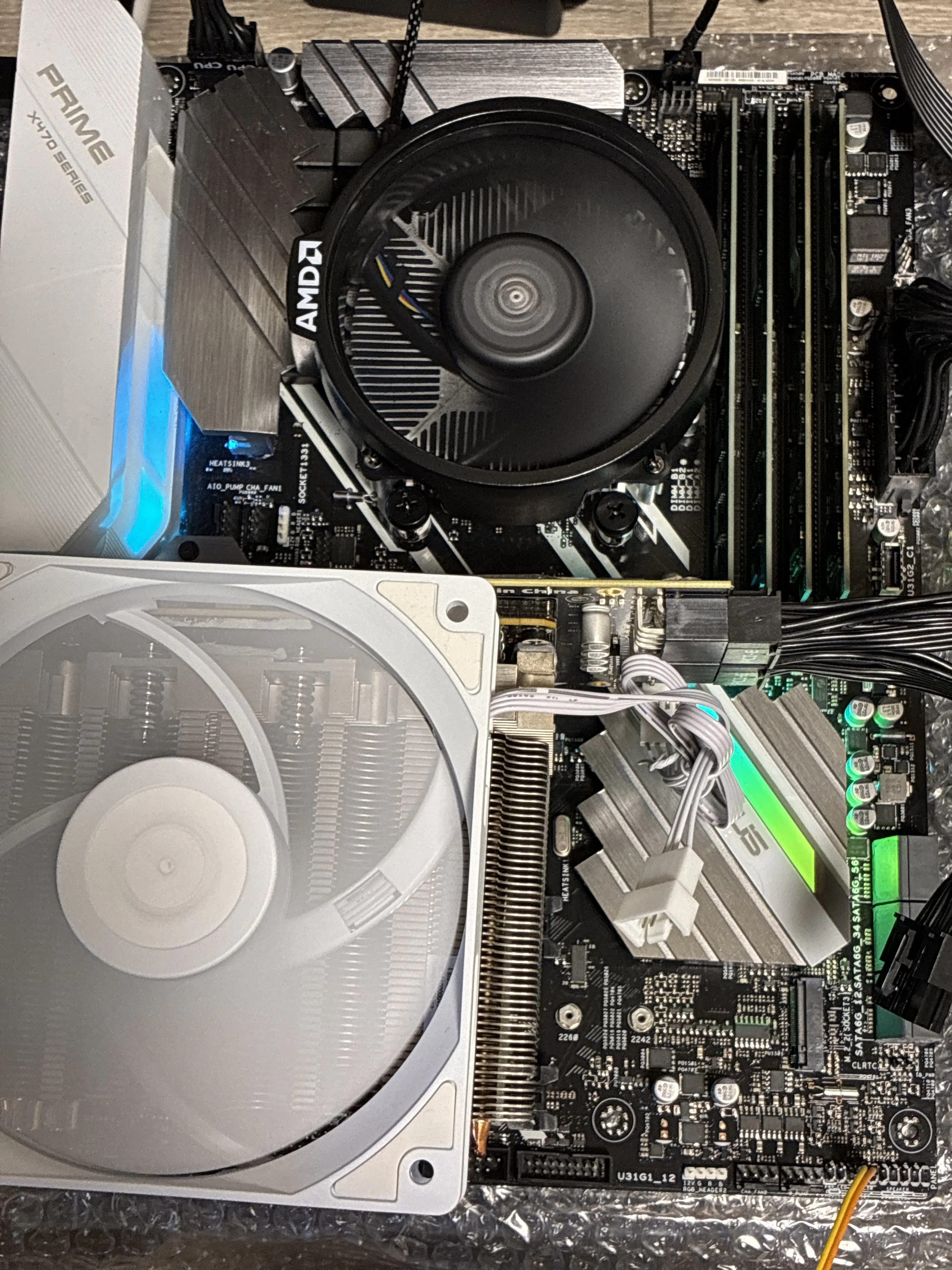
ホストシステムについて
- MotherBoard : ASUS PRIME X470-PRO
- BIOS : バージョン 6251
- CPU : Ryzen5 5600
- Mem : DDR4-3200 8GBx4
- SSD : WD SN850 1TB
- PSU : Cooler Master V1000
- OS : Ubuntu 24.04 LTS
Tips
上記ホストシステムになるまでに 2 セット失敗したので、
Chat GPT と確認しつつ進めた。
下記が重要のようだ
- Above 4G Decoding に対応すること
- Large BAR に対応できること(Resizable bar とか)
上記を満たさなかったのは Appendix
構築について
起動、インストール以外は SSH 環境下で行なった
(GUI 環境では R5 230 を使用した)
nvidia driver
面倒くさかったので
sudo ubuntu-drivers autoinstall
にて手に入るものを使用した
先に
sudo apt update; sudo apt upgrade -y
を実行しておくべきだった
$ nvidia-smi
Sun Dec 28 18:44:16 2025
+-----------------------------------------------------------------------------------------+
| NVIDIA-SMI 580.95.05              Driver Version: 580.95.05      CUDA Version: 13.0     |
+-----------------------------------------+------------------------+----------------------+
| GPU  Name                 Persistence-M | Bus-Id          Disp.A | Volatile Uncorr. ECC |
| Fan  Temp   Perf          Pwr:Usage/Cap |           Memory-Usage | GPU-Util  Compute M. |
|                                         |                        |               MIG M. |
|=========================================+========================+======================|
|   0  Tesla V100-SXM2-16GB           Off |   00000000:09:00.0 Off |                    0 |
| N/A   31C    P0             44W /  300W |     237MiB /  16384MiB |      0%      Default |
|                                         |                        |                  N/A |
+-----------------------------------------+------------------------+----------------------+

+-----------------------------------------------------------------------------------------+
| Processes:                                                                              |
|  GPU   GI   CI              PID   Type   Process name                        GPU Memory |
|        ID   ID                                                               Usage      |
|=========================================================================================|
|    0   N/A  N/A            1287      G   /usr/lib/xorg/Xorg                      124MiB |
|    0   N/A  N/A            1512      G   /usr/bin/gnome-shell                    111MiB |
+-----------------------------------------------------------------------------------------+
580 が入った(最初 535 が入ったが問題なかった)
SD 導入
以降は Chat GPT 誘導のもと行なっている
1. pip install
sudo apt install python3-pip
2. pip update
pip install --break-system-packages --upgrade pip
3. lib install
pip install --break-system-packages torch torchvision torchaudio
4. sd install
pip install --break-system-packages diffusers transformers accelerate safetensors
テストプログラムと生成
import torch
from diffusers import StableDiffusionPipeline

model_id = "runwayml/stable-diffusion-v1-5"

device = "cuda" if torch.cuda.is_available() else "cpu"
print(device)

pipe = StableDiffusionPipeline.from_pretrained(
    model_id,
    torch_dtype=torch.float16 if device == "cuda" else torch.float32,
)
pipe = pipe.to(device)

prompt = "a cute cat wearing a wizard hat, fantasy art, high quality"

image = pipe(
    prompt,
    num_inference_steps=30,
    guidance_scale=7.5
).images[0]

image.save("output.png")
print("saved: output.png")
$ python test1.py
cuda
Loading pipeline components...:  14%|██████████████████▎                                                                                                             | 1/7 [00:00<00:02,  2.55it/s]`torch_dtype` is deprecated! Use `dtype` instead!
Loading pipeline components...: 100%|████████████████████████████████████████████████████████████████████████████████████████████████████████████████████████████████| 7/7 [00:00<00:00,  9.42it/s]
100%|██████████████████████████████████████████████████████████████████████████████████████████████████████████████████████████████████████████████████████████████| 30/30 [00:01<00:00, 18.46it/s]
saved: output.png

Appendix
動かなかった構成について
1. Q9650 + x48
MotherBoard : GIGABYTE GA-X48-DS5
CPU : Core2Quad Q9650
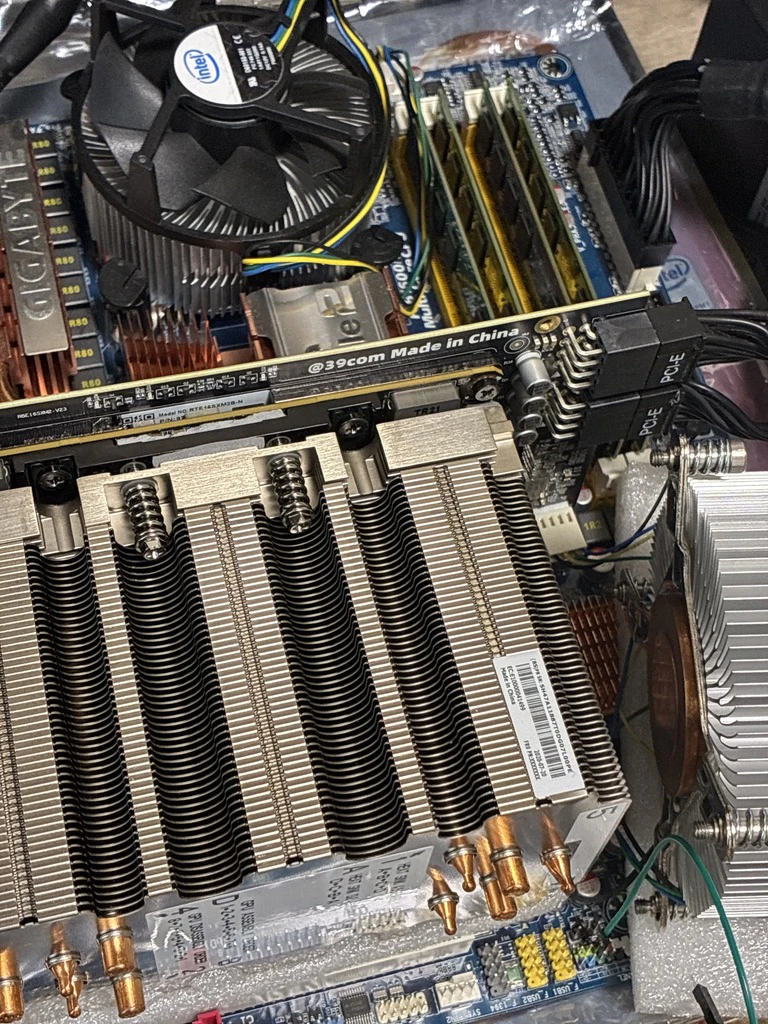
OS は起動し、lspci にて V100 は確認できた
一方で nvidia-smi 等では一向にデバイスが認識できない結果となった
2. 1950x + X399
MotherBoard : ASRock X399 Taichi
CPU : Ryzen Threadripper 1950x
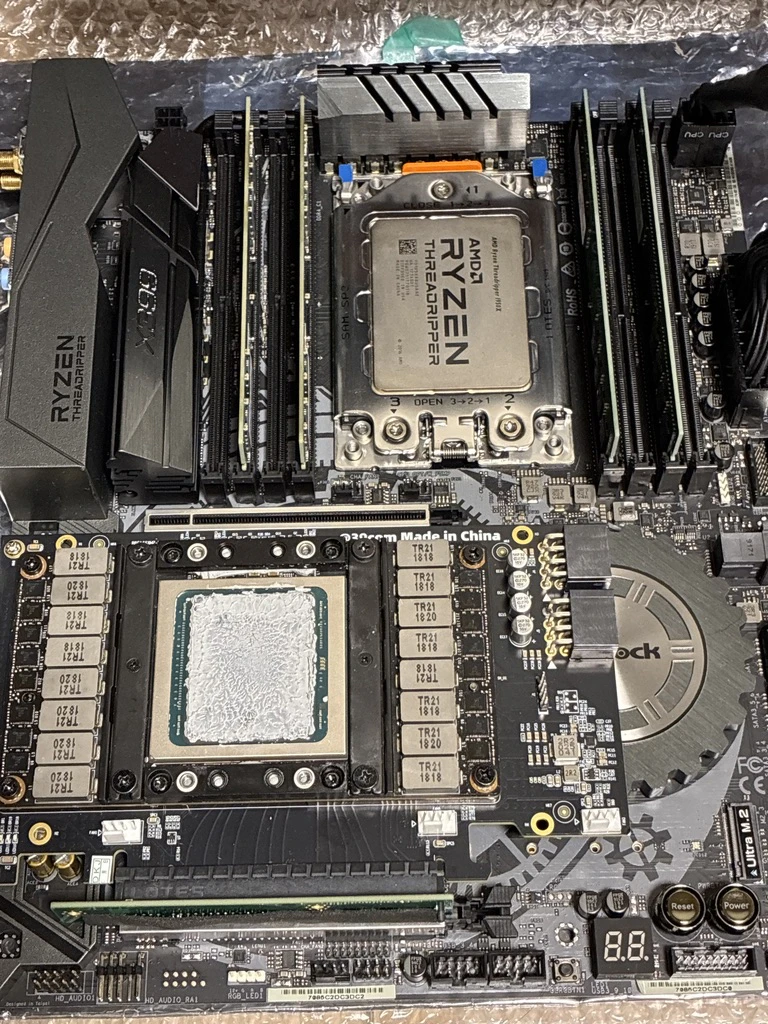
V100 を接続すると POST しない
BIOS も入れない、OS も起動しない
(Large bar に対応できないためと考えられる)
調達スケジュール
GPU 一式注文日:2025/11/21
- v100 到着 : 11/28(7日)
- 基板到着 : 11/28(7日)
- ヒートシンク到着 : 11/28(6日)
結構早くついた印象