
エラー
Sass::SyntaxError: File to import not found or unreadable: bootstrap-sprockets.
環境
Mac + Docker環境
チュートリアル
Ruby on Railsチュートリアル5章
リスト5.5に沿ってGemfileにbootstrapを導入
RubyonRailsチュートリアル リスト5.5
.
.
.
gem "rails",           "7.0.4.3"
gem "bootstrap-sass",  "3.4.1"
gem "sassc-rails",     "2.1.2"
gem "sprockets-rails", "3.4.2"
.
.
.
bootstrap-sass をGemfileに追記後コマンドラインで
$bundle install
を実行し
$ touch app/assets/stylesheets/custom.scss
にてファイルを作成。上記ファイル内に
custom.scss
    @import "bootstrap-sprockets";
    @import "bootstrap";
を記述すると
Sass::SyntaxError: File to import not found or unreadable: bootstrap-sprockets.
と表示され、ただしくページが表示されない。
原因
チュートリアルの記載
導入後、Webサーバーを再起動させると
この部分、Gemfileの更新+bundle installだけではダメ
コマンドラインにて
$rails restart
と再起動を行うと
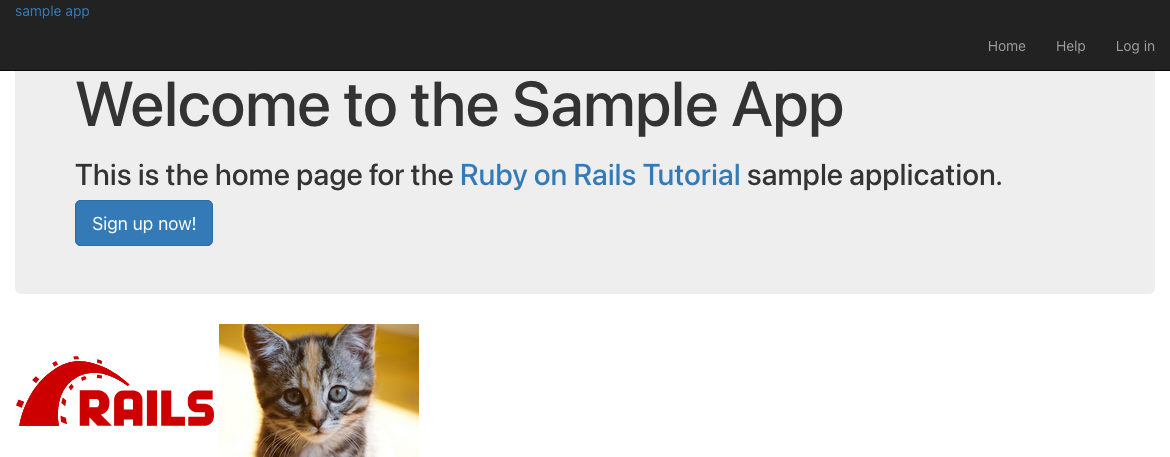
表示された。
Gemfileを更新した場合には、必ずrails側の再起動で反映をする。