
TL;DR
使ってる輻輳制御アルゴリズムをもとに戻してあげました。
netsh int tcp set supplemental Template=InternetCustom CongestionProvider=CUBIC
netsh int tcp set supplemental Template=DatacenterCustom CongestionProvider=CUBIC
netsh int tcp set supplemental Template=Compat CongestionProvider=NewReno
netsh int tcp set supplemental Template=Datacenter CongestionProvider=CUBIC
netsh int tcp set supplemental Template=Internet CongestionProvider=CUBIC
はじめに
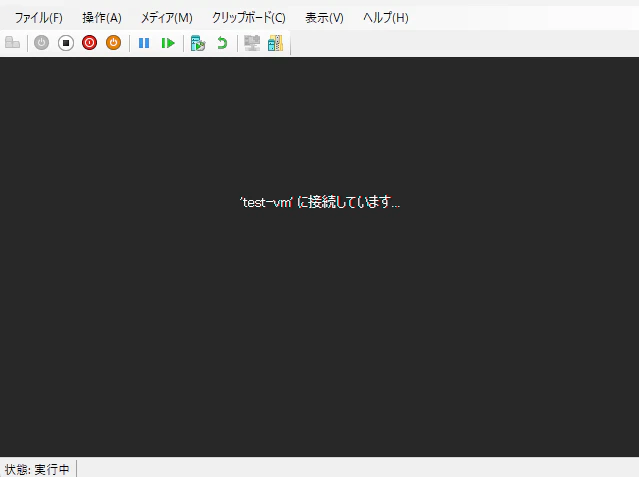
Hyper-V マネージャーから接続(vmconnect)を押してもVMにアクセスできなくなりました。具体的には以下の画面のように 'VN名' に接続しています... から進みません。
原因追求
イベントビューアーでログを眺めました。私の場合、 Microsoft-Windows-TerminalServices-RDPClient/Operational というRDPClientの操作ログで以下の警告が出てました。
RDPClient_SSL: TsSslEventStartHandshakeFailed に応答して TsSslStateDisconnecting から TsSslStateDisconnected へ移行しているときにエラーが発生しました (エラー コード 0x80004005)。
この警告はTLSのバージョンが適していないと出るそうです。
なんかTLSのバージョン変えるようなネットワークの操作したっけな~って考えたんですが、心当たりしかありませんでした。そう、輻輳制御アルゴリズムをBBR2に変更してました。
使ってる輻輳制御アルゴリズムを確認する
以下のコマンドで確認できます。
Get-NetTCPSetting | Select SettingName, CongestionProvider
私は以下のようになってました。
SettingName      CongestionProvider
-----------      ------------------
Automatic
InternetCustom   BBR2
DatacenterCustom BBR2
Compat           BBR2
Datacenter       BBR2
Internet         BBR2
輻輳制御アルゴリズムをもとにもどす
以下のコマンドを管理者権限で実行。
netsh int tcp set supplemental Template=InternetCustom CongestionProvider=CUBIC
netsh int tcp set supplemental Template=DatacenterCustom CongestionProvider=CUBIC
netsh int tcp set supplemental Template=Compat CongestionProvider=NewReno
netsh int tcp set supplemental Template=Datacenter CongestionProvider=CUBIC
netsh int tcp set supplemental Template=Internet CongestionProvider=CUBIC
たぶん以下のようになってれば元通りなハズ
SettingName      CongestionProvider
-----------      ------------------
Automatic
InternetCustom   CUBIC
DatacenterCustom CUBIC
Compat           NewReno
Datacenter       CUBIC
Internet         CUBIC
VMに接続
Hyper-V マネージャーから接続(vmconnect)を押してVMに接続。
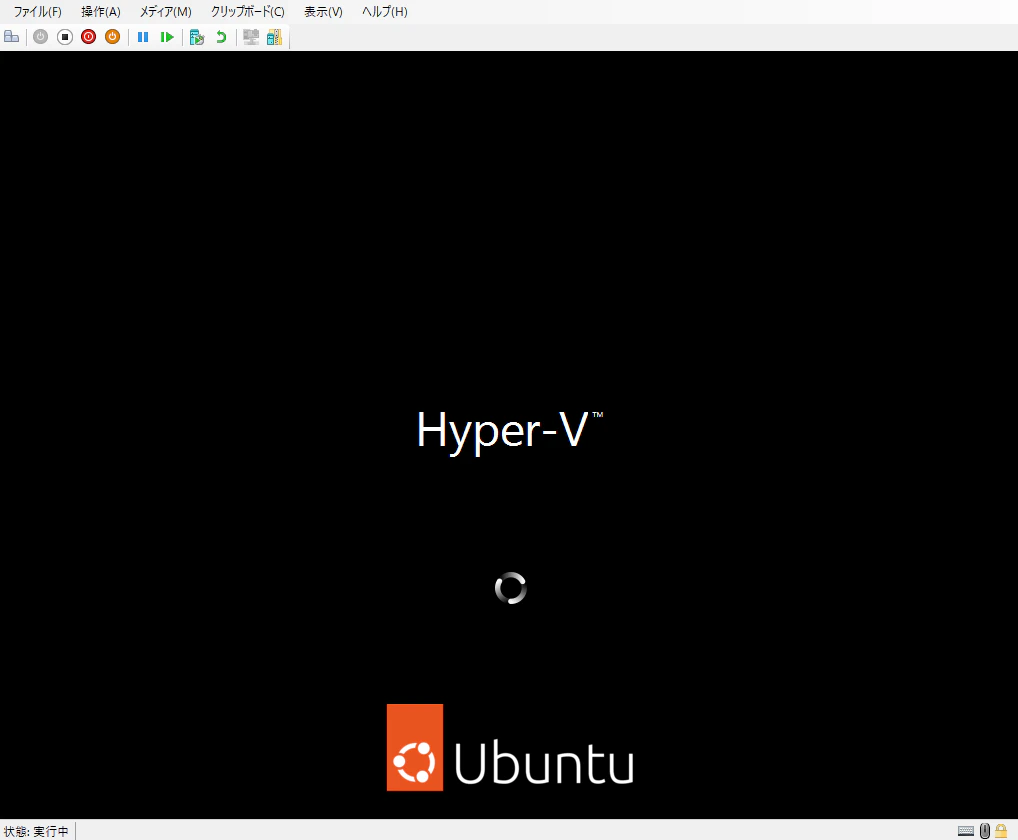
繋がった!繋がった!繋がったぞ!
終わりに
以前BBR使えは通信早くなるんじゃね?とか思って輻輳制御アルゴリズムを変えました。まさかTLSのバージョンが変えられて不具合が起きるとは思いませんでした。
同じような状況の人を救えるように記事にしました。