
目次
開発環境
- Macbook Air(Apple M3 24GB)
- Rancher Desktop(Version:1.20.0)
エラー内容
イメージのビルド、コンテナの起動ともにエラーが発生しています。
イメージのビルド時
test@user project-test-backend % docker compose build

[+] Building 0.0s (0/0)
Cannot connect to the Docker daemon at unix:///var/run/docker.sock. Is the docker daemon running?
コンテナの起動時
test@user project-test-backend % docker-compose up -d

unable to get image 'postgres:16.3': Cannot connect to the Docker daemon at unix:///var/run/docker.sock. Is the docker daemon running?
Rancher Desktopの設定
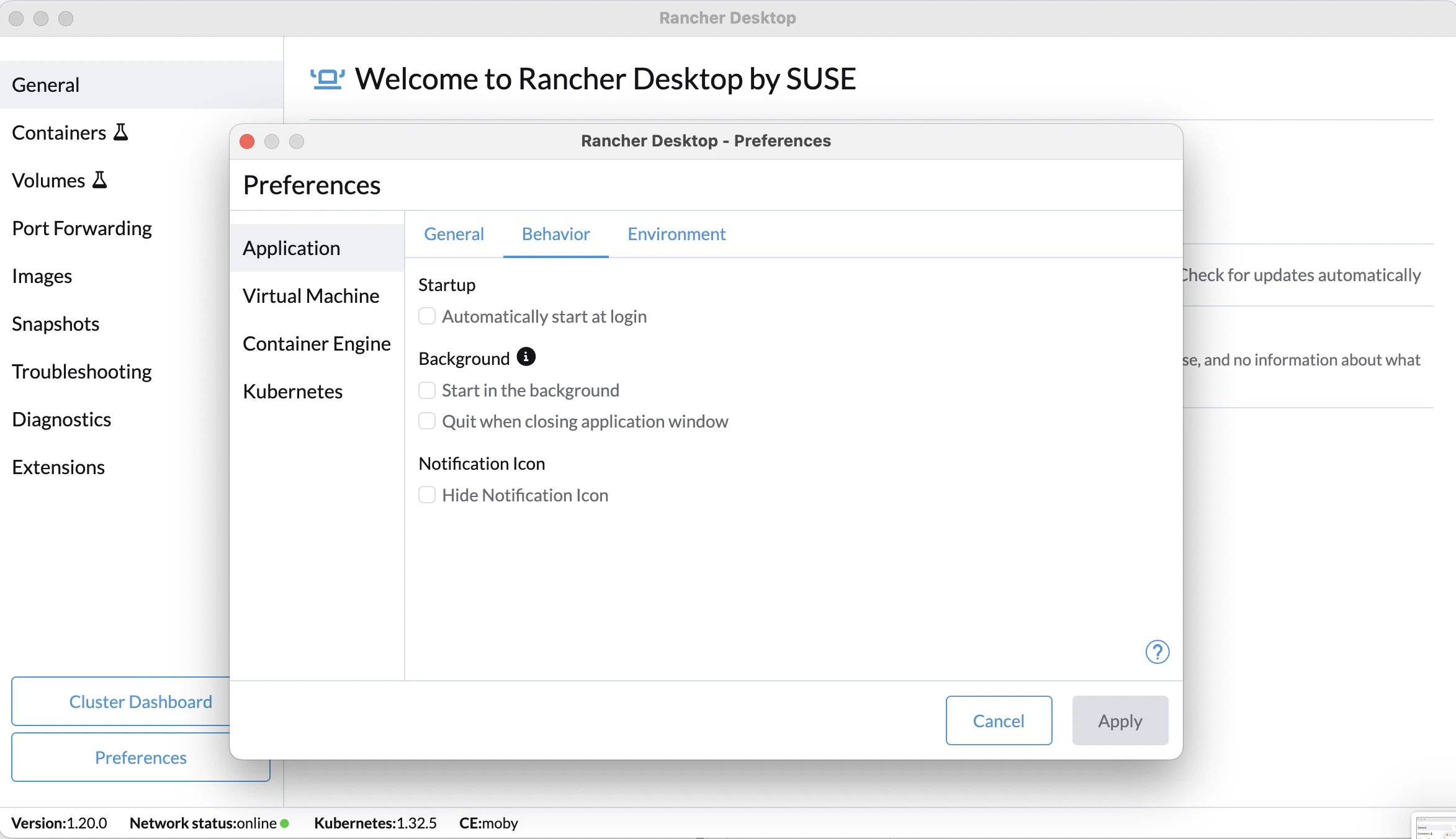
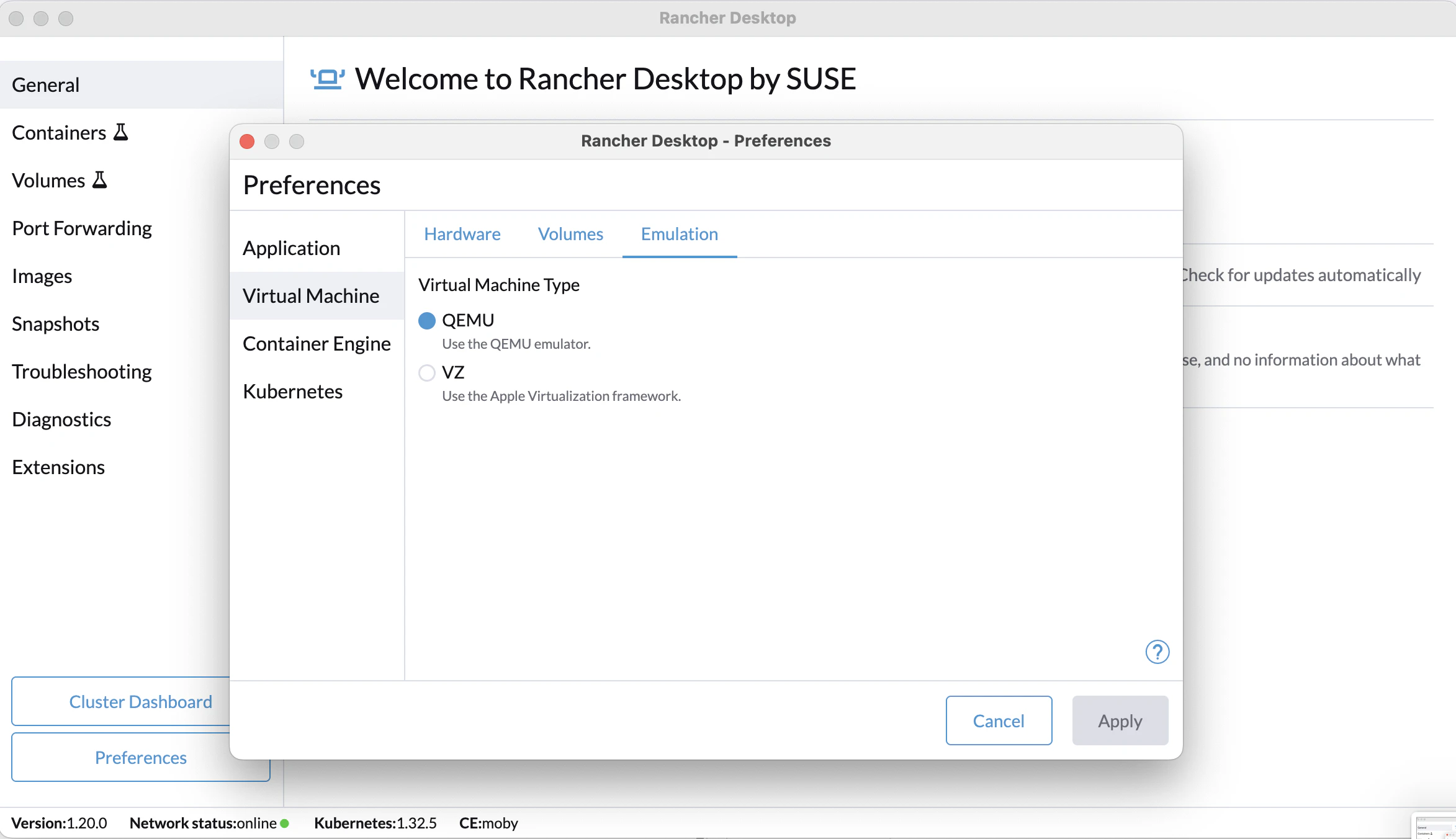
設定のキャプチャを添付します。
Rancher Desktop起動時

Preferences > Application


Preferences > Vierual Machine


Preferences > Container Engine

△ コンテナを動かすためのベースとなる「コンテナランタイム」を選択できます。
ここではdockerd(moby)を選択する必要があります。
ポイント
- containerd → Kubernetes や nerdctl などで使う
- dockerd (moby) → Docker CLI や Docker Compose を使うときに必須

Preferences > Kubernetes

エラー解決方法
方法1:dockerdを選択
Preferences > Container Engine「dockerd(moby)」を選択する。
方法2:Kubernetesのオンオフ切り替え
1) Preferences > Kubernetesの「EnableKubernetes」のチェックを外し、「Apply」をクリック。
2) 再度「EnableKubernetes」にチェックを入れて、「Apply」をクリック。
右下に「Stopping services」と表示される。


3) 数十秒後にRancher Desktopが再起動する。
右下に「Starting Backend」と表示される。

4) ターミナルで「docker compose build」を入力
起動が成功したことを確認。
test@user project-test-backend % docker compose build
[+] Building 1.7s (13/13) FINISHED
 => [internal] load local bake definitions                                          0.0s
 => => reading from stdin 632B                                                      0.0s
 => [internal] load build definition from Dockerfile_develop                        0.0s
 => => transferring dockerfile: 603B                                                0.0s
 => [internal] load metadata for public.ecr.aws/docker/library/python:3.12          1.4s
 => [internal] load .dockerignore                                                   0.0s
 => => transferring context: 2B                                                     0.0s
 => [1/6] FROM public.ecr.aws/docker/library/python:3.12@sha256:testhogehoge  0.0s
 => [internal] load build context                                                   0.1s
 => => transferring context: 28.89kB                                                0.0s
 => CACHED [2/6] COPY ./app /app                                                    0.0s
 => CACHED [3/6] COPY ./requirements.txt /requirements.txt                          0.0s
 => CACHED [4/6] COPY ./requirements_develop_phase.txt /requirements_develop_phase  0.0s
 => CACHED [5/6] RUN pip install --upgrade pip &&     pip install -r /requirements  0.0s
 => CACHED [6/6] RUN apt update && apt install -y vim                               0.0s
 => exporting to image                                                              0.0s
 => => exporting layers                                                             0.0s
 => => writing image sha256:testhogehoge  0.0s
 => => naming to docker.io/library/project-test-backend-prot-api:latest                       0.0s
 => resolving provenance for metadata file                                          0.0s
[+] Building 1/1
 ✔ project-test-backend-prot-api:latest  Built                                                0.0s
test@user project-test-backend % docker-compose up -d

[+] Running 6/6
 ✔ Container project-test-backend-prot-db   Running                                           0.0s
 ✔ Container project-test-backend-prot-api  Running                                           0.0s
 ✔ Container minio                Started                                           0.6s
 ✔ Container mailHog              Started                                           0.6s
 ✔ Container dynamodb_local       Started                                           0.6s
 ✔ Container dynamodb-admin       Started
引用