
はじめに
MacでRancher Desktopを起動すると、次のようなエラーが発生しました。
目次
エラー内容
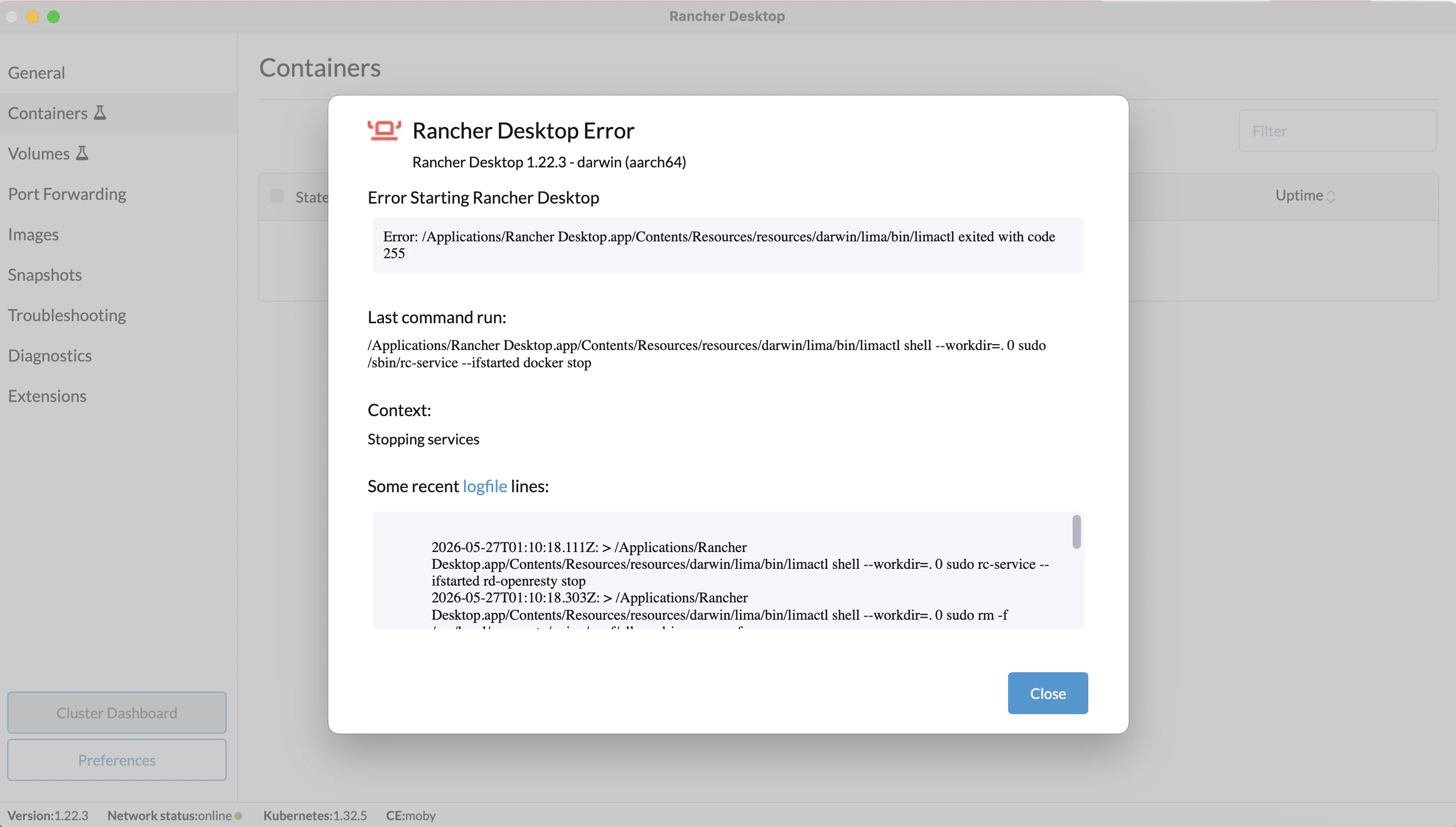
Rancher Desktop Error
Rancher Desktop 1.22.3 - darwin (aarch64)
Error Starting Rancher Desktop
Error: /Applications/Rancher
Desktop.app/Contents/Resources/resources/darwin/lima/bin/limactl exited with code 255
Last command run:
/Applications/Rancher Desktop.app/Contents/Resources/resources/darwin/lima/bin/limactl shell --workdir=. 0 sudo /sbin/rc-service --ifstarted docker stop

Context:
Stopping services
Some recent logfile lines:
2026-05-27T01:10:18.111Z: > /Applications/Rancher Desktop.app/Contents/Resources/resources/darwin/lima/bin/limactl shell --workdir=. 0 sudo rc-service --ifstarted rd-openresty stop
2026-05-27T01:10:18.303Z: > /Applications/Rancher Desktop.app/Contents/Resources/resources/darwin/lima/bin/limactl shell --workdir=. 0 sudo rm -f /usr/local/openresty/nginx/conf/allowed-images.conf
2026-05-27T01:10:20.629Z: > /Applications/Rancher Desktop.app/Contents/Resources/resources/darwin/lima/bin/limactl shell --workdir=. 0 sudo /sbin/rc-service --ifstarted k3s stop * Stopping k3s ... [ ok ]
2026-05-27T01:10:20.846Z: > /Applications/Rancher Desktop.app/Contents/Resources/resources/darwin/lima/bin/limactl shell --workdir=. 0 sudo /sbin/rc-service --ifstarted buildkitd stop
2026-05-27T01:10:25.478Z: Lima: executing: sudo /sbin/rc-service --ifstarted docker stop: Error: /Applications/Rancher Desktop.app/Contents/Resources/resources/darwin/lima/bin/limactl exited with code 255
環境
Mac
Macbook Air
チップ:Apple M3
メモリ:24GB
macOS:Sonoma 14.7.2
Rancher Desktop
Macの場合は「About Rancher Desktop」をクリックするとバージョンを確認できます。
バージョンは1.22.3でした。

それから、最新のバージョンをこちら(Github | rancher-sandbox/rancher-desktop)で確認し、1.22.3であることが分かりました。
原因
エラー内容の内容より、
- k3s stop は成功している
- docker stop のところで limactl exited with code 255
となっています。
そのためLima VM側の状態不整合や、Docker daemonが正常終了できていない可能性が高いです。
Rancher Desktopは内部でLima(macOS上でLinux VMを動かす仕組み)を使っています。
しかし今回エラー内容「limactl exited with code 255」より「limactlコマンドが異常終了した」ということが分かります。
255はエラーコードです。
(ChatGPTより)
次に後半のエラー内容を見ていきます。
Last command run:
sudo /sbin/rc-service --ifstarted docker stop
「Linux VM内でDockerを停止」という指示を実行したら失敗した、という内容です。
Some recent logfile lines:
Rancher Desktop が「内部Linux VMの各サービスを順番に停止していたログが表示されています。
> /Applications/Rancher Desktop.app/Contents/Resources/resources/darwin/lima/bin/limactl shell --workdir=. 0 sudo rc-service --ifstarted rd-openresty stop
> /Applications/Rancher Desktop.app/Contents/Resources/resources/darwin/lima/bin/limactl shell --workdir=. 0 sudo rm -f /usr/local/openresty/nginx/conf/allowed-images.conf
> /Applications/Rancher Desktop.app/Contents/Resources/resources/darwin/lima/bin/limactl shell --workdir=. 0 sudo /sbin/rc-service --ifstarted k3s stop * Stopping k3s ... [ ok ]
> /Applications/Rancher Desktop.app/Contents/Resources/resources/darwin/lima/bin/limactl shell --workdir=. 0 sudo /sbin/rc-service --ifstarted buildkitd stop
Lima: executing: sudo /sbin/rc-service --ifstarted docker stop: Error: /Applications/Rancher Desktop.app/Contents/Resources/resources/darwin/lima/bin/limactl exited with code 255
1行ずつ確認します。
> limactl shell ... sudo rc-service --ifstarted rd-openresty stop
= Linux VMの中でrd-openrestyを停止
sudo rm -f /usr/local/openresty/nginx/conf/allowed-images.conf
= OpenResty用の設定ファイル削除
sudo /sbin/rc-service --ifstarted k3s stop
* Stopping k3s ... [ ok ]
= Kubernetes(k3s) を停止し、成功
sudo /sbin/rc-service --ifstarted buildkitd stop
= Docker build用サービスBuildKit(Docker buildを高速化するサービス)を停止
Lima: executing:
sudo /sbin/rc-service --ifstarted docker stop

Error:
limactl exited with code 255
= Docker daemonを停止しようとしたが、Docker停止中にlimactlが異常終了
解決方法
モーダルの「Close」をクリックしましたが、ずっとこの画面でローディングしています。
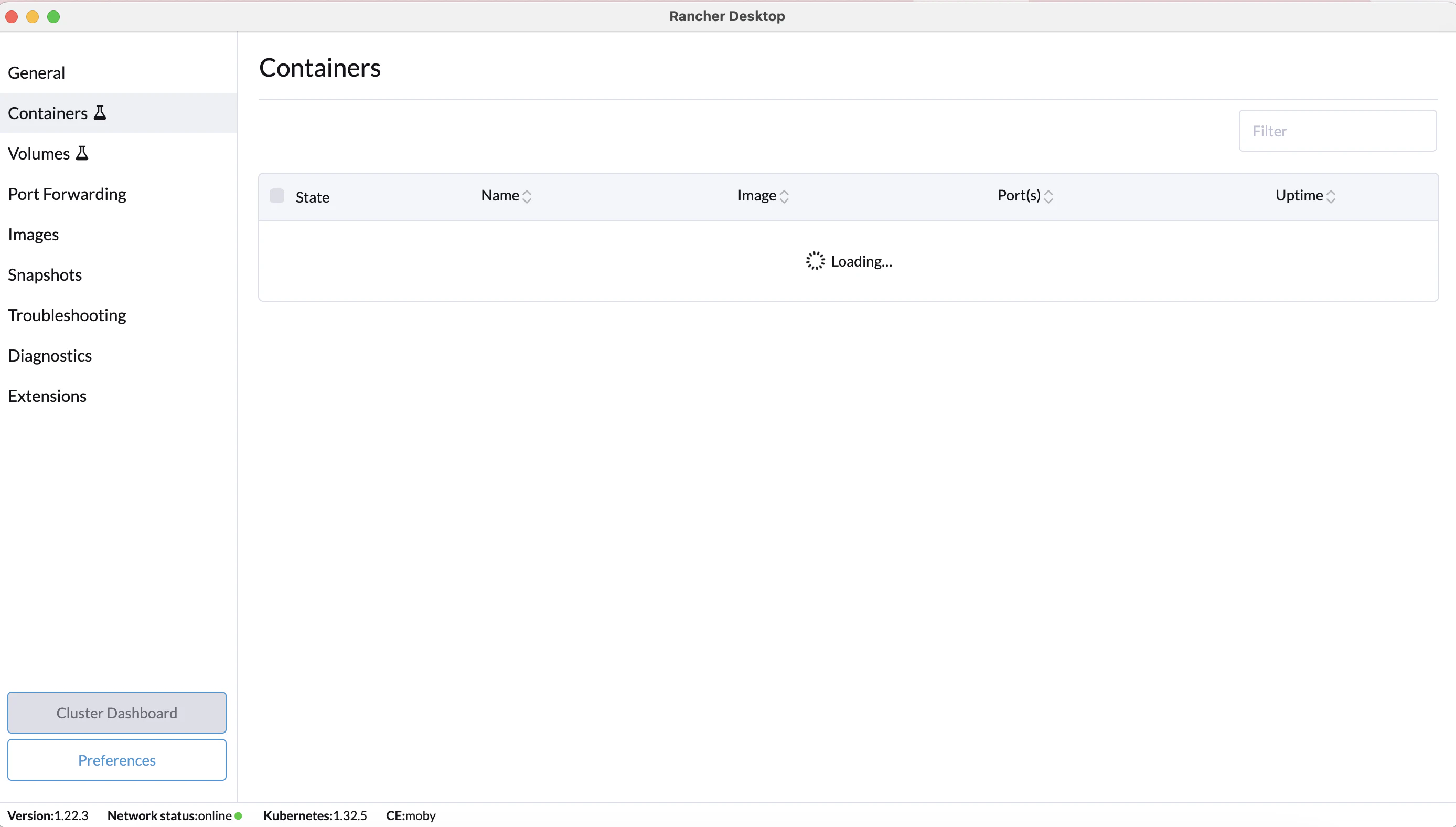
アプリを一旦閉じ、再度開いてもローディング画面のままです。
もう一度アプリを閉じ、再度開くと
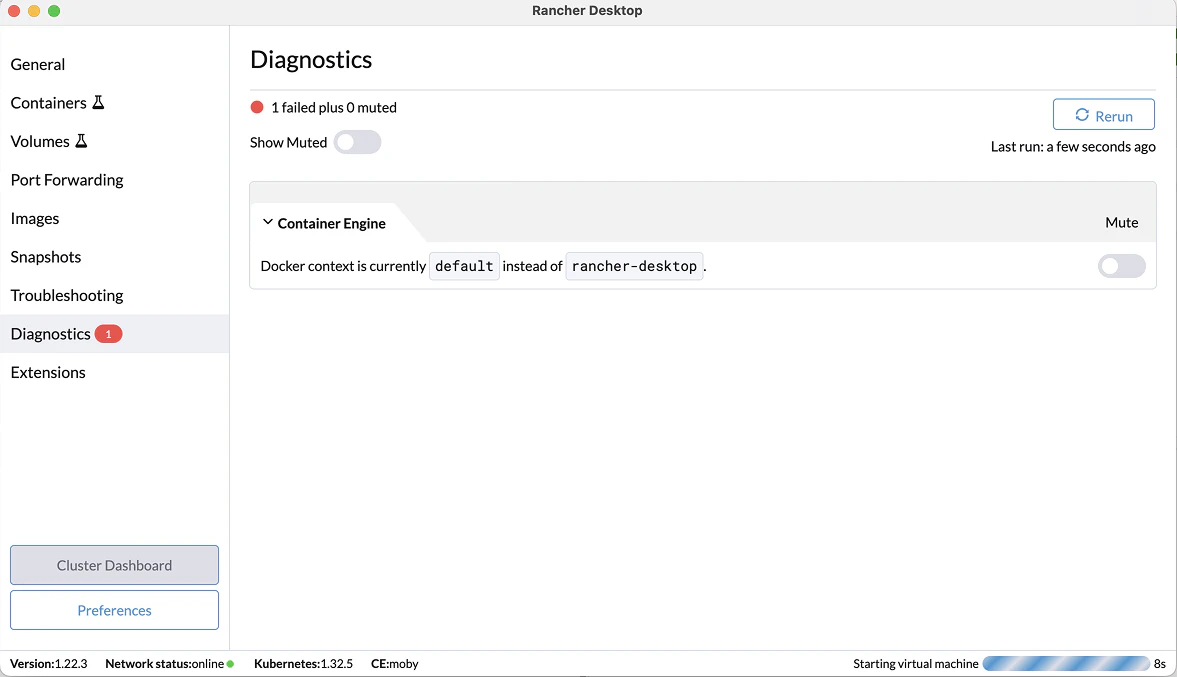
Diagnosticsの画面で
1 failed plus 0 muted Last run: a few seconds ago
Container Engine Mute Docker context is currently default instead of rancher-desktop.
と表示されました。
そのあとすぐに以下の画面になりました。

「No ploblems」と表示されたので、「Containers」をクリックすると、各プロジェクトのコンテナが表示されるようになりました。
今回のエラーは「Rancher Desktop再起動」で解決できました。