
目次
はじめに
2026年7月以降、Google Cloudの資格管理システム(旧 CertMetrics)が「Google Skills」へ統合されました。
Google Skillsのアカウント登録・連携手順について記載します。
前提
- 会社のアドレスでCertMetricsに登録済み
- Google Cloud認定試験の受験経験あり
手順
CM Connectでアドレスを確認
CM Connect(https://cp.certmetrics.com/google/ja/login) にアクセス。
CM Connectに登録しているログインアドレスで「Google Skills」の登録を行う必要があるので、まずはアドレスを確認。
既に会社のメールアドレスで登録済みのため、「メールとパスワードでログイン」をクリック。
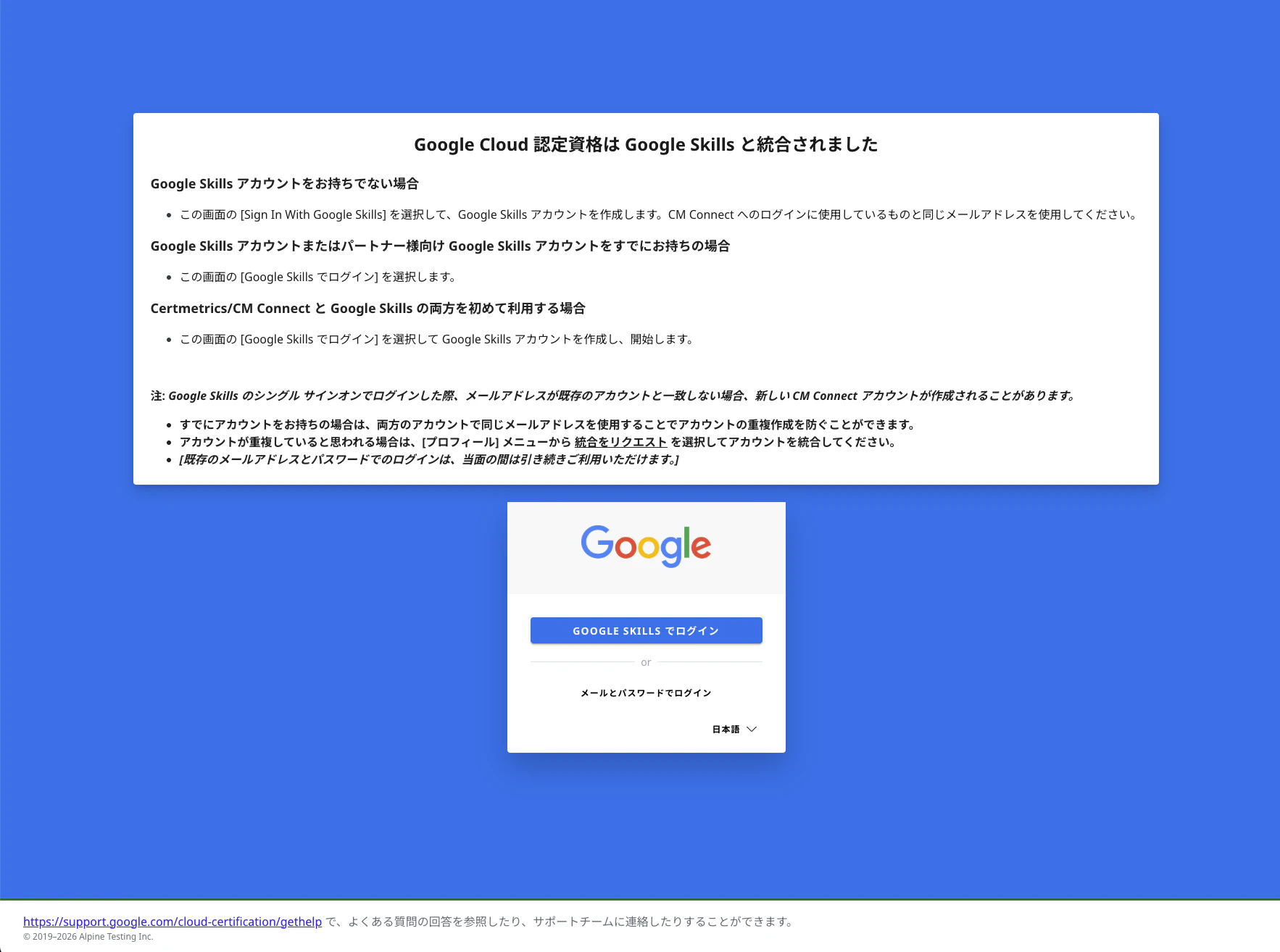
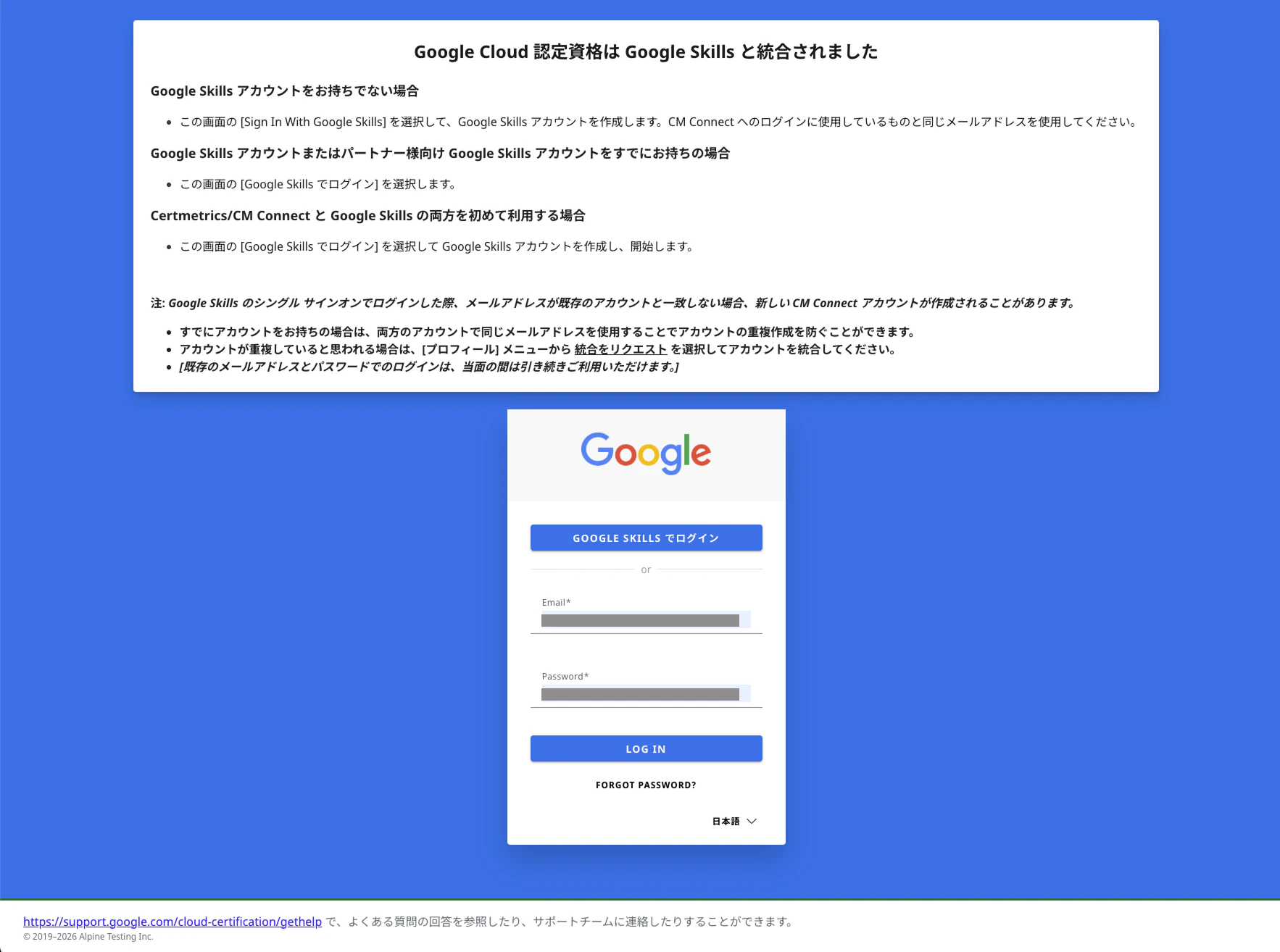
メールとパスワードを入力してログイン
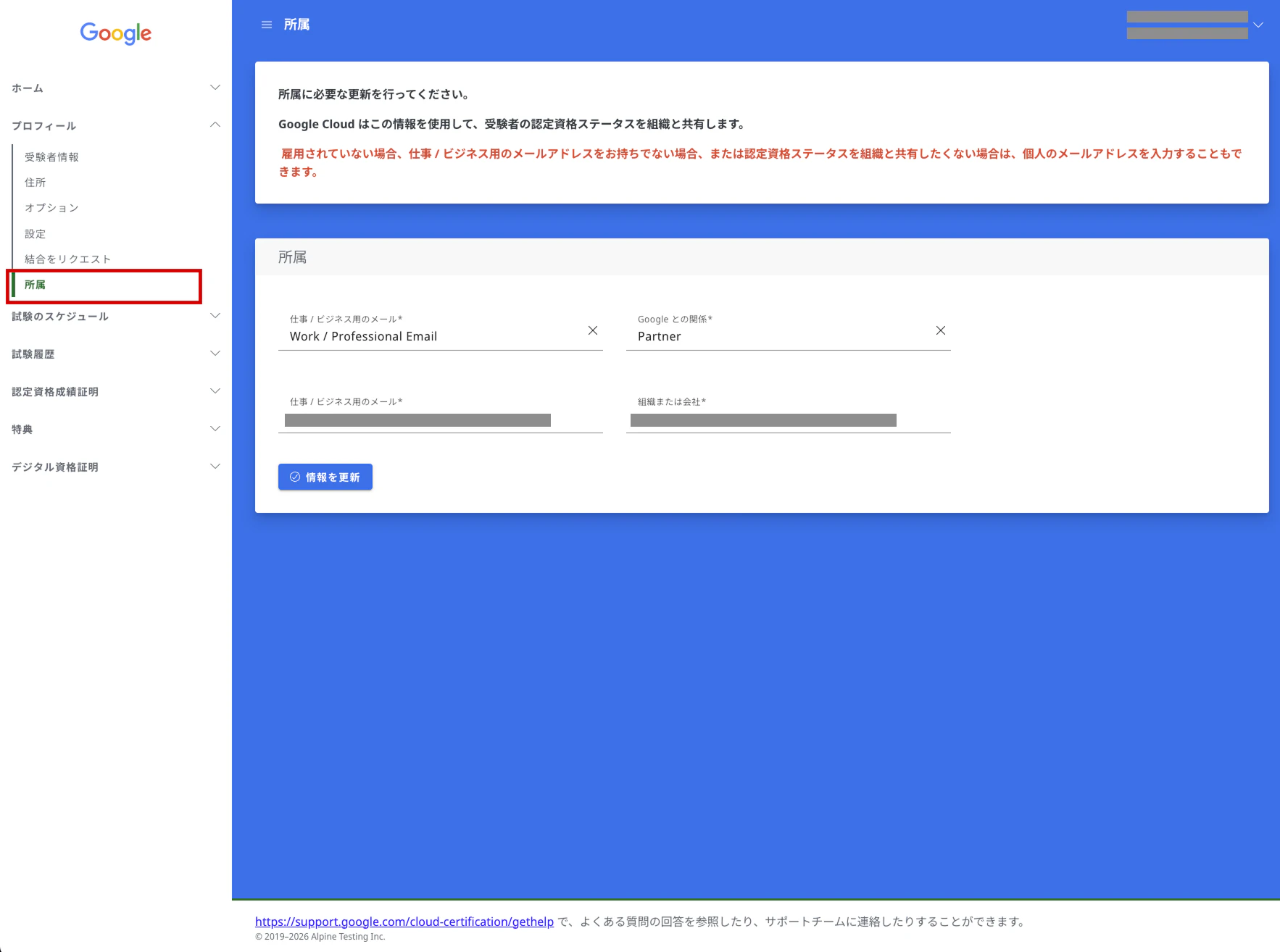
登録アドレスを確認
プロフィール > 所属 をクリック。
(英語の場合は Profile」> Professional Affiliation)
登録されているメールアドレスを「Google Skills」で使用するので控えておく。
Google Skillsアカウントを作成
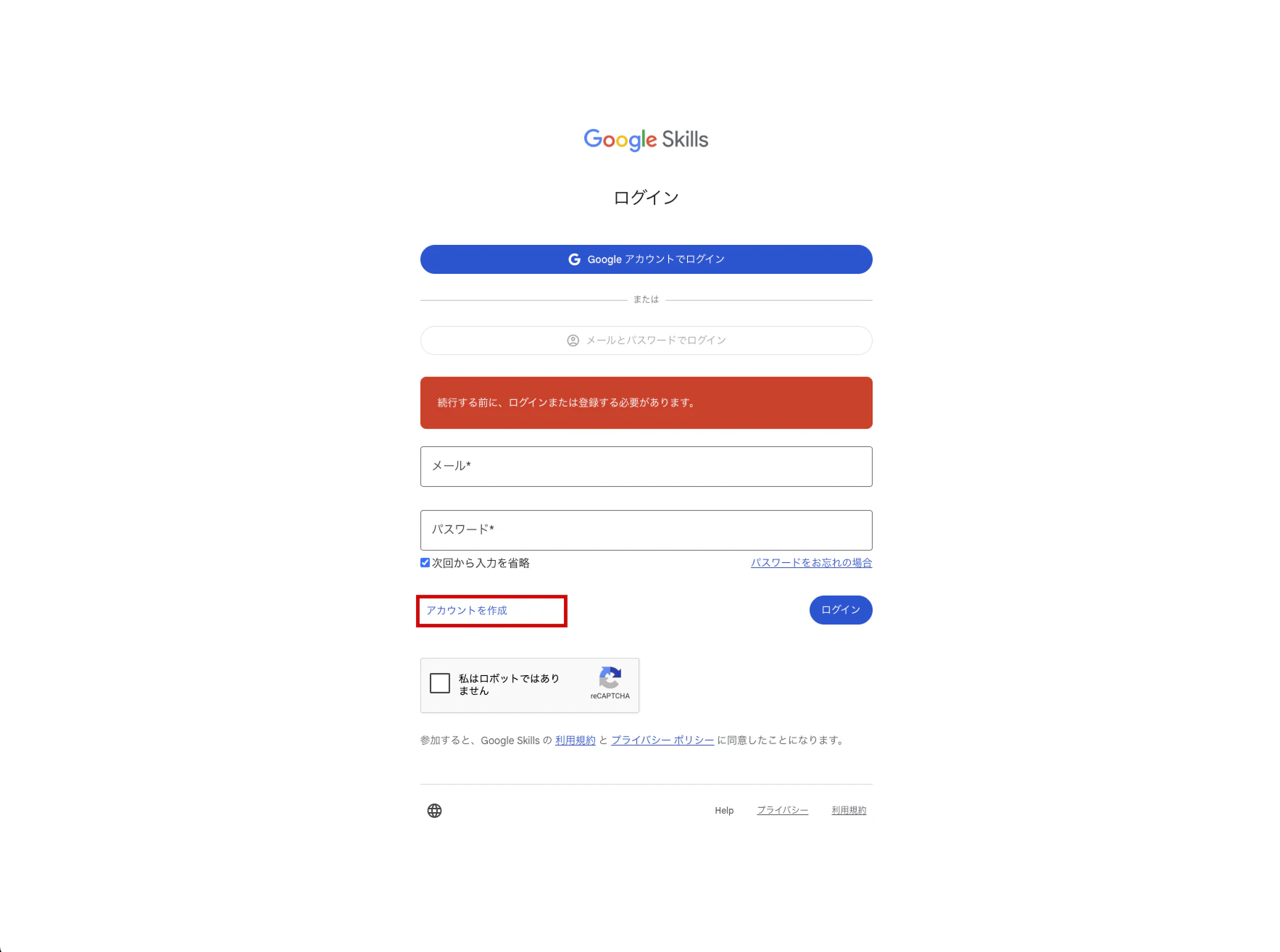
Google Skills(https://partner.skills.google/users/sign_in)にアクセス。
まだアカウントを持っていないので、「アカウントを作成」をクリック。
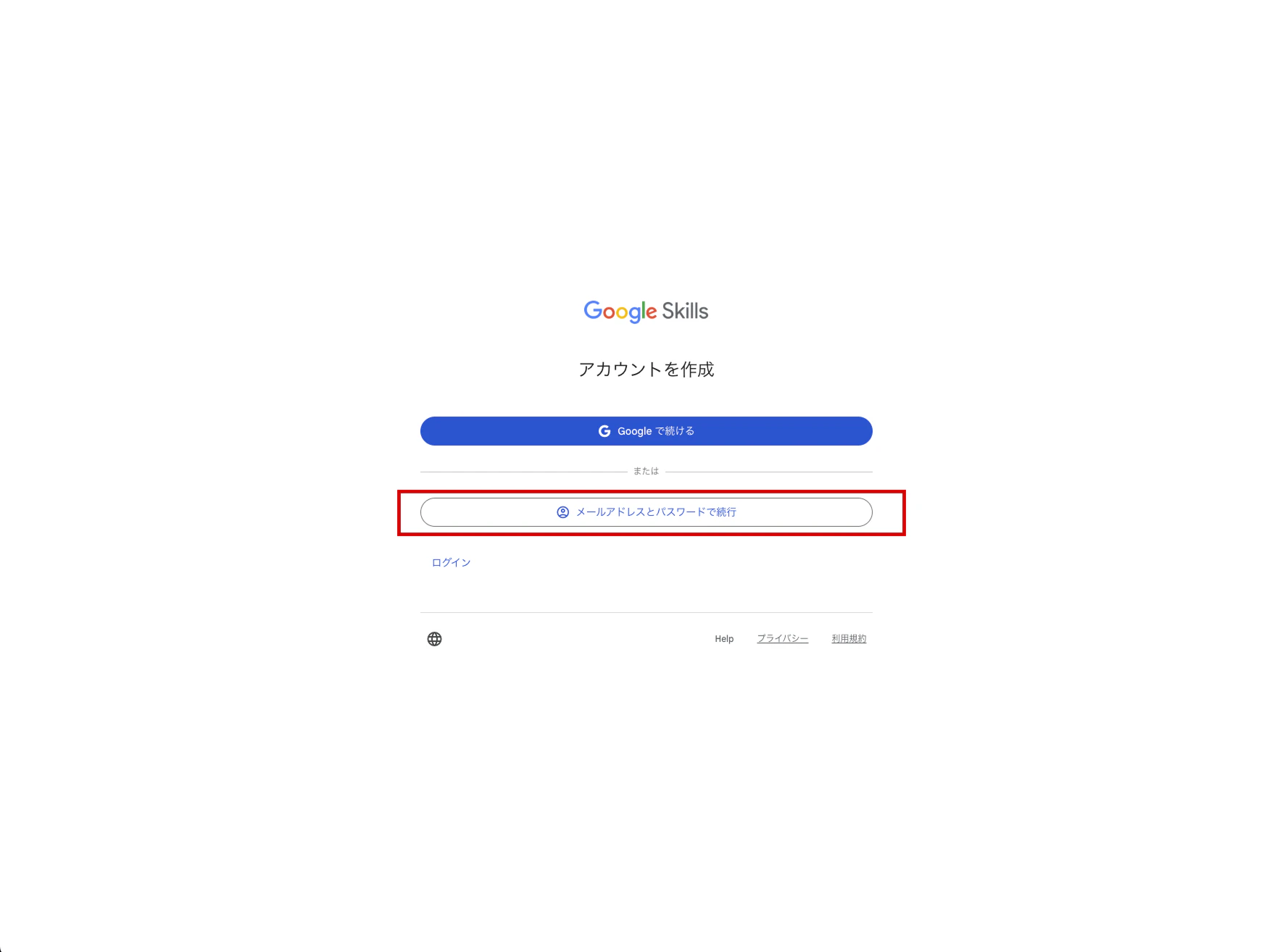
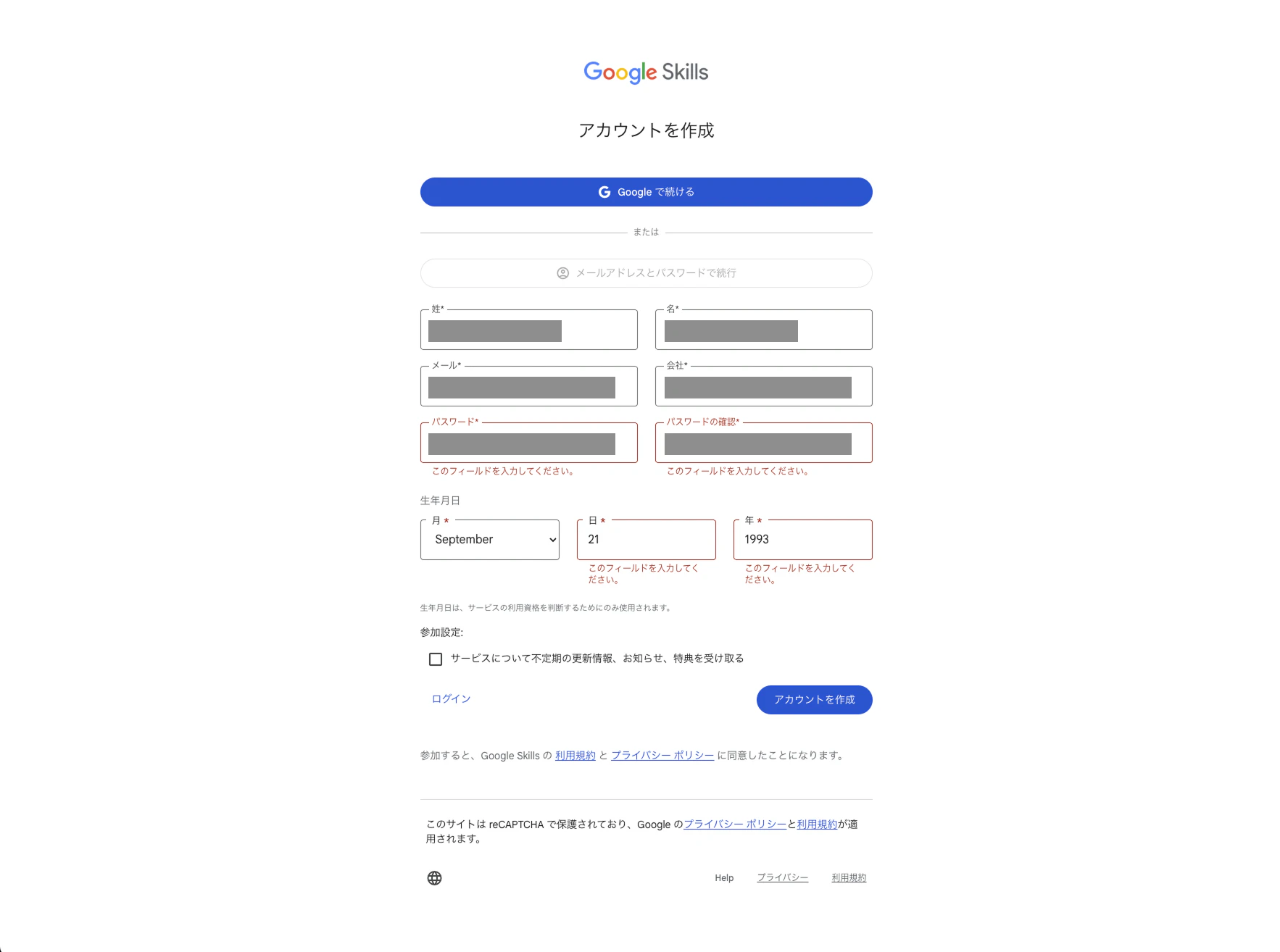
「アカウントを作成」のボタンをクリックすると、QRコードが表示される。
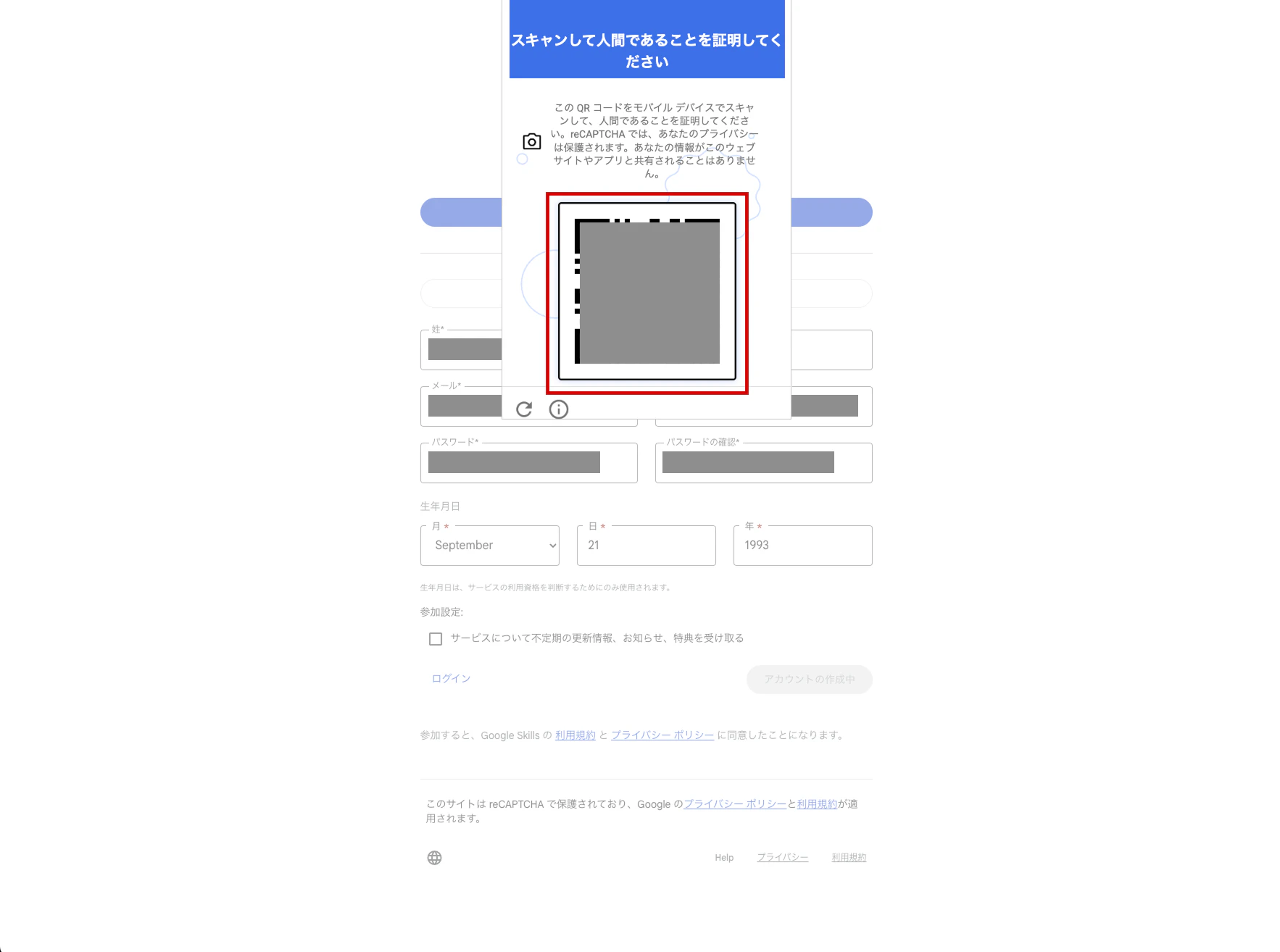
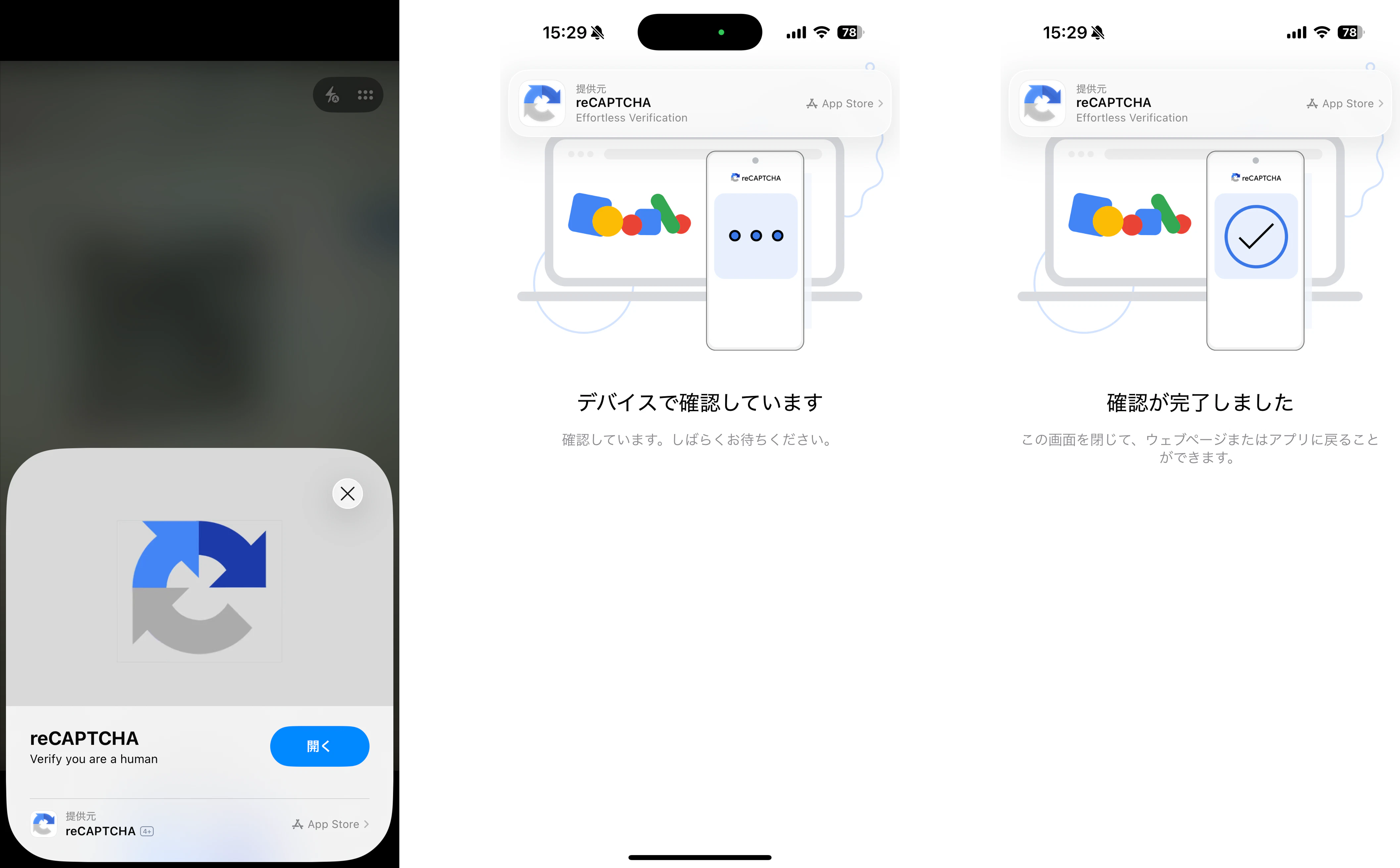
QRコードをスマホで読み取り、操作を行う。
アカウントをリンク
QRコードでの確認が完了したら、Google Skillsのログイン後の画面に遷移する。
アカウント設定画面(partner.skills.google/my_account/profile)を開く。
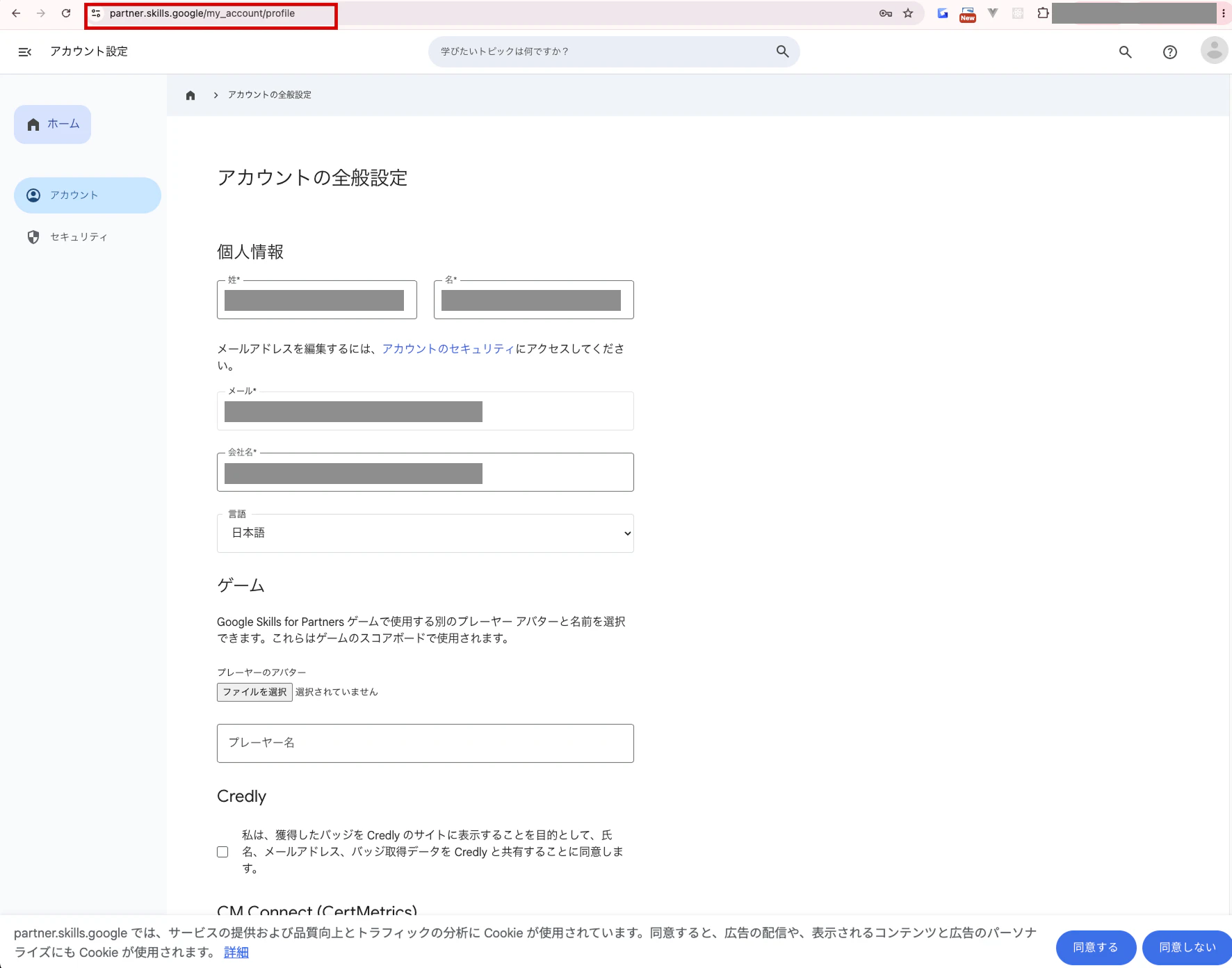
Google Skills 側からの明示的なリンクが必要なので、連携を行う。
「CM Connect (CertMetrics)」と共有するようにチェックを入れる。
もしくは 「アカウントをリンク」ボタンをクリックする。
未リンク状態の場合は「アカウントをリンク」ボタンが表示されている。
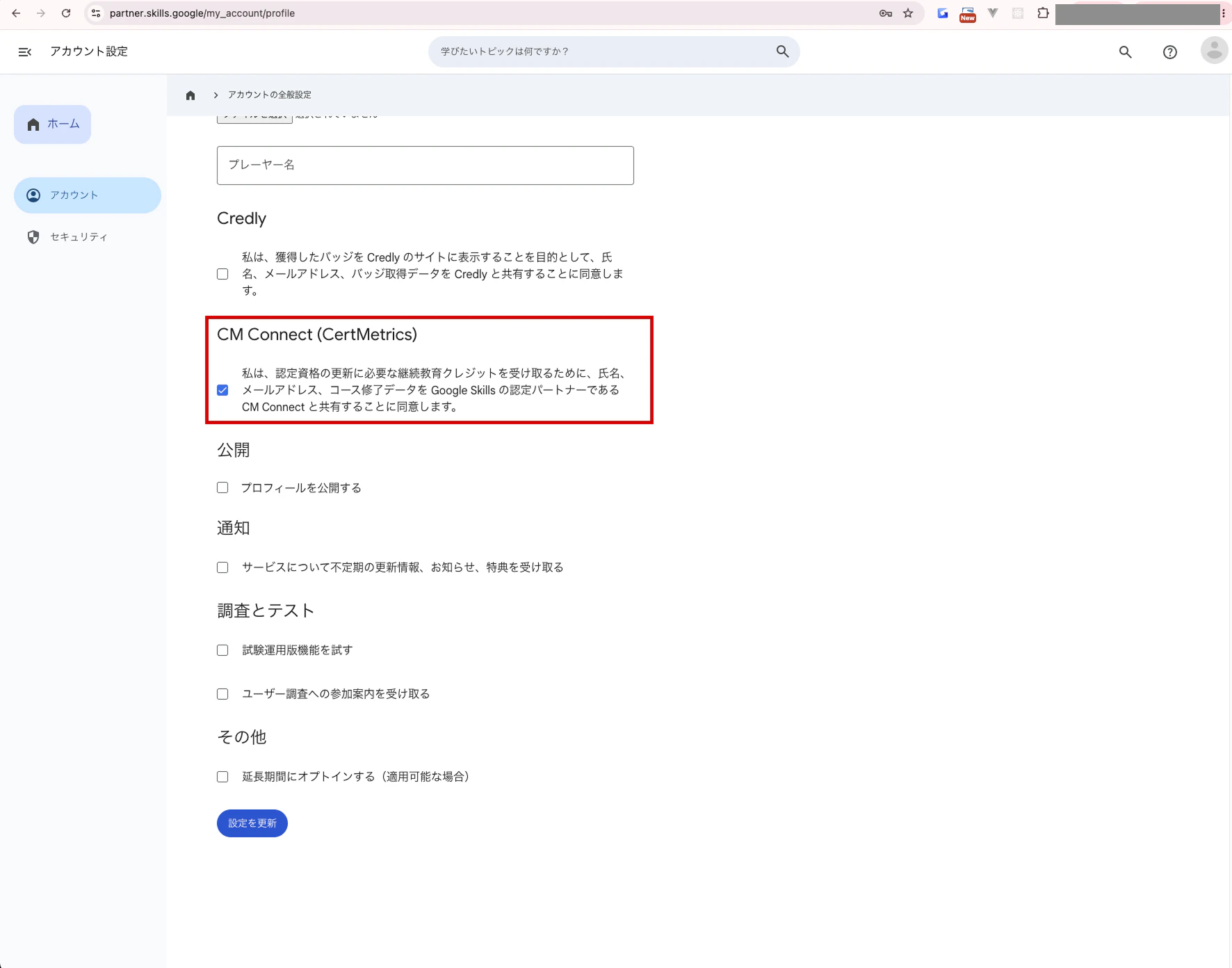
これで登録と連携が完了 ✅
(2026年7月27日時点の情報です)