
久々にFlutter使ってUIを書いたのでリハビリがてら
背景サイズの設定
スマホで動画見るときには綺麗に全画面使ってほしいのでSafeAreaなしでドドーンと表示させましょう
class OpeningPage extends StatelessWidget {
  @override
  Widget build(BuildContext context) {
    return Container(
      height: double.infinity,
      width: double.infinity,
    );
  }
}
色の定義
FlutterにはColor, Colorsクラスがありますがパーセンテージ指定して色を作れないので0〜255の値に変換して定義してあげます(パーセンテージも使えたかもしれないです)
const topColor = Color.fromARGB(255, 240, 130, 163);
const bottomColor = Color.fromARGB(255, 242, 242, 122);
const titleColor = Color.fromARGB(255, 97, 3, 94);
gradient
Flutterでgradientを使用する際はgradientをあてたdecorationをwidgetに適用します
class OpeningPage extends StatelessWidget {
  @override
  Widget build(BuildContext context) {
    return Container(
      height: double.infinity,
      width: double.infinity,
      decoration: BoxDecoration(
        gradient: LinearGradient(
        begin: FractionalOffset.topCenter,
        end: FractionalOffset.bottomCenter,
        colors: [
          topColor,
          bottomColor,
        ],
      )),
    );
  }
}
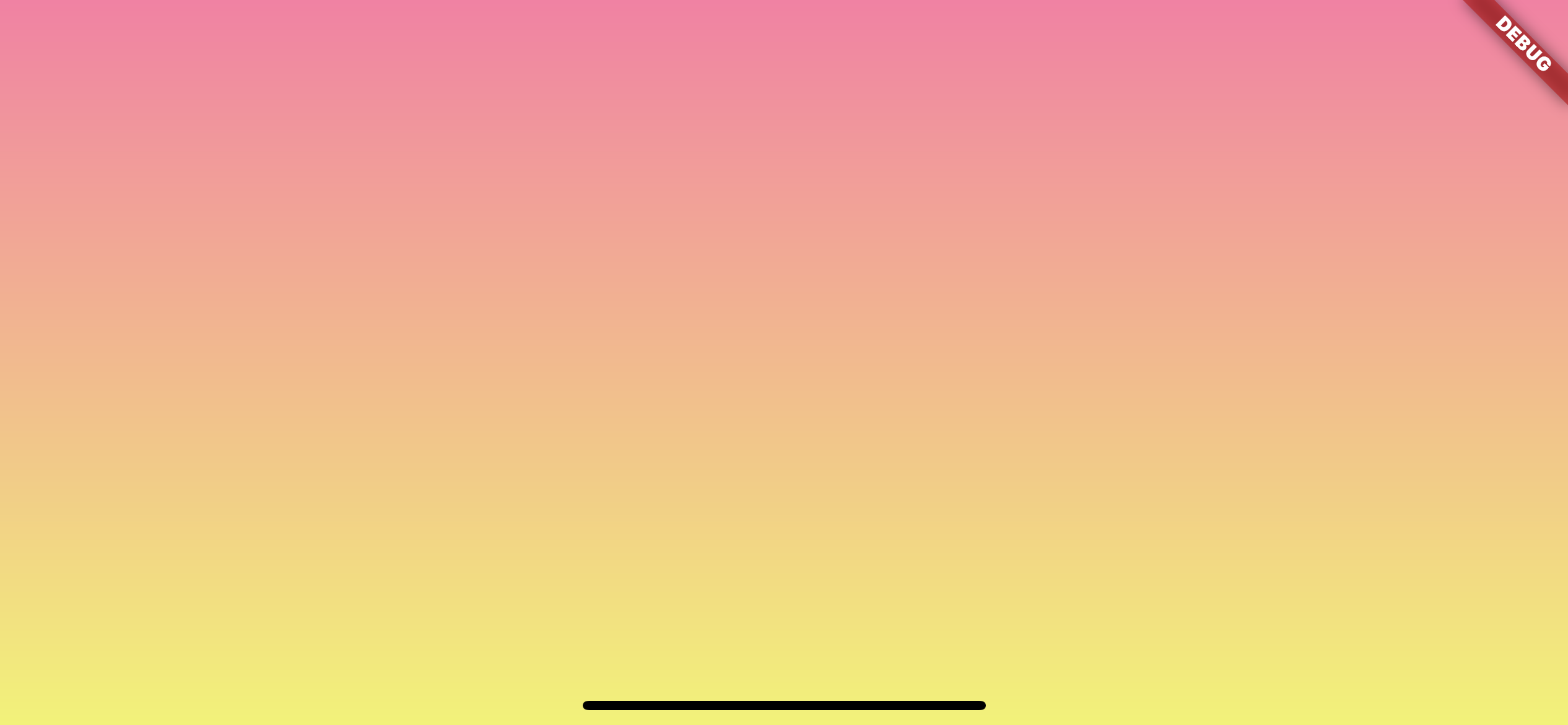
いい感じですね
タイトルの追加
タイトルを追加します
const titleStyle = TextStyle(
    color: titleColor,
    fontSize: 36,
    decoration: TextDecoration.none,
    fontWeight: FontWeight.bold);

Center(
  child: Column(
  mainAxisAlignment: MainAxisAlignment.center,
  crossAxisAlignment: CrossAxisAlignment.start,
  children: [
    Column(
      crossAxisAlignment: CrossAxisAlignment.start,
      children: [
        Text('かいはつとちゅうで',
          textAlign: TextAlign.start,
          style: titleStyle.copyWith(fontSize: 16)),
        Text('開発途中で', textAlign: TextAlign.start, style: titleStyle),
      ],
    ),
    Padding(
      padding: const EdgeInsets.only(left: 40),
      child: Text('だいたいプレビュー使わなくなるゾ', style: titleStyle),
    ),
  ],),
)
ポイントはcolumnのaxis周りです
SwiftUIとはデフォルト値が異なるのでリストが中央に配置されるようにあれこれ設定します
2行目の行頭ずらしですが今回はPaddingを用いました
完成形
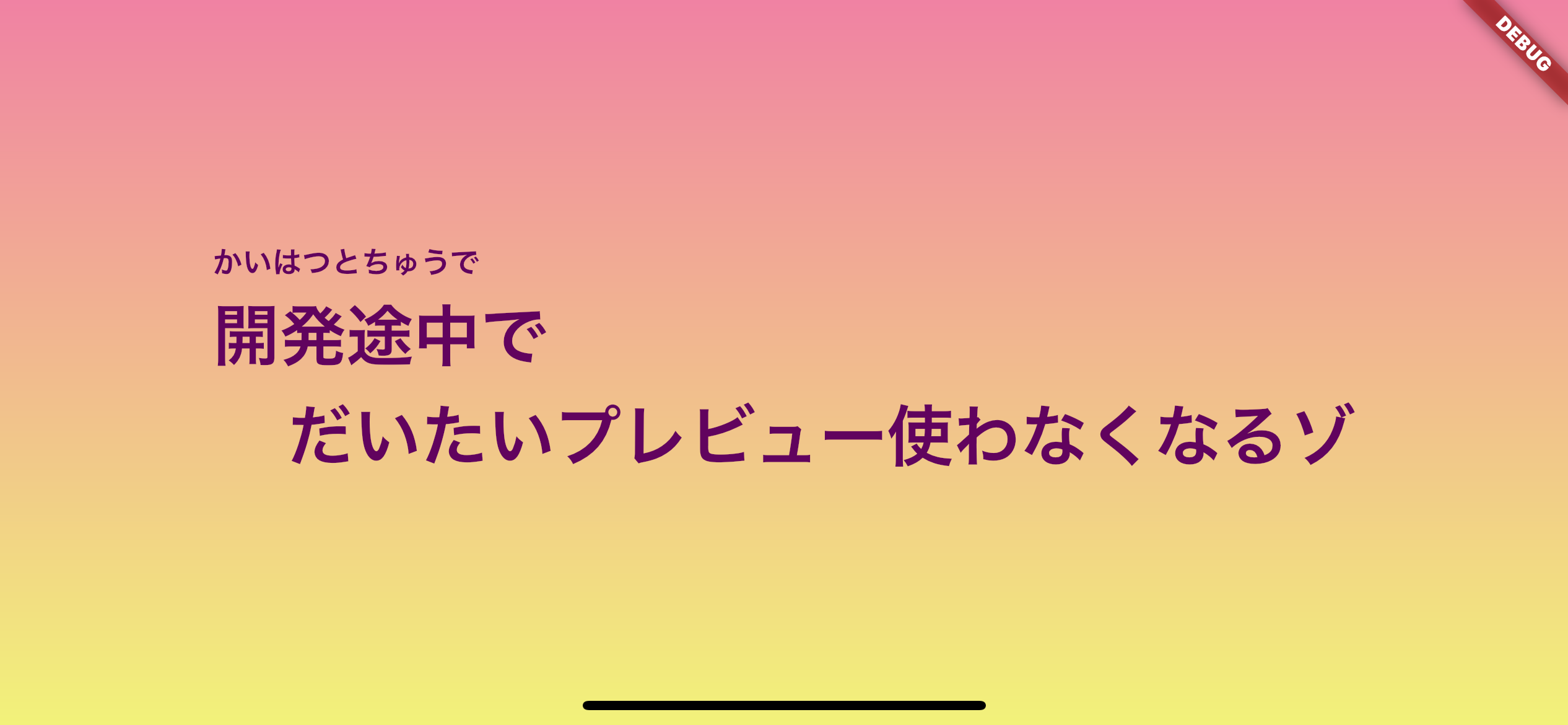
これでFlutterを使ってクレヨンしんちゃんのタイトルコールを作ることができました
いかがでしたか?