scikit-learnに、糖尿病患者のデータベースというのがある。
重回帰用のデータである。
ロードしてみる。。。
データはdataとtargetに分かれる。
diabetes.data
diabetes.target
import numpy as np
import pandas as pd

from sklearn.datasets import load_diabetes

# X_feature_names = ['age', 'gender', 'body mass index', 'average blood pressure','bl_0','bl_1','bl_2','bl_3','bl_4','bl_5']

df = pd.DataFrame(diabetes.data, columns=("age", "gender", "boby mass index", "average blood pressure", "tc", "ldl", "hdl", "tch", "ltg", "glu"))
df['target'] = diabetes.target

df.head()
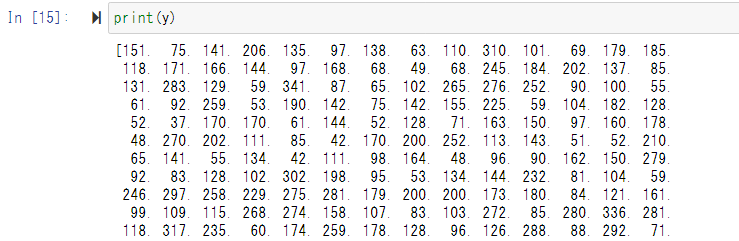
data.targetだが、おそらくこれは血圧だと思われる。
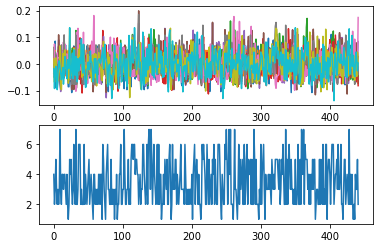
サンプリングして表示してみる。。
import matplotlib.pyplot as plt
plt.figure()
plt.subplot(211)
plt.plot(X)
plt.subplot(212)

サンプリング(ヒストグラム)して表示してみる。。
bins = 50*np.arange(8)
binned_y = np.digitize(y, bins)

from sklearn.model_selection import train_test_split
X_train, X_test, y_train, y_test = train_test_split(X, y, test_size=0.2,stratify=binned_y)