
はじめに
脳神経科学を専攻していて研究されている方や医療機関に勤めている方などで脳画像の表示に興味ある方向けのツール紹介となります。
Webブラウザ上で脳画像を表示できるライブラリNiiVueの使い方を紹介します。
NiiVue公式
https://niivue.com/
インストール手順
コードエディタのVSCodeをインストールしていることが前提となります。
https://code.visualstudio.com/
VSCodeの左メニューにある[Extensions]から[NiiVue]と検索すると拡張機能が出てきますのでインストールしてください。

HTMLファイルに組み込んで脳画像をブラウザ表示
適当なプロジェクトフォルダを作成してVSCodeで開き、HTMLファイルを新規作成してください。
NiiVue公式にあるサンプルコードをコピーペーストしてください。
index.html
<!DOCTYPE html>
<html lang="en">
  <head>
    <meta charset="utf-8" />
    <title>NiiVue</title>
  </head>
  <body>
    <canvas id="gl" width="640" height="640"></canvas>
  </body>
  <script type="module" async>
    import { Niivue } from "https://unpkg.com/@niivue/niivue@0.57.0/dist/index.js"
    var volumeList = [
      { url: "https://niivue.github.io/niivue-demo-images/mni152.nii.gz" },
    ];
    var nv = new Niivue({ isResizeCanvas: false });
    await nv.attachTo("gl");
    await nv.loadVolumes(volumeList);
  </script>
</html>
作成したindex.htmlをweb表示すると以下のような脳画像を表示できます。
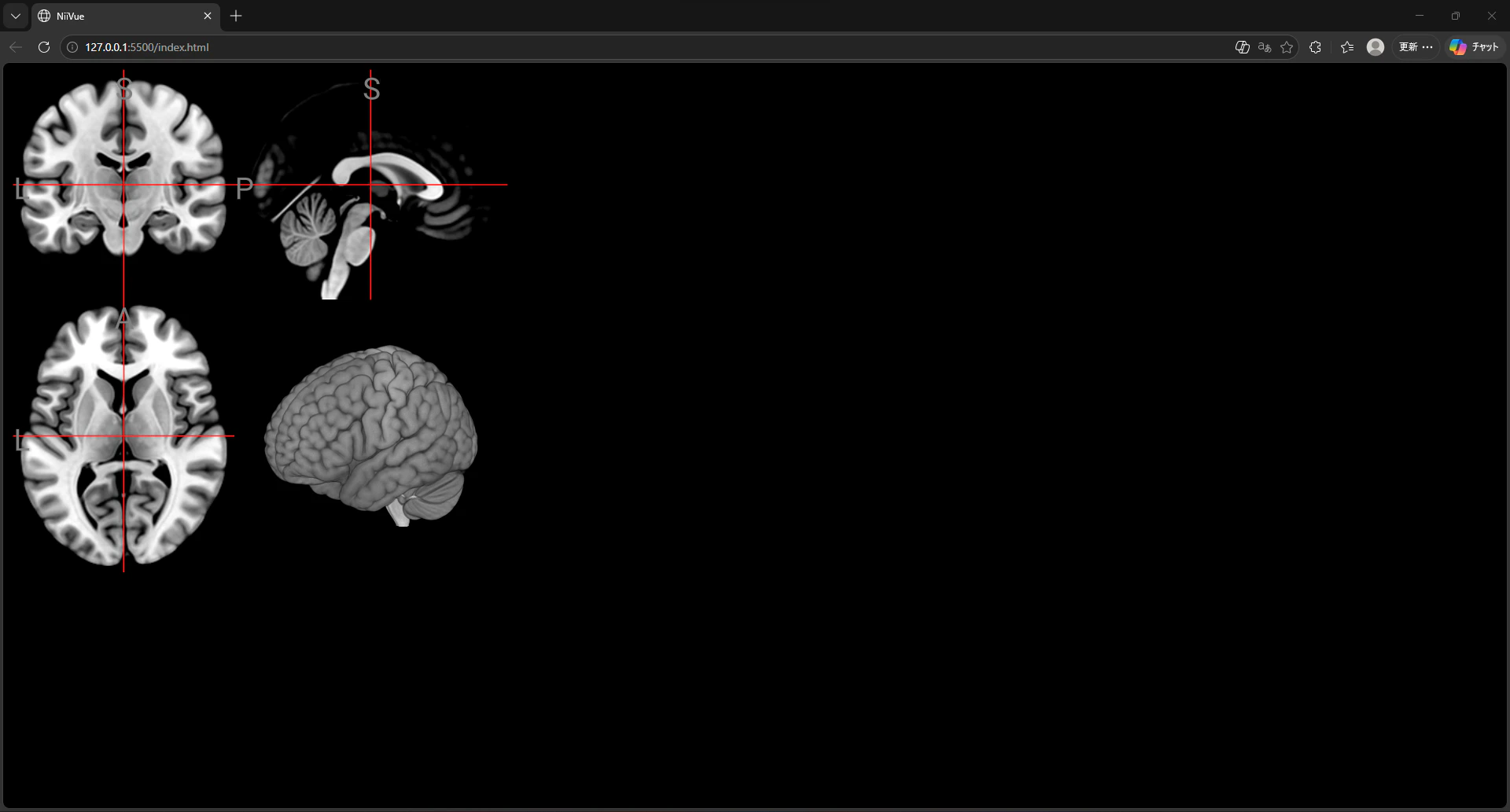
この脳画像ファイルはサンプルなので実際のデータを用いる場合はvolumeList変数の中身を書き換える必要があります。
VSCodeから脳画像ファイルを読み込んで表示
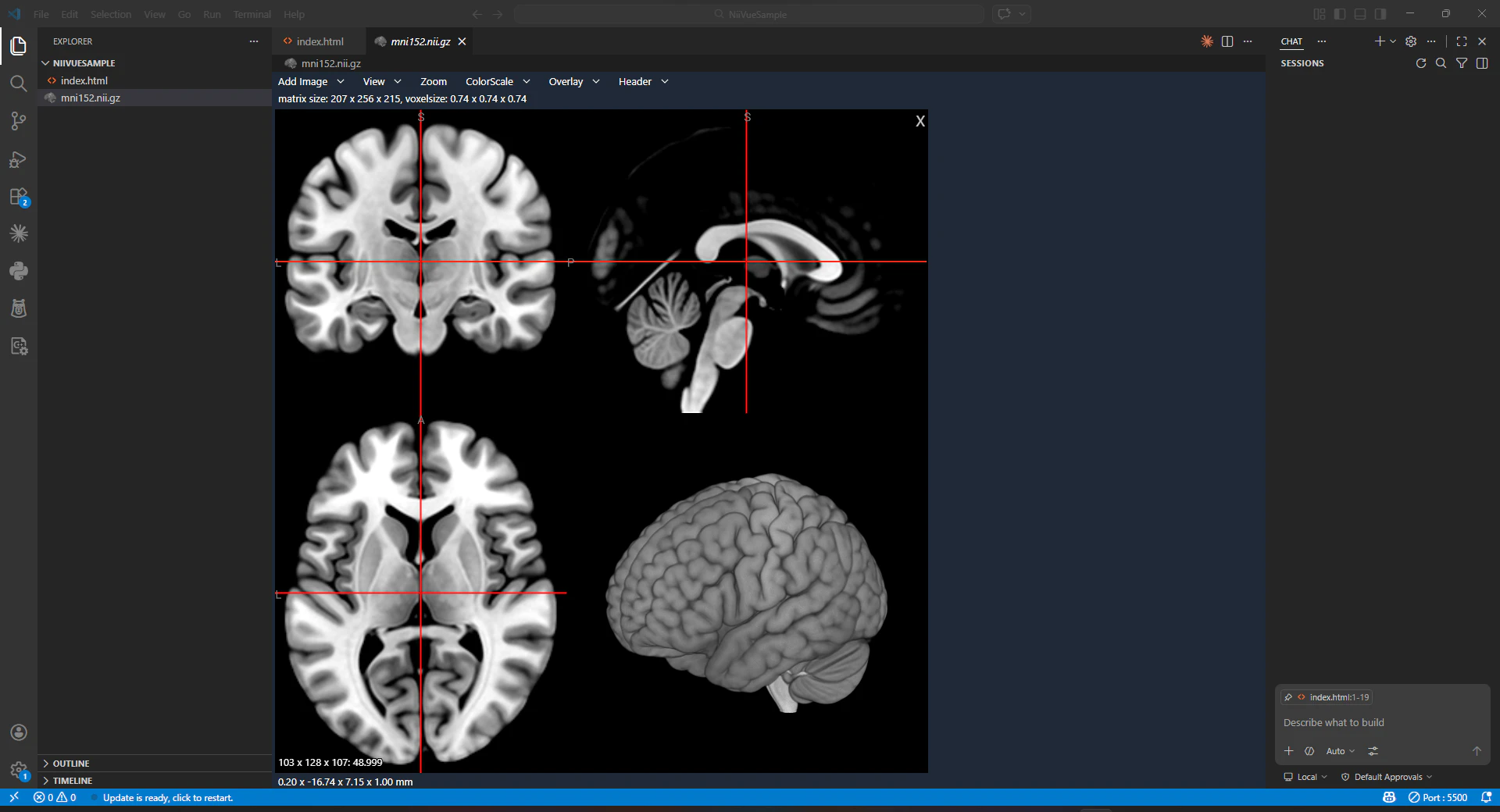
手元に脳画像ファイル(.nii .nii.gzなど)がある場合はVSCode上で表示できます。
プロジェクトフォルダ内に配置された脳画像ファイルを右クリック>NiiVue:Openで開く

おわりに
脳神経系のプログラム開発を行っていてこのツールに出会ったのですが国内ではあまり知られていないと思いツール紹介と実行手順を記載しました。