0
0

Delete article

Deleted articles cannot be recovered.

Draft of this article would be also deleted.

Are you sure you want to delete this article?

More than 3 years have passed since last update.

【Next.js】Vercelにデプロイする方法

0
Posted at

はじめに

Next.jsで作成したアプリケーションをVercelにデプロイする方法について記載します。

Vercelにデプロイする方法

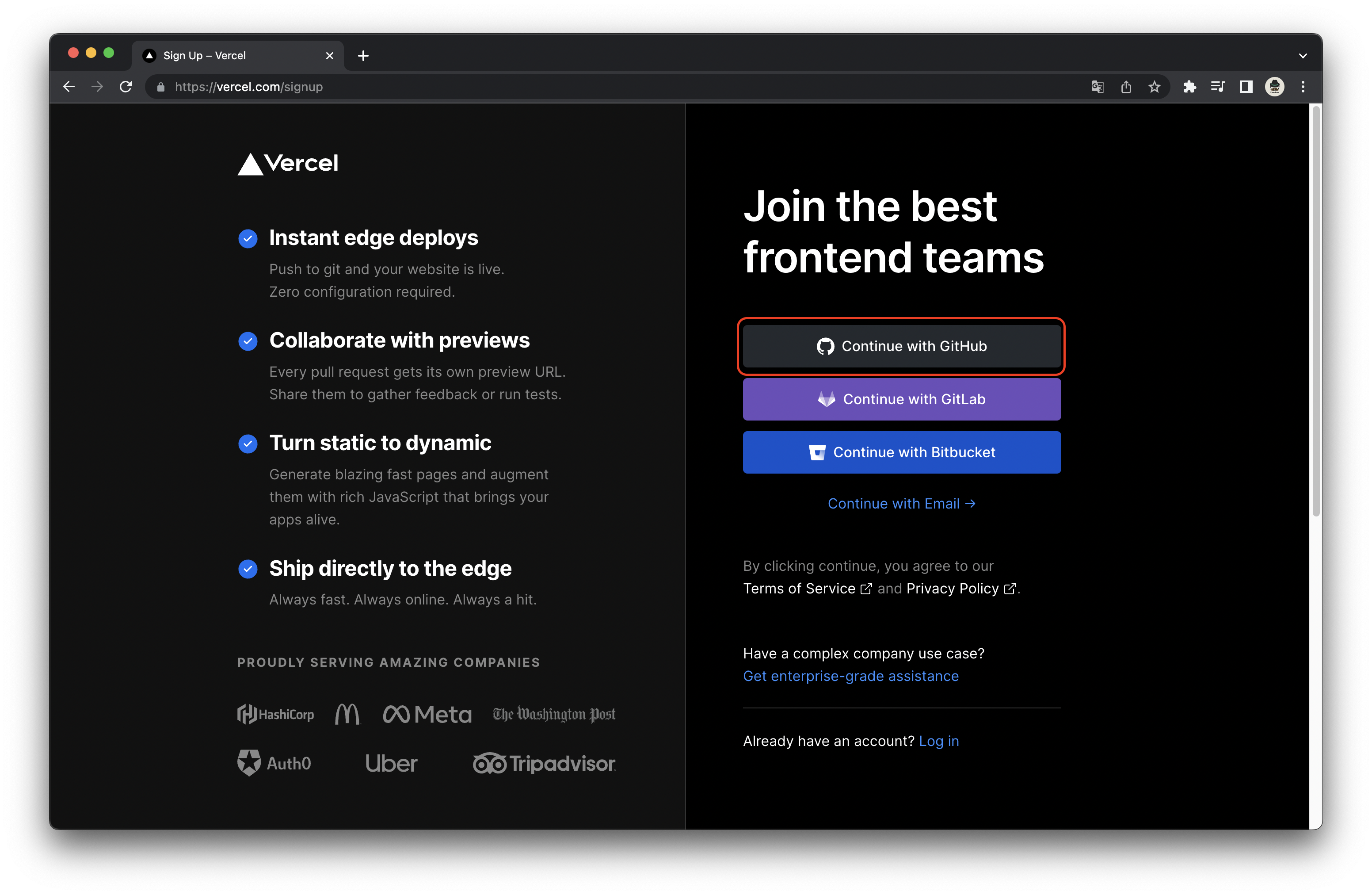
まず下記の Vercel サイトの右上の"Sign Up"からGitアカウントでサインアップしてください。

スクリーンショット 2022-05-06 2.34.01.png

スクリーンショット 2022-05-06 2.35.03.png

サインアップが完了したら画面左側のImport Git Repositoryの入力フォームをクリックし、Add GitHub Accountを選択してください。
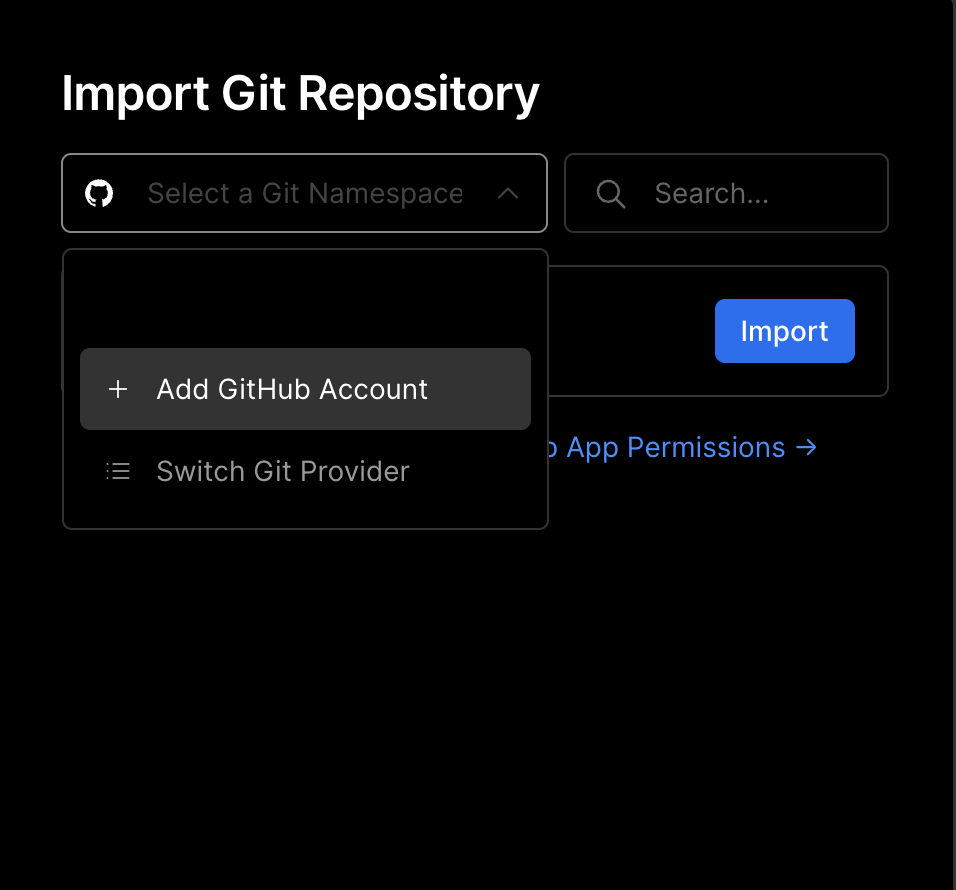
スクリーンショット 2022-05-06 2.39.36.png

GitHubのページが表示されますのでRepository accessの箇所のOnly select repositoriesを選択し、リポジトリを選択します。
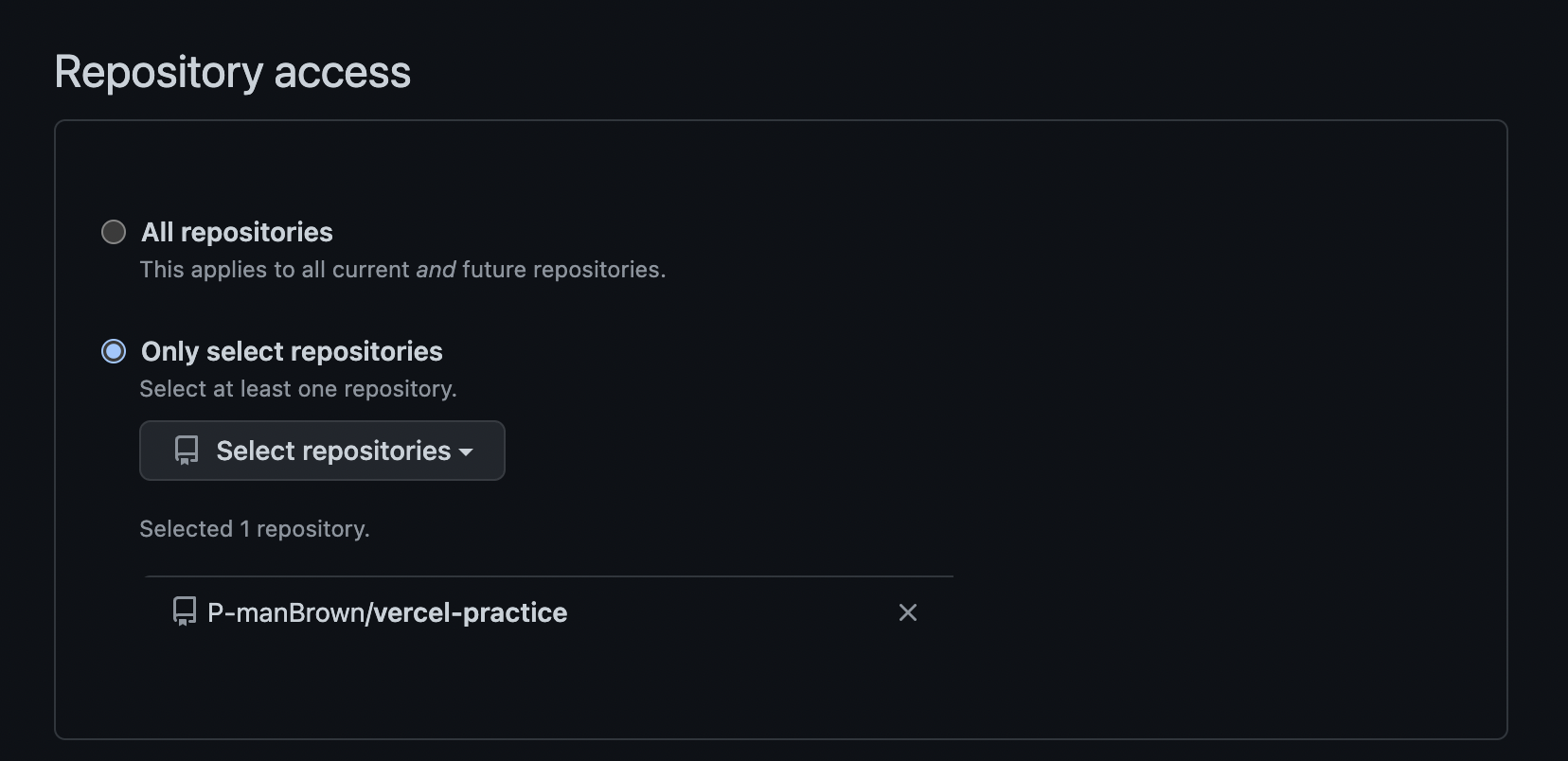
スクリーンショット 2022-05-06 2.44.34.png

選択したらSaveをクリックしてください。

するとImport Git Repositoryに先ほど選択したリポジトリが表示されます。
importをクリックします。
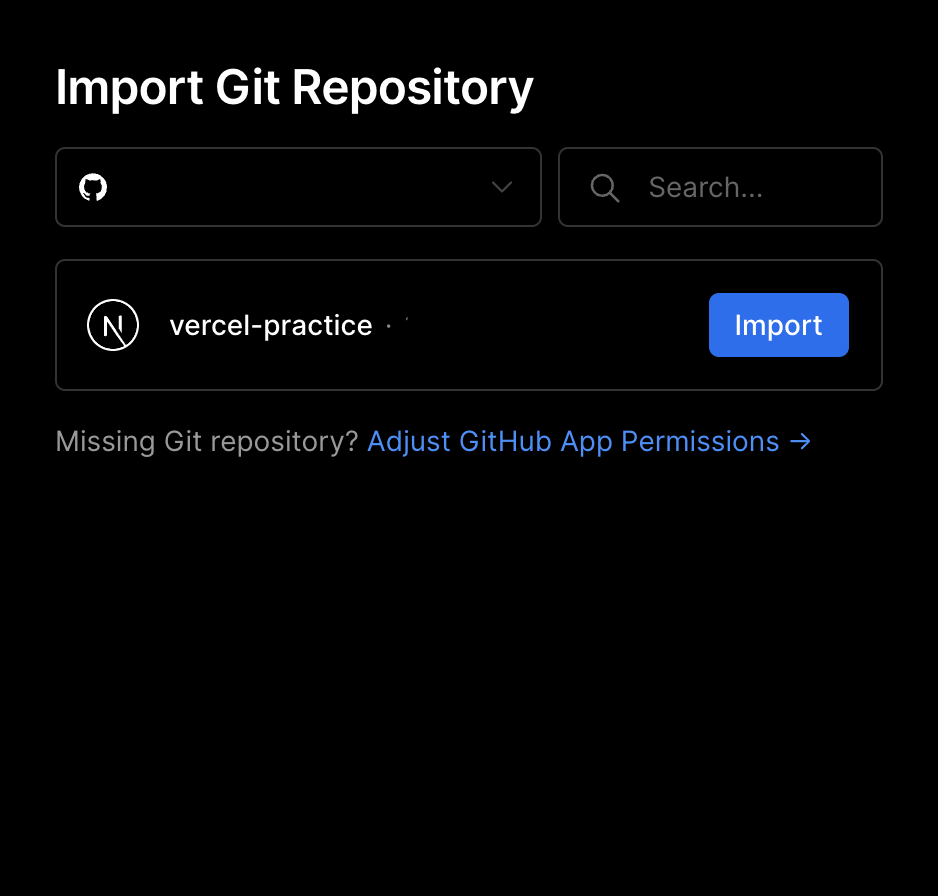
スクリーンショット 2022-05-06 2.47.16.png

表示された画面のConfigure Projectに必要事項を入力します。
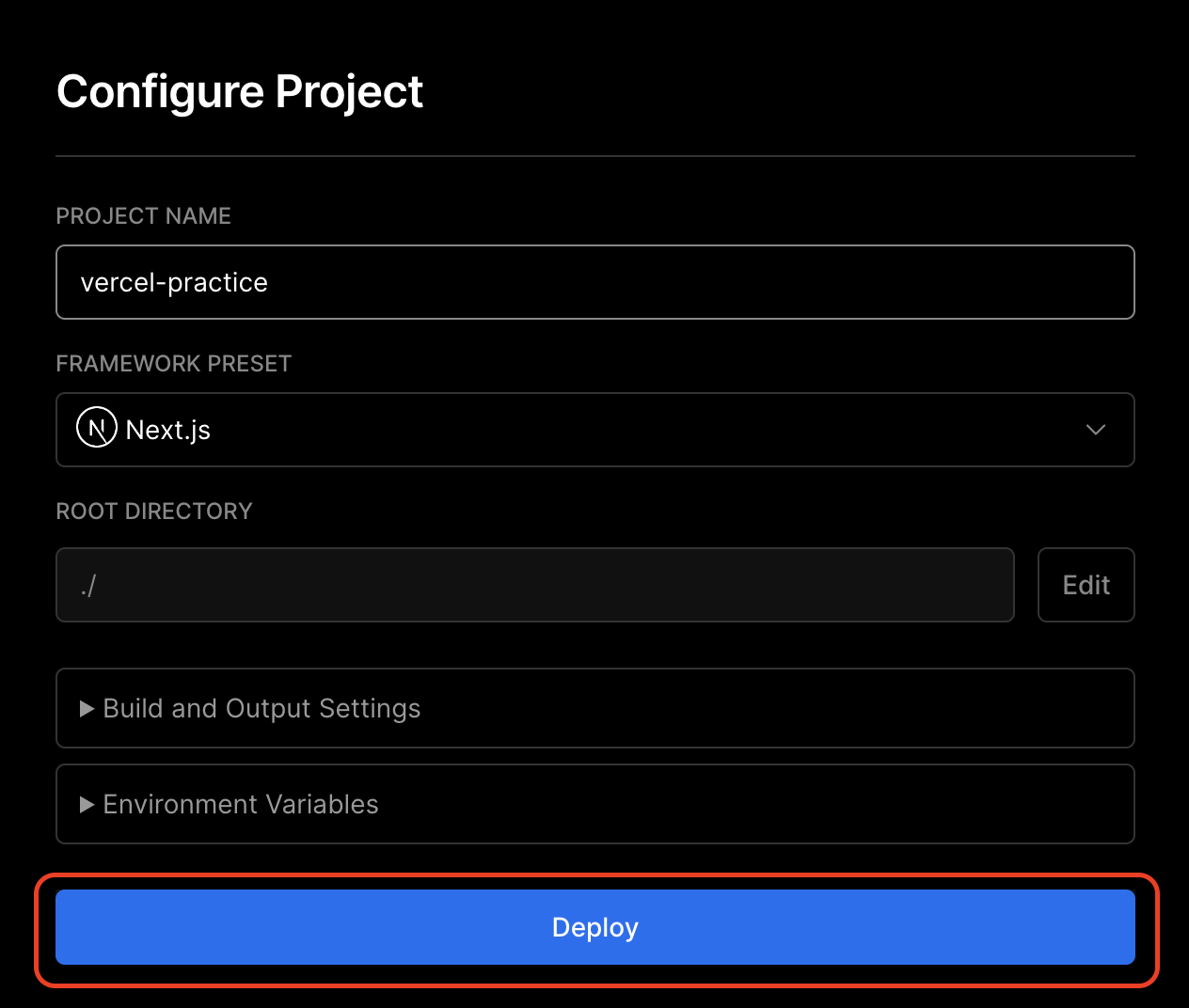
スクリーンショット 2022-05-06 2.48.16.png

入力ができたらDeployをクリックします。

しばらくすると以下のような画面が表示されます。
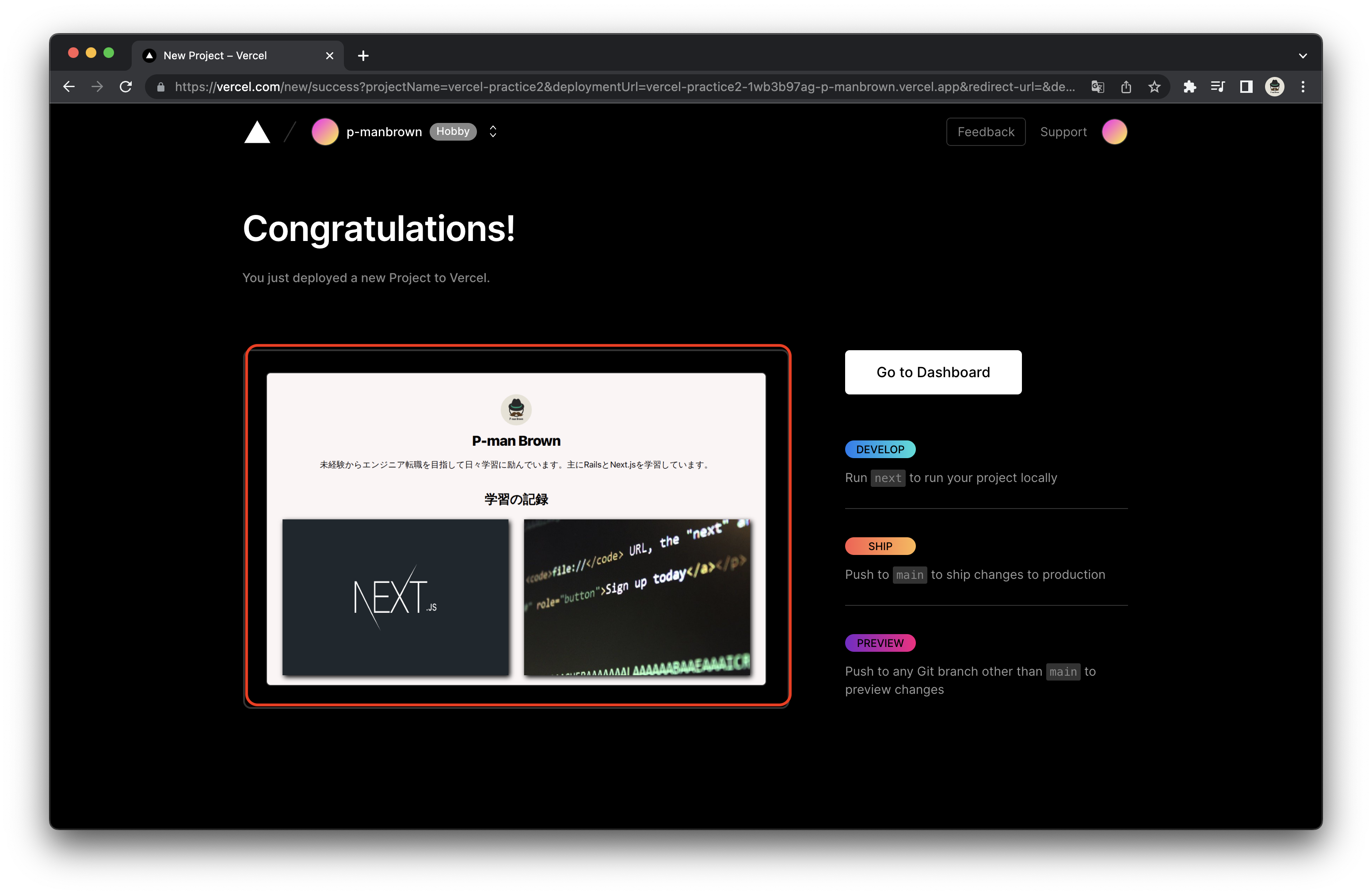
スクリーンショット 2022-05-06 2.54.18のコピー.png

赤枠内をクリックして正常に動作していれば完了です。

0
0
0

Register as a new user and use Qiita more conveniently

  1. You get articles that match your needs
  2. You can efficiently read back useful information
  3. You can use dark theme
What you can do with signing up
0
0

Delete article

Deleted articles cannot be recovered.

Draft of this article would be also deleted.

Are you sure you want to delete this article?