以前はImplicitで接続できていたので、再度挑戦してみます。
まずは接続したい環境にログインしておきます。
この状態でAuth URLのベースURLに私のドメインに変更しておきます。 なぜかlogin.salesforce.comだとエラーのなって進めません。(よくよく考えたらsandboxに接続したかったので、test.salesforce.comですね)
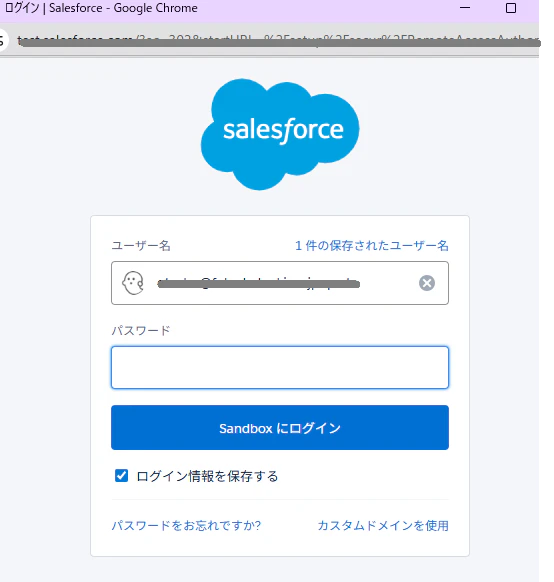
トークンの取得ボタンをクリックすると、画面からのログインを求められます
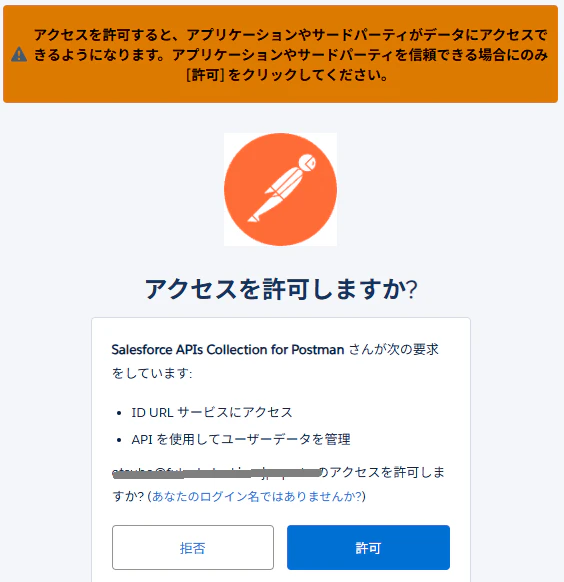
許可をするとトークンを取得できます。
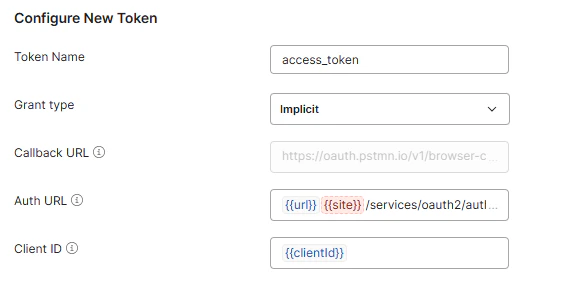
Client IDに接続アプリのコンシューマー鍵を入力するとClient IDが違のか、以下のエラーになります。
error=redirect_uri_mismatch&error_description=redirect_uri%20must%20match%20configuration
Client ID (Consumer Key) はデフォルト値が共通なのか、事前にSalesforceの環境を立ち上げていると、その環境でのアクセス許可を求められて接続できますね。
PostmanでOAuth 2.0認証を使用して認証する
- 暗黙的な付与タイプの使用
暗黙的な付与タイプは、追加の認証コード手順を必要とせずにクライアントにアクセス トークンを返します (したがって、安全性が低くなります)。
Postman でのリクエストで暗黙的な付与タイプを使用するには、API プロバイダーに登録したコールバック URL(Callback URL) 、プロバイダーの認証 URL(Auth URL)、および登録したアプリのクライアント ID(Client ID)を入力します。
実際にはコールバックURLを使ってないけど...
error=invalid_client_id&error_description=client%20identifier%20invalid
I think I found the issue. You need to fill the ClientID and ClientSecret in the "Variables" tab in Postman. To get the two, you need to create "New External Client App" in the trailhead environment via Setup > External Client App Manager.
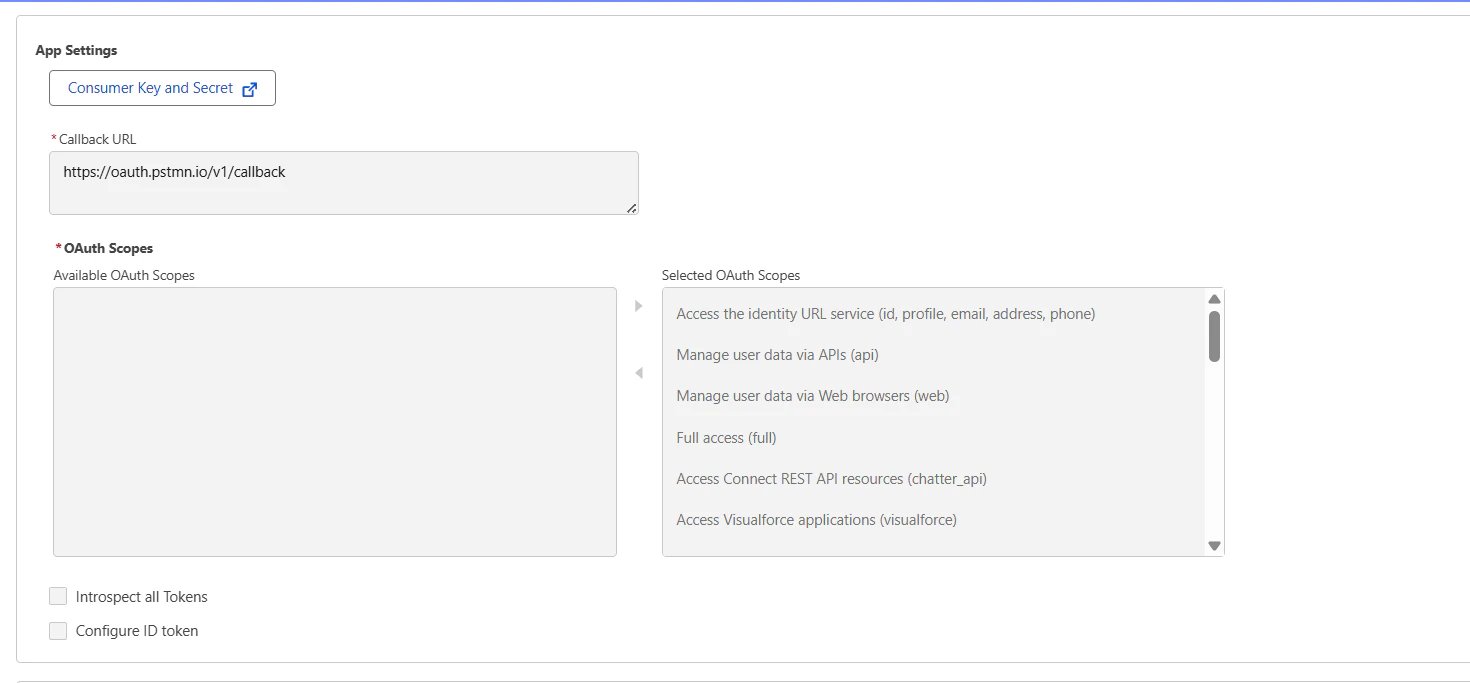
Once you create your postman, in the OAuth settings section, you can click on the "Consumer Key and Secret" which will redirect you to the two. Just copy/paste those codes into Postman:
ClientID = Consumer Key
ClientSecret= Consumer Secret
Important
: Make sure that all of the OAuth Scopes are selected as seen in the screenshot.
After that, it should work now! Worked for me at least.