
Build a Data Model for a Recruiting App
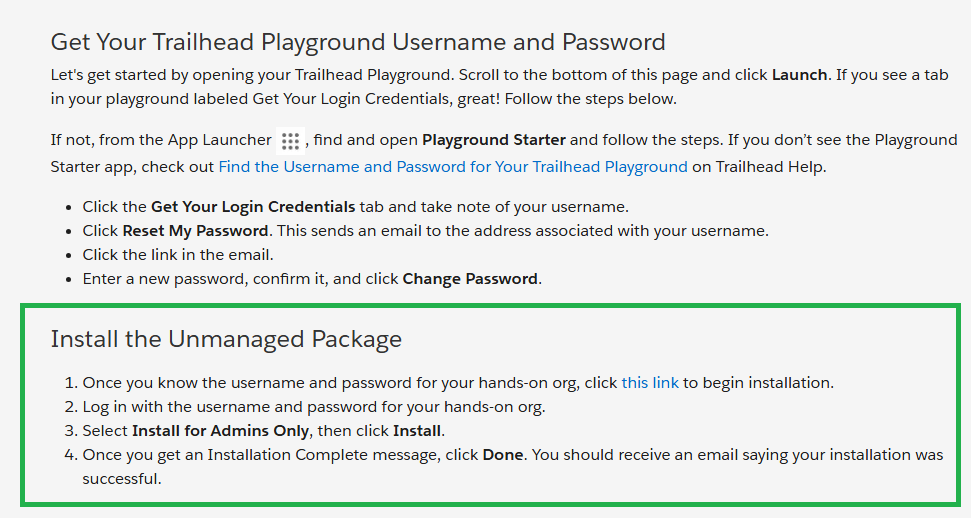
以前とトレイルヘッドの構成が変わった感じです。
このパッケージが必要なのは同じかも 04t0P000000N9rs
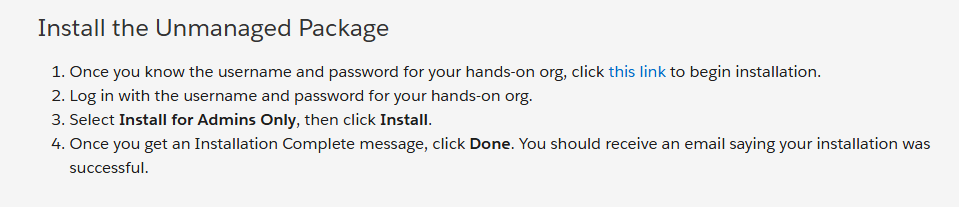
以前の資料
パッケージのアンインストールの失敗
おそらくオブジェジェクトに項目を追加しているからだろう。
I would suggest trying a new playground or dev org.
position status と position title が Job Posting related list に表示されない
I would suggest trying a new playground or dev org.
I was able to solve the problem. I just had the Technical skills section in the wrong area. I just tried moving it up into the details info section, and it worked.
どこの設定をやっているかが理解できませんでした
Recruiting app under App Launcher : Recruiting appがない?
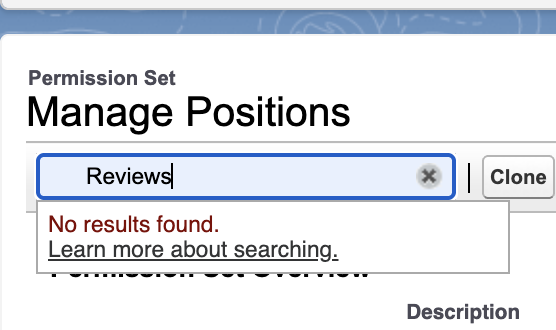
We can't find that the ‘Manage Positions’ permission set grants read, create, and edit object permissions for Position.
Do you have this package installed?
ロールが無い?
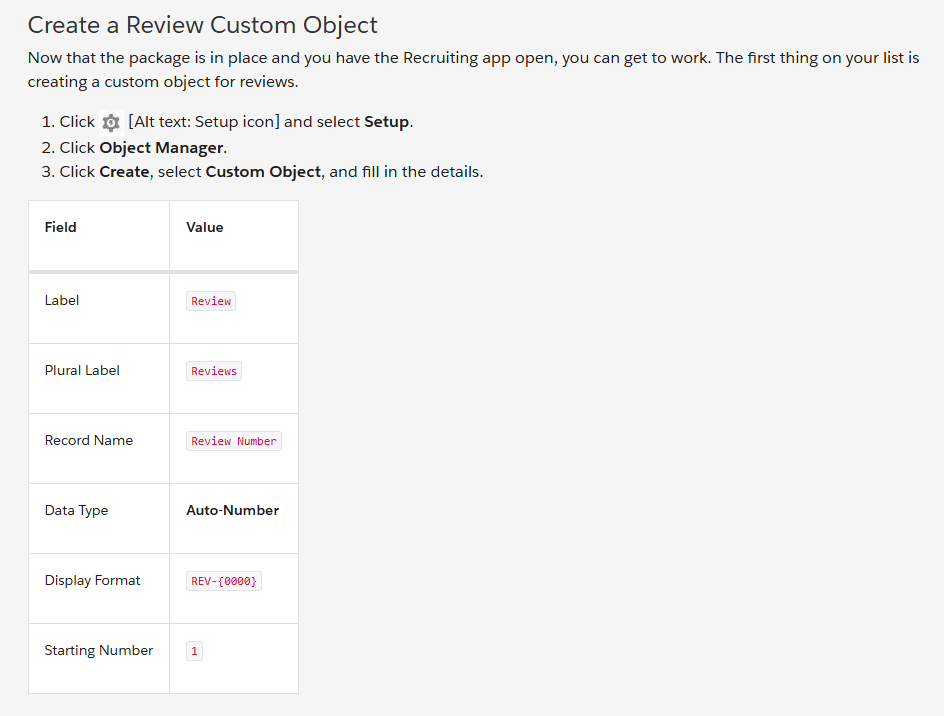
REVIEW OBJECT がない
You need to create it by following these steps:
On the Technical Position Page, we can’t find the Record Type field inside the ‘Information’ section.
そのモジュール専用の新しい組織を作成し、そのモジュールのみをやり直すことで問題を解決しました。
I resolved the issue by creating a new organization specifically for that module and redoing that module only.
https://trailhead.salesforce.com/trailblazer-community/feed/0D5KX00000KB17h0AD
I also encountered this error and refused to do everything over again(like 10 prerequisite modules). I went through it thrice and found the glitch. The error happens at the cloning step/stage "4. Click Setup icon, then select Edit Page. This is a shortcut to get into App Builder and clone the default record page for the Position object."
This is incorrect.
Correct Method:
Go to the Lightning App Builder page and clone the default Position Record Page from there. Then when you do the next steps it will work and the glitch won't happen. So you don't have to do all the modules over again if you get stuck. Just delete the Technical Position Page you made with the error and rebuild it from step 5 onward from the Lightning App Builder.
Lightning レコード ページが空白です。
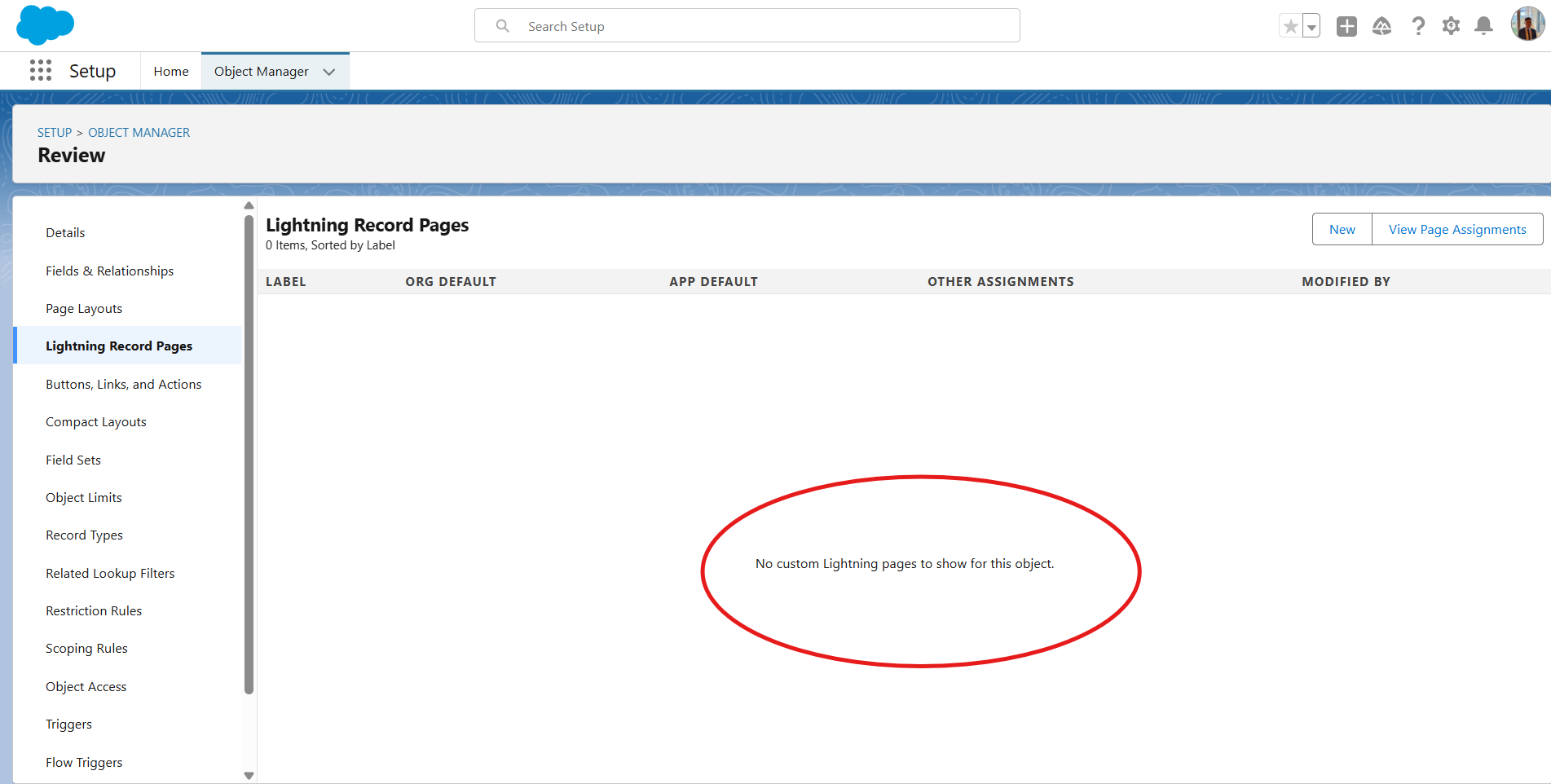
I found the answer to my own question, I had to Customize the User Interface for a Recruiting App first.
Create Custom Profiles | Salesforce Trailhead
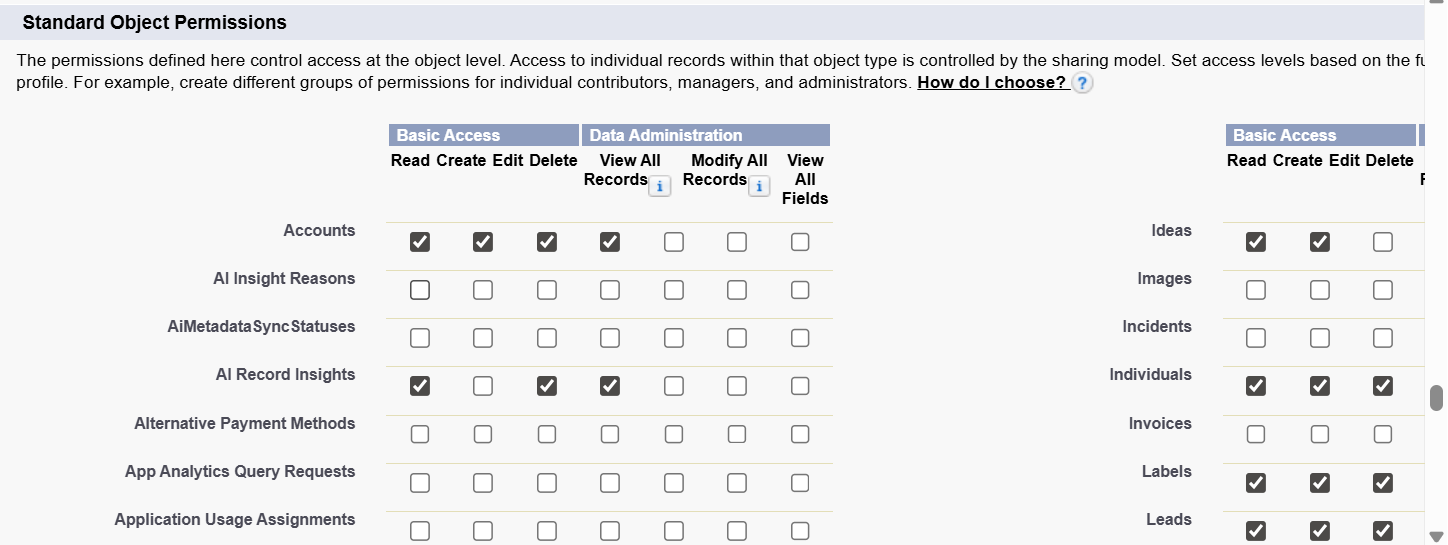
Make sure you are using the playground used in the following modules:
Before you can do this project, you must complete the Build a Data Model for a Recruiting App, Customize the User Interface for a Recruiting App, and Improve Data Quality for a Recruiting App projects. The work you do here builds on the work you complete in those projects.