1
0

Delete article

Deleted articles cannot be recovered.

Draft of this article would be also deleted.

Are you sure you want to delete this article?

GitHubにログイン

1
Posted at

はじめに

本手順は、既にGitHubアカウントをお持ちの方用の手順です。

アカウントを作成していない場合は、GitHubの公式サイトの手順を参照し、アカウント作成と二要素認証を設定してください。
その後に、本手順からGitHubのログインを行ってください。

Qiitaの記事を書いているとき、何度もGitHubのログイン手順を記載するのが面倒になってきたので、このページにまとめておこうと思います。
私の他手順からこのページを表示した場合は、操作対象のアカウント情報で読み替えてください。

GitHubにログイン

GitHubの公式サイト にアクセスし、画面上部の「Sign in」のリンクをクリック
image.png

アカウント情報(メールアドレス、パスワード)を入力し、「Sign in」ボタンをクリック
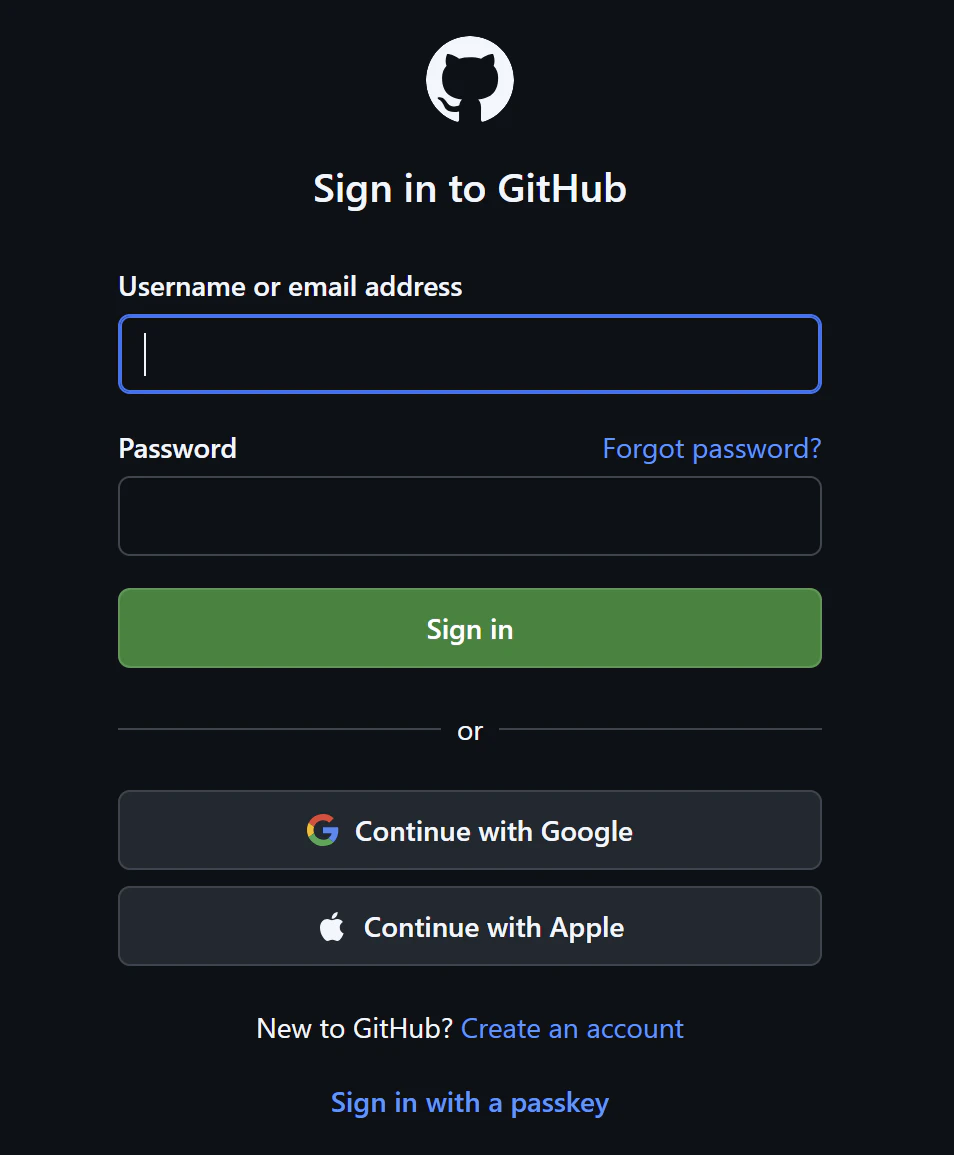
image.png

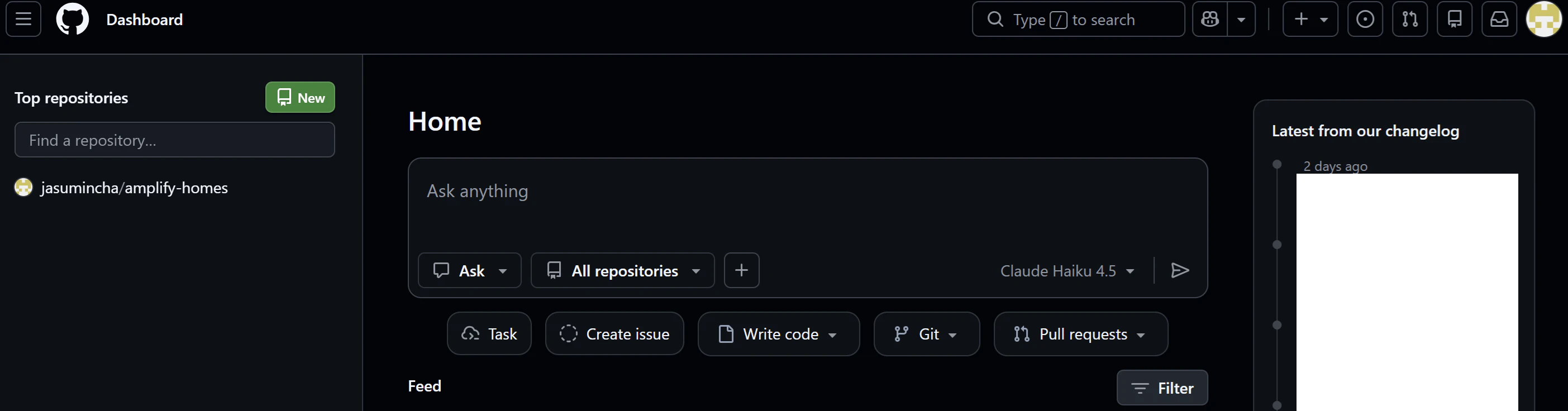
ダッシュボード画面が表示されたら、ログイン完了です。
image.png

1
0
0

Register as a new user and use Qiita more conveniently

  1. You get articles that match your needs
  2. You can efficiently read back useful information
  3. You can use dark theme
What you can do with signing up
1
0

Delete article

Deleted articles cannot be recovered.

Draft of this article would be also deleted.

Are you sure you want to delete this article?