
発生事象
vmware esxiのインストール時に以下アラートが発生してハングする。
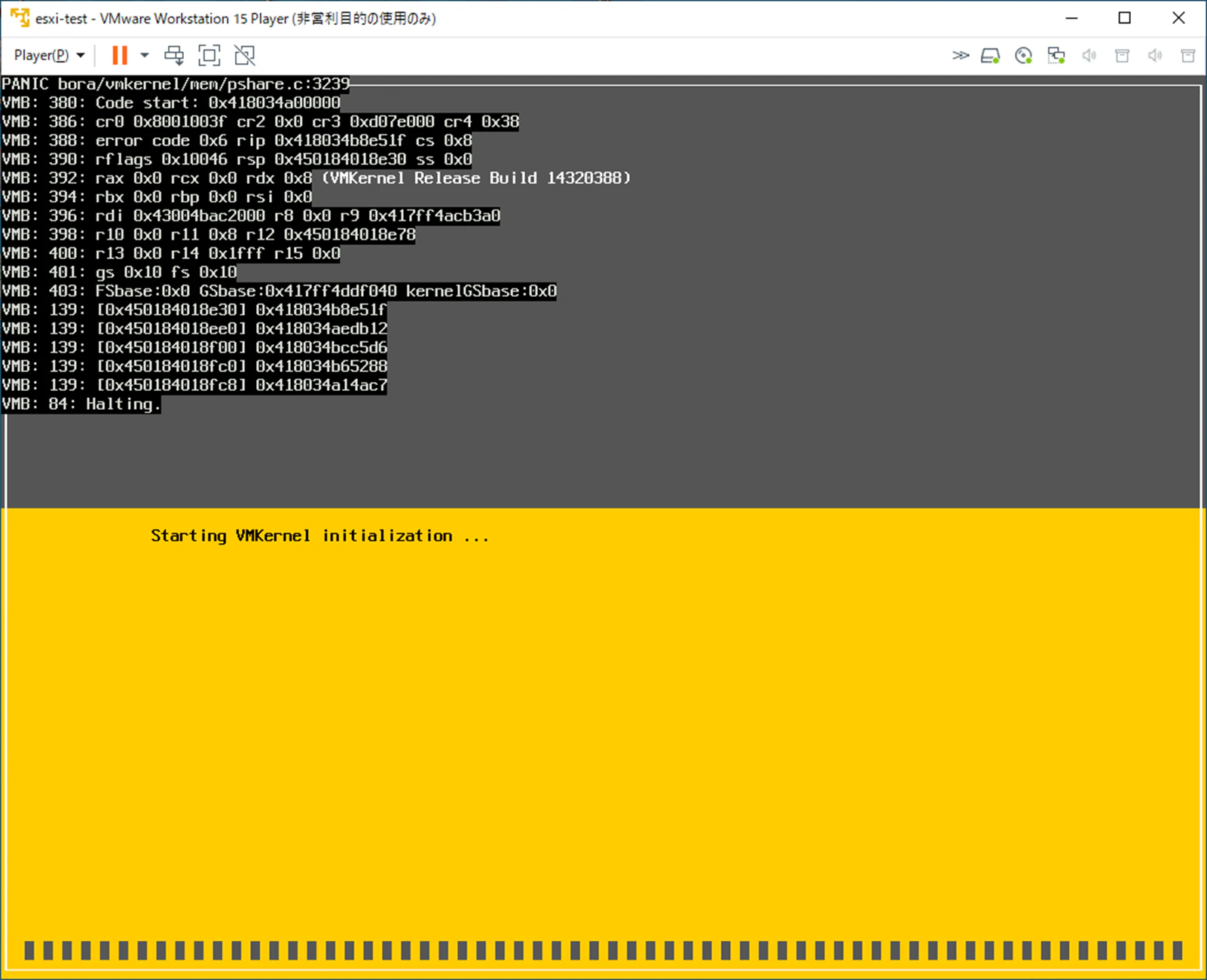
message
PANIC bora/vmkernel/mem/pshare.c:3239
VMB: 380: Code start: 0x418034a00000
VMB: 386: cr0 0x8001003f cr2 0x0 cr3 0xd07e000 cr4 0x38
VMB: 388: error code 0x6 rip 0x418034b8e51f cs 0x8
VMB: 390: rflags 0x10046 rsp 0x450184018e30 ss 0x0
VMB: 392: rax 0x0 rcx 0x0 rdx 0x8
VMB: 394: rbx 0x0 rbp 0x0 rsi 0x0
VMB: 396: rdi 0x43004bac2000 r8 0x0 r9 0x417ff4acb3a0
VMB: 398: r10 0x0 r11 0x8 r12 0x450184018e78
VMB: 400: r13 0x0 r14 0x1fff r15 0x0
VMB: 401: gs 0x10 fs 0x10
VMB: 403: FSbase:0x0 GSbase:0x417ff4ddf040 kernelGSbase:0x0
VMB: 139: [0x450184018e30] 0x418034b8e51f
VMB: 139: [0x450184018ee0] 0x418034aedb12
VMB: 139: [0x450184018f00] 0x418034bcc5d6
VMB: 139: [0x450184018fc0] 0x418034b65288
VMB: 139: [0x450184018fc8] 0x418034a14ac7
VMB: 84: Halting.
解決策
ハードウェアのメモリが不足しています。
ESXiの動作には最低4GBのメモリが必要となります。
ESXi 6.7 には、少なくとも 4 GB の物理 RAM が必要です。一般的な本番環境で仮想マシンを実行するためには、少なくとも 8 GB の RAM を用意することをお勧めします。
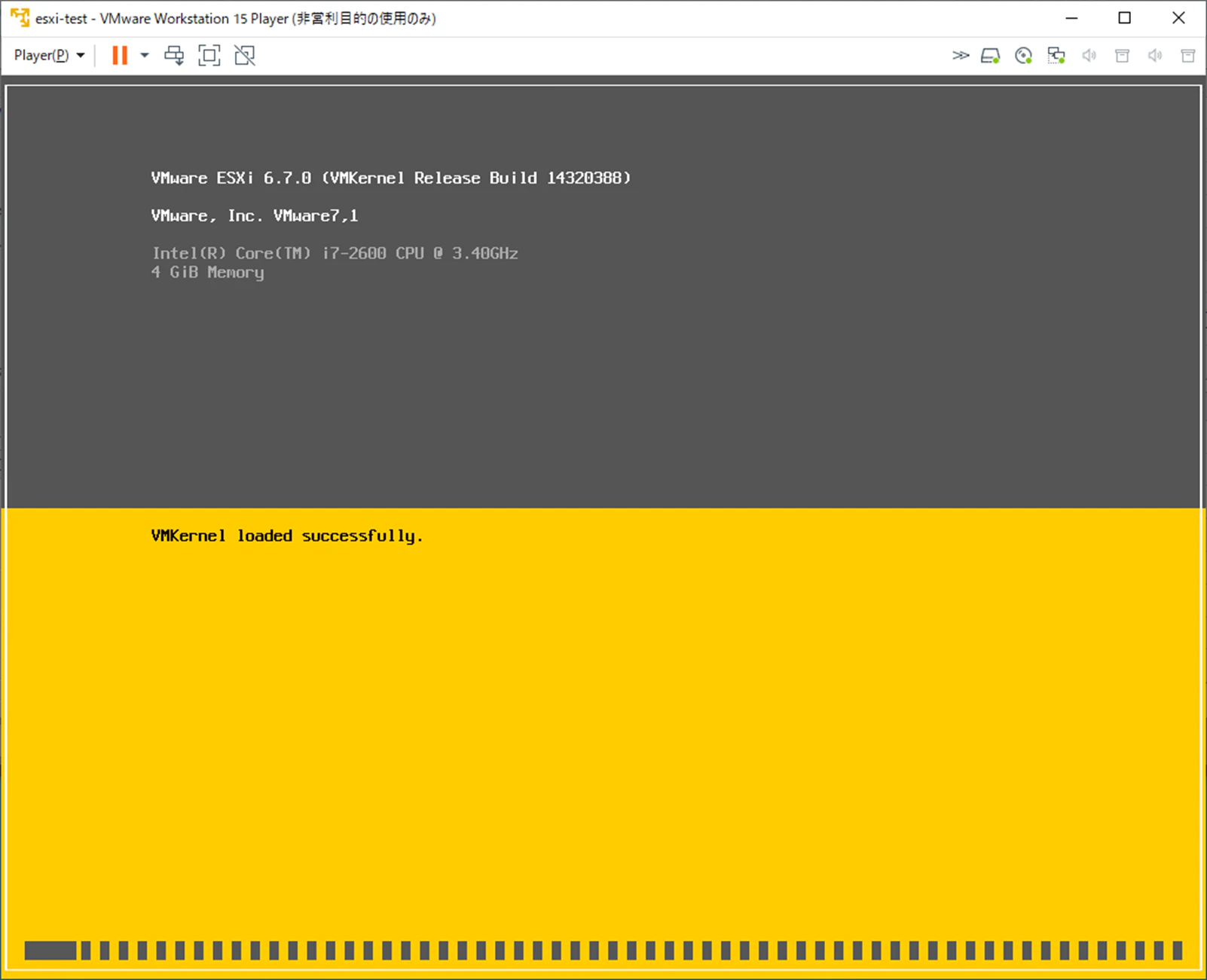
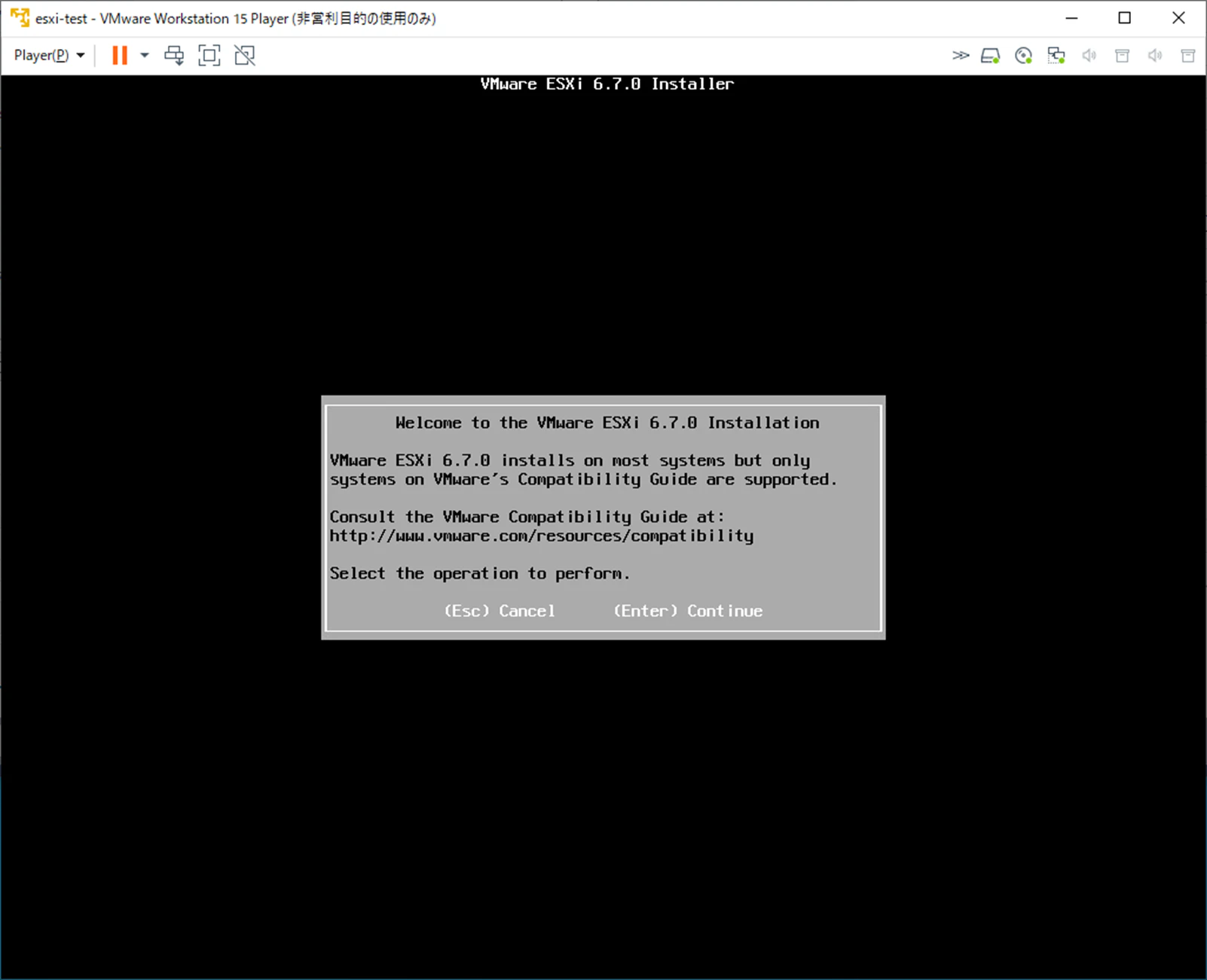
メモリを4GBにして再度インストールを行うと問題なくインストールが開始できました。
関連リンク