
概要
React にて、アニメーションを起こす方法の一つとして、自分用メモ。
クラスを切り替える State を使うのはそうだが、setTimeout() で State の値を切り替えることで、一瞬のアニメーションにする。
方法
1.アニメーション用の State と、切り替え用のメソッドを作成
切り替えはsetTimeoutを使って少し待ってから再度切り替える。
const [animation, setAnimation] = useState(false);

// ボタンクリック時処理
function handleClick() {
  animateBox();
}

// アニメーション処理
function animateBox() {
  setAnimation(true);

  setTimeout(() => {
    setAnimation(false);
  }, 300);
}
2.アニメーション用 State でクラスを切り替える
変わる前と変わった後のデザインを指定。
{/* クリックすると一瞬で消え、その後ゆっくり現れるアニメーション */}
<div className="flex justify-center items-center size-12">
  <button
    className={`bg-red-500 rounded-xl shadow-[0_0_10px_rgba(0,0,0,0.2)] transform origin-center  ${
      animation
        ? "size-0 opacity-0"
        : "size-12 opacity-100 transition-all duration-1000 ease-in-out"
    } `}
    onClick={handleClick}
  ></button>
</div>;
実際の動き
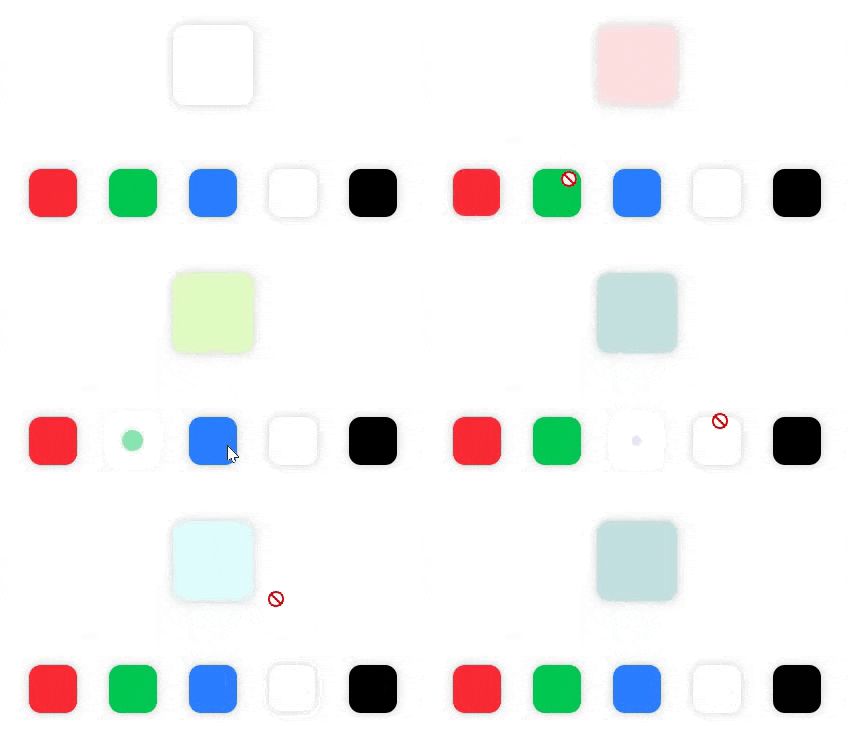
このやり方で、試しに以下のようなものを作ってみました。
四角がドラッグ&ドロップされたときのアニメーションに使っています。
それっぽい動きを見せたいとき用です。
以上です。