
シーン内に複数のカメラがあったとして、
それをつぎつぎ切り替えて1つのカメラとして再生したいなぁと
A,カメラシーケンサを使いましょう
まぁそれでもいいですが、無理やりつなげてみたくなりました。
ラフに考える
1つのカメラで複数のカメラの動きを切り替えて受信すればいいのかなーと
受信すべき値は、 translate と rotate あとは focalLengthとか?
translate rotateは parentConstraintでいけそうな気がしますが、
他のアトリビュートは・・・・・choiceでも使いますかね。
であれば、translate rotateもchoiceでいい気がしてきました。
- 出力用カメラを作成
- 指定アトリビュートをchoiceでコネクト
切り替えのタイミングですが、カメラ毎のフレームレンジがどこかに記載されている前提で
- choiceのselectorにキーフレームを設定
わりと簡単にできそうですね。
とりあえず実装
うん 結構シンプルではある
import maya.cmds as cmds

def createOutputCamera():
    cameraname = "outputCamera"

    if cmds.objExists(cameraname) :
        cmds.delete(cameraname)

    nodes = cmds.camera(name = cameraname)
    cmds.refresh()
    cmds.rename(nodes[0], cameraname)

    return cameraname

def choiceSetup(outputCamera,targetAttrs):

    choiceDict = {}

    for targetAttr in targetAttrs:

        choiceNode = cmds.createNode("choice")
        cmds.connectAttr(choiceNode + ".output",outputCamera + "."+targetAttr,f =True)
        choiceDict[targetAttr] = choiceNode

    return choiceDict


def connectCameras(cameraList,outputCamera,targetAttrs):

    choiceDict = choiceSetup(outputCamera,targetAttrs)

    for i in range(0,len(cameraList)):
        sourceCamera = cameraList[i]["name"]
        frameRange = cameraList[i]["frameRange"]

        for targetAttr in targetAttrs:
            cmds.connectAttr(sourceCamera + "."+ targetAttr,choiceDict[targetAttr]+".input["+str(i)+"]")
            cmds.setKeyframe(choiceDict[targetAttr]+".selector",attribute = [targetAttr],t = frameRange[0],ott="step",value = i)
こんなシーンで試してみます。
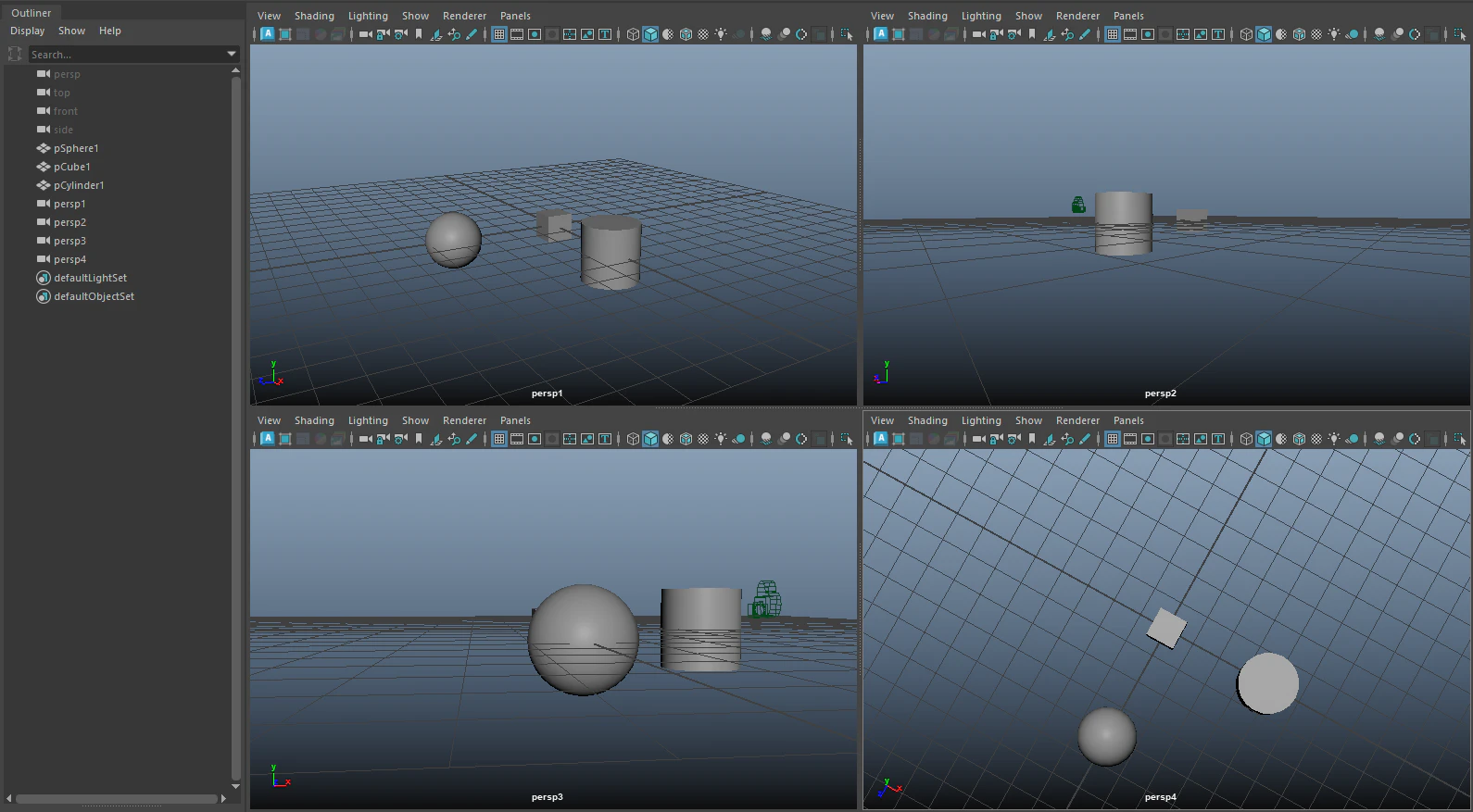
そーれ
targetAttrs = [
                "tx","ty","tz",
                "rx","ry","rz",
                "focalLength",
                "postScale",
]
cameraList = [
                {"name":"persp1","frameRange":[1,10]},
                {"name":"persp2","frameRange":[10,20]},
                {"name":"persp3","frameRange":[20,25]},
                {"name":"persp4","frameRange":[26,40]},

]
outputCamera = createOutputCamera()
connectCameras(cameraList,outputCamera,targetAttrs)
結果はー


つながってますね。
雑感
- とりあえずつなげるだけなら keyFrameを直接打つだけでも行けるかもしれない
- コネクトにした方が、各カメラの編集結果がダイレクトに反映される
- 切り替えフレームが被ってしまうと変な挙動になるので、手入力は怖い
- 問題は カメラ毎のframeRange情報をどこに登録するか
> カメラシーケンスノードを使う?
ちゃんとツール化するのであれば、いろいろと整理しなきゃならない数値が多そうですねぇ