
この記事は、Qiita ServiceNow アドベントカレンダーの20日目の記事です。
はじめに
よくあるイースターエッグ的に雪を降らせようと思いました
※Zurichで動きました
とりあえず双子に聞こう
ServiceNowのClientScriptで雪を降らしたいんだけどコード書いて
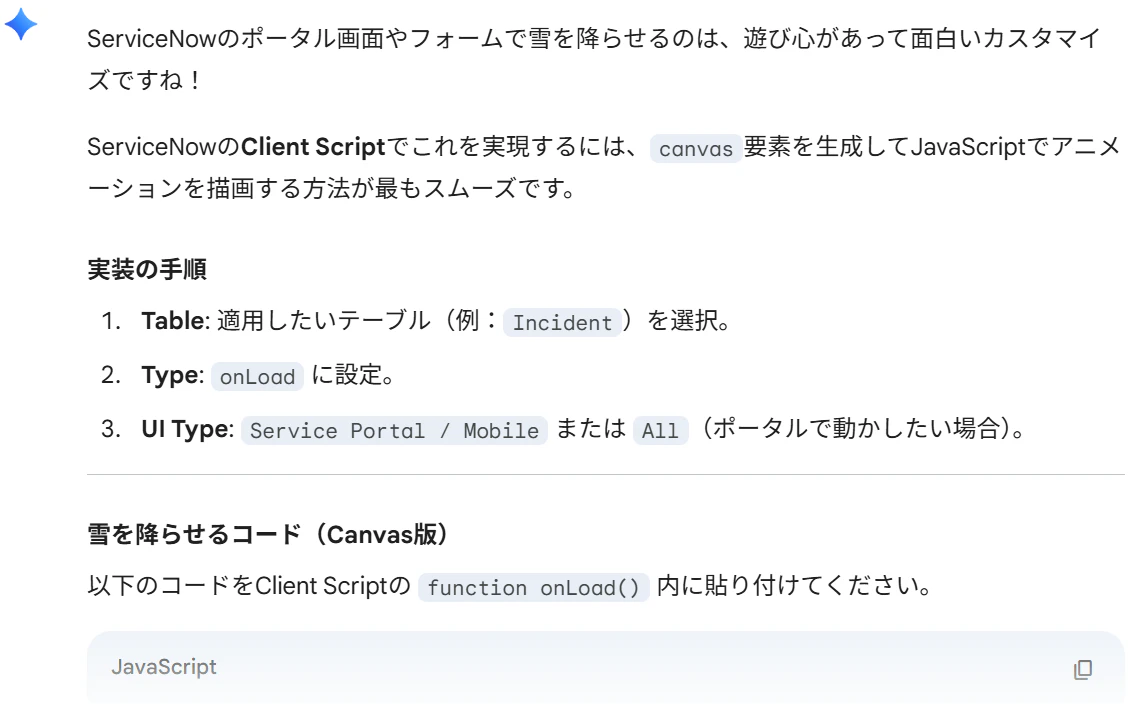
function onLoad() {
    // 既に雪が降っている場合は二重に実行しない
    if (document.getElementById('snowCanvas')) return;

    // Canvas要素の作成
    var canvas = document.createElement('canvas');
    canvas.id = 'snowCanvas';
    canvas.style.position = 'fixed';
    canvas.style.top = '0';
    canvas.style.left = '0';
    canvas.style.width = '100%';
    canvas.style.height = '100%';
    canvas.style.pointerEvents = 'none'; // 操作の邪魔をしない
    canvas.style.zIndex = '9999';
    document.body.appendChild(canvas);

    var ctx = canvas.getContext('2d');
    var W = window.innerWidth;
    var H = window.innerHeight;
    canvas.width = W;
    canvas.height = H;

    // 雪の粒の設定
    var mp = 100; // 雪の最大数
    var particles = [];
    for (var i = 0; i < mp; i++) {
        particles.push({
            x: Math.random() * W,
            y: Math.random() * H,
            r: Math.random() * 4 + 1, // サイズ
            d: Math.random() * mp // 密度
        });
    }

    function draw() {
        ctx.clearRect(0, 0, W, H);
        ctx.fillStyle = "rgba(255, 255, 255, 0.8)";
        ctx.beginPath();
        for (var i = 0; i < mp; i++) {
            var p = particles[i];
            ctx.moveTo(p.x, p.y);
            ctx.arc(p.x, p.y, p.r, 0, Math.PI * 2, true);
        }
        ctx.fill();
        update();
    }

    var angle = 0;
    function update() {
        angle += 0.01;
        for (var i = 0; i < mp; i++) {
            var p = particles[i];
            p.y += Math.cos(angle + p.d) + 1 + p.r / 2;
            p.x += Math.sin(angle) * 2;

            // 画面外に出たら上に戻す
            if (p.x > W + 5 || p.x < -5 || p.y > H) {
                if (i % 3 > 0) {
                    particles[i] = { x: Math.random() * W, y: -10, r: p.r, d: p.d };
                } else {
                    if (Math.sin(angle) > 0) {
                        particles[i] = { x: -5, y: Math.random() * H, r: p.r, d: p.d };
                    } else {
                        particles[i] = { x: W + 5, y: Math.random() * H, r: p.r, d: p.d };
                    }
                }
            }
        }
    }

    // アニメーションの実行
    setInterval(draw, 33);
}
これをClient Scriptで実行しましたが動きませんでした。。。
色々聞きました
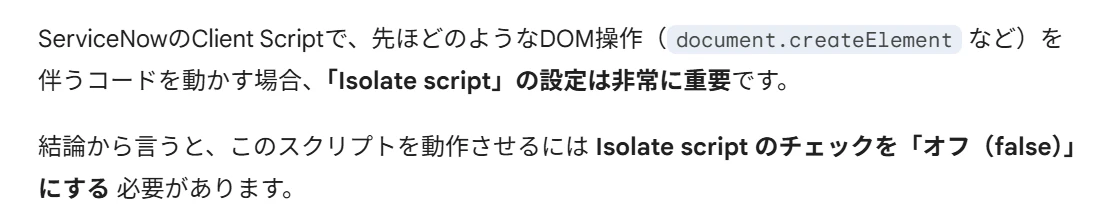
設定がTrueになっていたのでFalseに変更しました
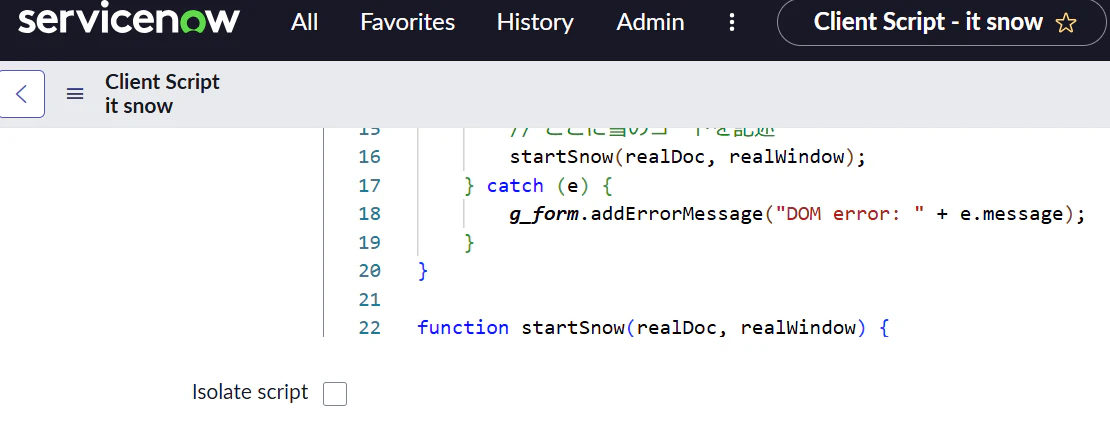
設定変えても動きませんでした。。。
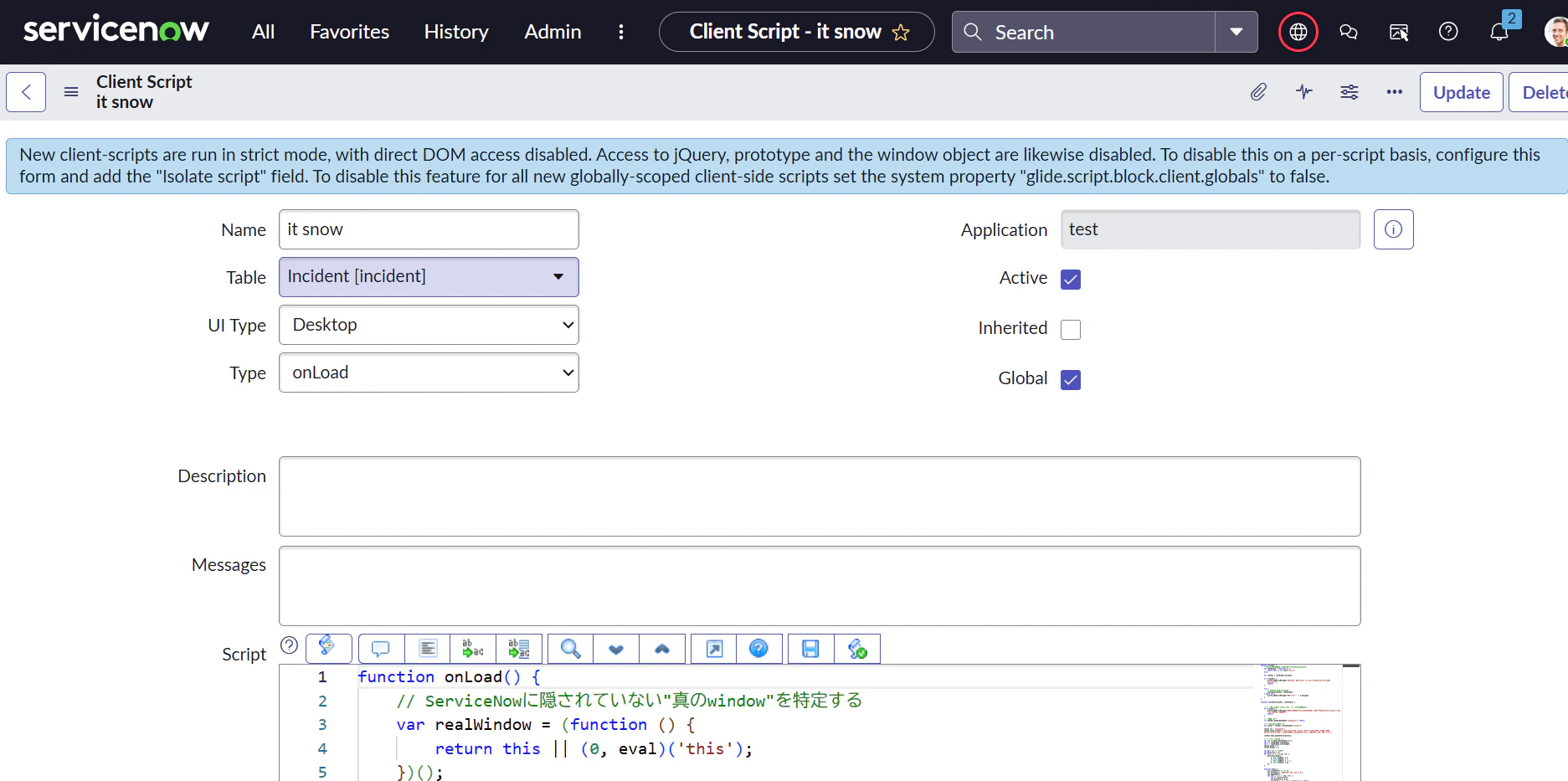
頑張ってお願いしたら最終兵器を教えてもらいました
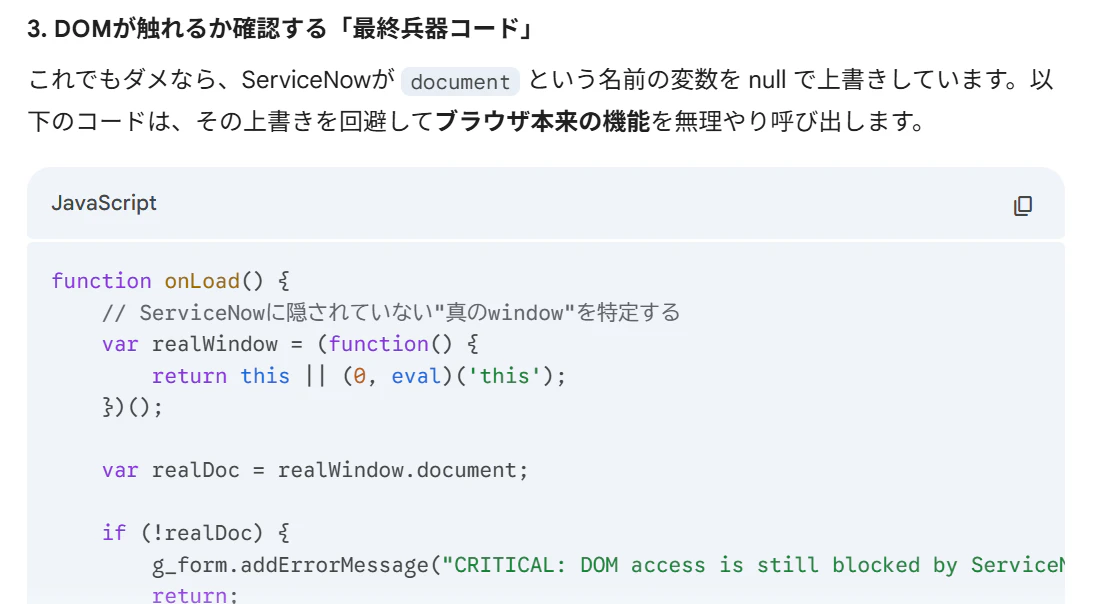
function onLoad() {
    // ServiceNowに隠されていない"真のwindow"を特定する
    var realWindow = (function() {
        return this || (0, eval)('this');
    })();

    var realDoc = realWindow.document;

    if (!realDoc) {
        g_form.addErrorMessage("CRITICAL: DOM access is still blocked by ServiceNow security.");
        return;
    }

    try {
        // テスト用の要素を作ってみる
        var testDiv = realDoc.createElement('div');
        g_form.addInfoMessage("✅ DOM操作の封印を解きました!createElement成功。");

        // ここに雪のコードを記述
        startSnow(realDoc, realWindow);
    } catch (e) {
        g_form.addErrorMessage("DOM error: " + e.message);
    }
}

function startSnow(realDoc, realWindow) {
    // 雪のCanvas作成処理をここに書く...
}
↑をがっちゃんこして、ちょっと手直しして
function onLoad() {
	// ServiceNowに隠されていない"真のwindow"を特定する
	var realWindow = (function () {
		return this || (0, eval)('this');
	})();

	var realDoc = realWindow.document;

	if (!realDoc) {
		g_form.addErrorMessage("CRITICAL: DOM access is still blocked by ServiceNow security.");
		return;
	}

	try {
		// ここに雪のコードを記述
		startSnow(realDoc, realWindow);
	} catch (e) {
		g_form.addErrorMessage("DOM error: " + e.message);
	}
}

function startSnow(realDoc, realWindow) {


	// 2. もし realDoc 自体が null だった場合の最終手段
	if (!realDoc) {
		g_form.addErrorMessage("DOMへのアクセスが完全に遮断されています。Isolate Scriptの設定を再確認してください。");
		return;
	}

	// 二重実行防止
	if (realDoc.getElementById('snowCanvas')) return;

	// 3. Canvasの作成と設定
	var canvas = realDoc.createElement('canvas');

	canvas.id = 'snowCanvas';
	canvas.style.cssText = "position:fixed; top:0; left:0; width:100%; height:100%; pointer-events:none; z-index:99999; background-color: rgba(220, 220, 220, 0.4);";

	realDoc.body.appendChild(canvas);

	// --- 描画ロジック ---
	var ctx = canvas.getContext('2d');
	var W = realWindow.innerWidth;
	var H = realWindow.innerHeight;
	canvas.width = W;
	canvas.height = H;

	var mp = 50; // 雪の量
	var particles = [];
	for (var i = 0; i < mp; i++) {
		particles.push({
			x: Math.random() * W,
			y: Math.random() * H,
			r: Math.random() * 4 + 1,
			d: Math.random() * mp
		});
	}

	function draw() {
		ctx.clearRect(0, 0, W, H);
		ctx.fillStyle = "rgba(255, 255, 255, 0.8)";
		ctx.beginPath();
		for (var i = 0; i < mp; i++) {
			var p = particles[i];
			ctx.moveTo(p.x, p.y);
			ctx.arc(p.x, p.y, p.r, 0, Math.PI * 2, true);
		}
		ctx.fill();
		update();
	}

	var angle = 0;
	function update() {
		angle += 0.01;
		for (var i = 0; i < mp; i++) {
			var p = particles[i];
			p.y += Math.cos(angle + p.d) + 1 + p.r / 2;
			p.x += Math.sin(angle) * 2;
			if (p.x > W + 5 || p.x < -5 || p.y > H) {
				particles[i] = { x: Math.random() * W, y: -10, r: p.r, d: p.d };
			}
		}
	}

	setInterval(draw, 33);

}
頑張った結果

さいごに
雪は降りました
Priorityが上がったら吹雪になっても面白いかと思いましたが力尽きました
桜とか花火とか落ち葉とか季節に合わせて仕込んでもいいと思いますが、元気があれば・・・
昔ベジェ曲線とか使って桜を降らせたことがあるのですが、今はこんな簡単に雪が降るんですね。
すごい
では、メリクリ!