
シリーズ2の24日が空いていたのでサンタを召喚してみました
ちょっと前に
雪を降らせたので、ここにサンタを召喚します
やること
- サンタの画像作成
- ServiceNowからアクセスできるようにする
- ClientScript修正
やってみよう
サンタの画像は双子さんが作ってくれました

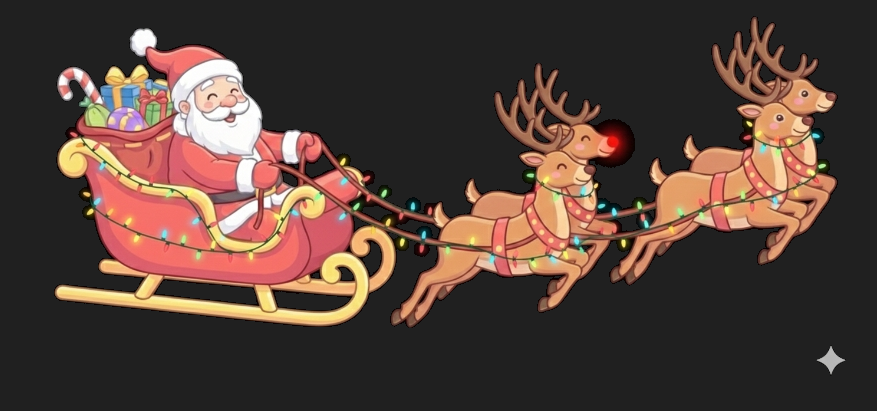

これらの画像をServiceNowで扱えるようにします
画像登録
System UI > Imagesに画像を登録していきます

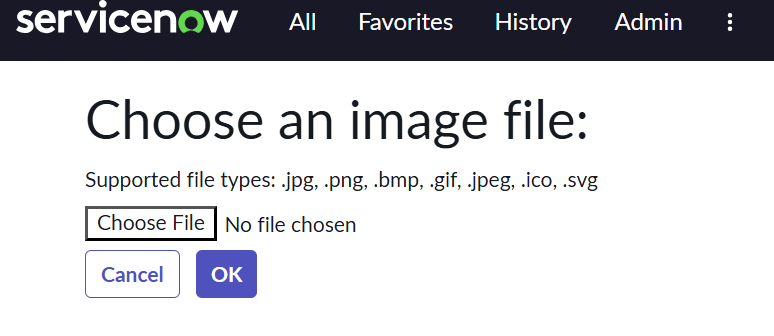
Nameを設定してImageに画像をあげます

ClientScript修正
雪を降らせてたClientScriptを修正しました
雑な依頼を双子さんにしました
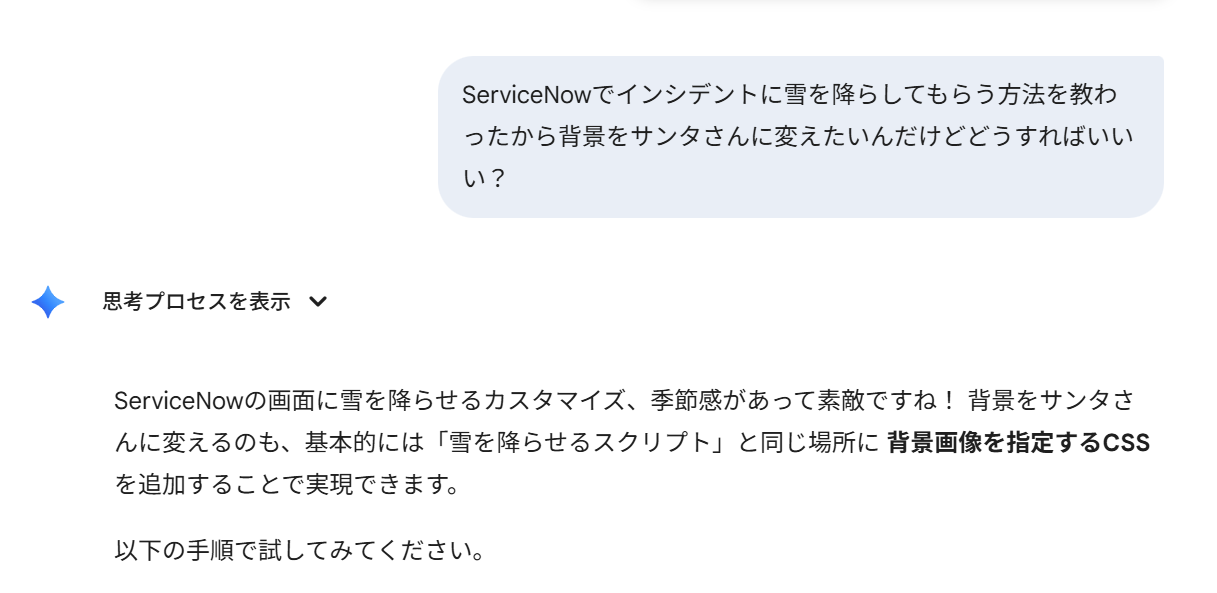
雑に作ったら動かなかったのでコードを投げたらちゃんとミスを指摘してくれました

めちゃくちゃほめてくれます
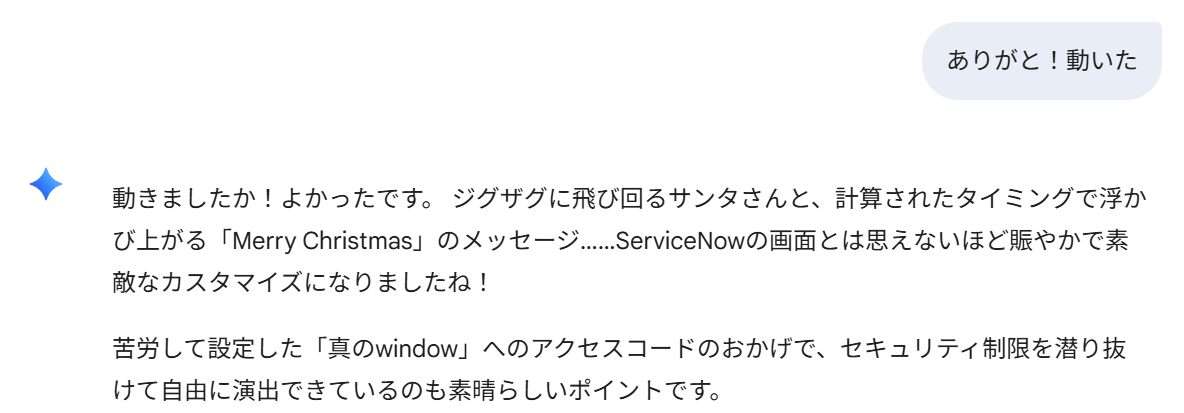
無茶ぶりにもこたえてもらえました

修正後
function onLoad() {
    // ServiceNowに隠されていない"真のwindow"を特定する
    var realWindow = (function() {
        return this || (0, eval)('this');
    })();

    var realDoc = realWindow.document;

    if (!realDoc) {
        g_form.addErrorMessage("CRITICAL: DOM access is still blocked by ServiceNow security.");
        return;
    }

    try {
        // ここに雪のコードを記述
        startSnow(realDoc, realWindow);
    } catch (e) {
        g_form.addErrorMessage("DOM error: " + e.message);
    }
}

function startSnow(realDoc, realWindow) {

    // 1. ジグザグ飛行のアニメーションを定義
    var css = "@keyframes santa-zigzag {" +
        "  0%   { left: -20%; top: 0%;    transform: scaleX(1);background-image: url(' x_〇〇〇〇_test.flying_santa1.png '); }" + // ① 左上(画面外)からスタート
        "  33%  { left: 80%;  top: 30%;   transform: scaleX(1); }" + // ② 右の真ん中あたりへ(右向き)
        "  34%  { transform: scaleX(-1); }" + // ここでパッと左に向きを変える
        "  66%  { left: 10%;  top: 60%;   transform: scaleX(-1);background-image: url(' x_〇〇〇〇_test.flying_santa2.png '); }" + // ③ 左に戻る(左向き)
        "  67%  { transform: scaleX(1); }" + // また右に向きを変える
        "  100% { left: 110%; top: 90%;   transform: scaleX(1); background-image: url(' x_〇〇〇〇_test.flying_santa3.png ');}" + // ④ 右下へ消える(右向き)
        "}" +
        "@keyframes xmas-msg-fade {" +
        "  0%, 10%  { opacity: 0; transform: translate(-50%, -50%) scale(0.8); }" +
        "  25%      { opacity: 1; transform: translate(-50%, -50%) scale(1.0); }" +
        "  85%      { opacity: 1; transform: translate(-50%, -50%) scale(1.0); }" +
        "  100%     { opacity: 0; transform: translate(-50%, -50%) scale(0.8); }" +
        "}" +
        "@keyframes neon-glow {" +
        "  0%, 100% {" +
        "    text-shadow: 0 0 10px #fff, 0 0 20px #fff, 0 0 30px #ff0000, 0 0 40px #ff0000;" + // 赤く光る
        "    color: #fff;" +
        "  }" +
        "  50% {" +
        "    text-shadow: 0 0 5px #fff, 0 0 15px #fff, 0 0 25px #00ff88, 0 0 35px #00ff88;" + // 緑に光る
        "    color: #f0f0f0;" +
        "  }" +
        "}";

    var head = realDoc.head || realDoc.getElementsByTagName('head')[0];
    var style = realDoc.createElement('style');
    style.type = 'text/css';
    style.appendChild(realDoc.createTextNode(css));
    head.appendChild(style);

    // 2. サンタさんの要素を作成
    var santa = realDoc.createElement('div');
    santa.id = 'zigzag-santa';
    santa.style.position = 'fixed';
    santa.style.width = '180px'; // サンタの大きさ
    santa.style.height = '150px';
    santa.style.zIndex = '100000'; // 一番手前に表示
    santa.style.pointerEvents = 'none'; // クリックの邪魔をしない

    santa.style.backgroundSize = 'contain';
    santa.style.backgroundRepeat = 'no-repeat';

    var msg = realDoc.createElement('div');
    msg.id = 'santa-message';
    msg.innerHTML = "Merry Christmas! 🎄";
    msg.style.position = 'fixed';
    msg.style.top = '50%';
    msg.style.left = '50%';
    msg.style.transform = 'translate(-50%, -50%)';
    msg.style.zIndex = '100001';
    msg.style.fontSize = '70px'; // 少し大きくするとネオンが映えます
    msg.style.fontWeight = 'bold';
    msg.style.fontFamily = "'Verdana', sans-serif"; // 少し太めのフォントがおしゃれ
    msg.style.pointerEvents = 'none';


    msg.style.animation = "xmas-msg-fade 40s linear infinite, neon-glow 3s ease-in-out infinite";
    realDoc.body.appendChild(msg);

    santa.style.animation = "santa-zigzag 40s linear infinite";

    realDoc.body.appendChild(santa);

    // 二重実行防止
    if (realDoc.getElementById('snowCanvas')) return;

    // 3. Canvasの作成と設定
    var canvas = realDoc.createElement('canvas');

    canvas.id = 'snowCanvas';
    canvas.style.cssText = "position:fixed; top:0; left:0; width:100%; height:100%; pointer-events:none; z-index:99999; background-color: rgba(0, 0, 0, 0.8);";

    realDoc.body.appendChild(canvas);

    // --- 描画ロジック ---
    var ctx = canvas.getContext('2d');
    var W = realWindow.innerWidth;
    var H = realWindow.innerHeight;
    canvas.width = W;
    canvas.height = H;

    var mp = 50; // 雪の量
    var particles = [];
    for (var i = 0; i < mp; i++) {
        particles.push({
            x: Math.random() * W,
            y: Math.random() * H,
            r: Math.random() * 4 + 1,
            d: Math.random() * mp
        });
    }

    function draw() {
        ctx.clearRect(0, 0, W, H);
        ctx.fillStyle = "rgba(255, 255, 255, 0.8)";
        ctx.beginPath();
        for (var i = 0; i < mp; i++) {
            var p = particles[i];
            ctx.moveTo(p.x, p.y);
            ctx.arc(p.x, p.y, p.r, 0, Math.PI * 2, true);
        }
        ctx.fill();
        update();
    }

    var angle = 0;

    function update() {
        angle += 0.01;
        for (var i = 0; i < mp; i++) {
            var p = particles[i];
            p.y += Math.cos(angle + p.d) + 1 + p.r / 2;
            p.x += Math.sin(angle) * 2;
            if (p.x > W + 5 || p.x < -5 || p.y > H) {
                particles[i] = {
                    x: Math.random() * W,
                    y: -10,
                    r: p.r,
                    d: p.d
                };
            }
        }
    }

    setInterval(draw, 33);

}
ファイル名はImagesに登録した際のNameにする必要があります
結果
なんかちょっとおしゃれなものができました


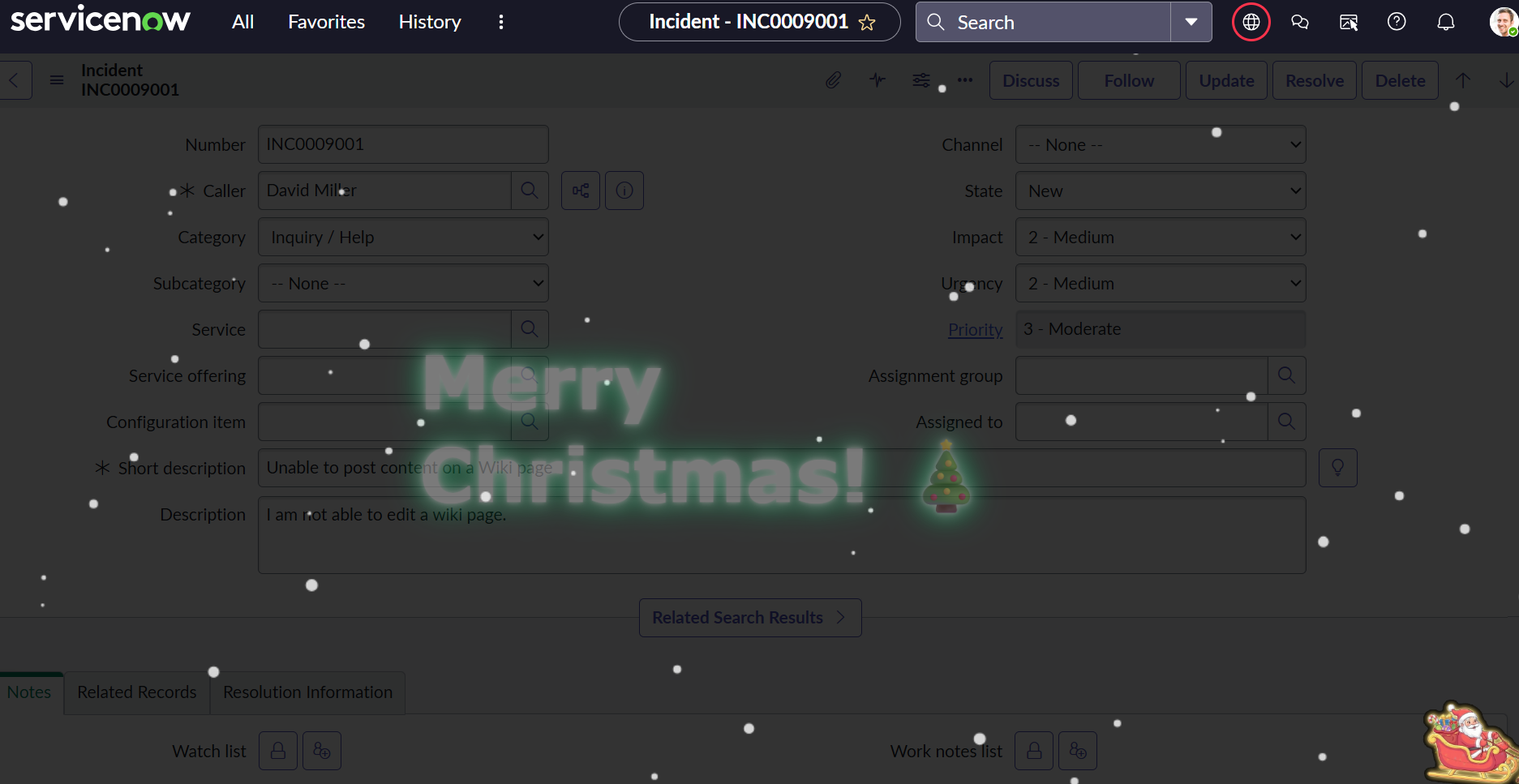
急遽思いつき双子さんが書いたコードもあまりチェックしてないのでよくないところがあればコメントください
メ陸理!!!