
16進数を10進数に変換するpython拡張ノードをBobに作らせる
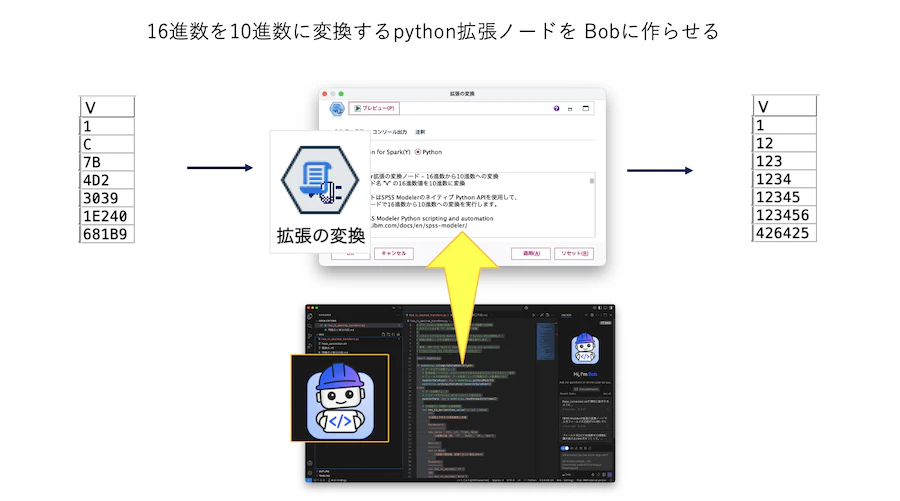
1.想定される利用目的
・桁数に依存しない16進数から10進数への変換を行う
*過去に紹介してきた方法は最大桁数への配慮が必要でした
2.サンプルデータとストリームのダウンロード
サンプルストリーム
3.サンプルストリームの説明

a.入力するデータは以下の通りです。

b.[拡張の変換]ノードを編集します。このスクリプトはIBM Bobに生成させました。その方法は後述します。

[テーブル]を実行します。

Bobにpythonスクリプトを書かせる方法
Bobを起動します。
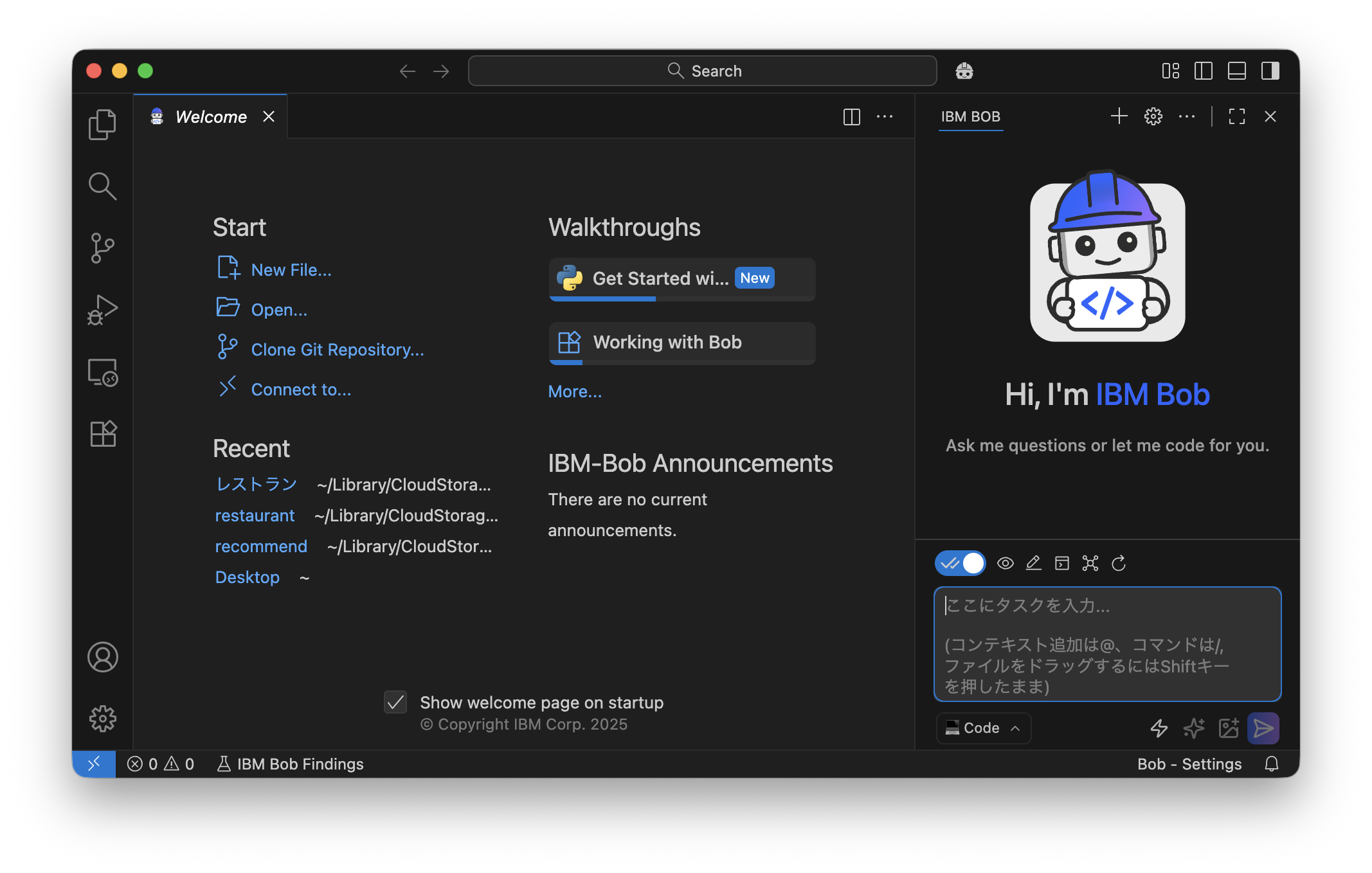
Start>Open で作業スペースフォルダを指定します。
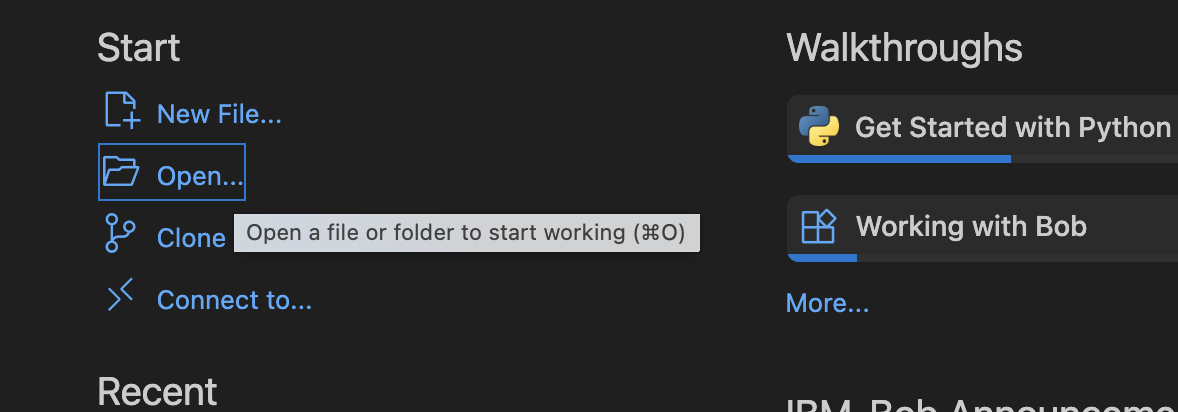
プロンプトは次のとおりです。
[拡張の変換]ノードは無編集のサンプルストリームを作り、[hexa_conversion.str]としてBobの作業フォルダに保存しておきます。
プロンプト
hexa_conversion.strが
フィールド名[V]の16進数を10進数に置き換えるように
ibm-docsで調べてpythonスクリプトを修正して下さい。

変数:

CLEMB="/Applications/IBM/SPSS/Modeler/18.6/IBM SPSS Modeler.app/Contents/MacOS/clemb”
次のpythonスクリプトが生成されたらコピーして[hexa_conversion.str]の[拡張の変換]ノードにペーストします。
python
# SPSS Modeler拡張の変換ノード - 16進数から10進数への変換
# 入力フィールド名 "V" の16進数値を10進数に変換
#
# このスクリプトはSPSS Modelerのネイティブ Python APIを使用して、
# 拡張の変換ノードで16進数から10進数への変換を実行します。
#
# 参考: IBM SPSS Modeler Python scripting and automation
# https://www.ibm.com/docs/en/spss-modeler/

import modelerpy

if modelerpy.isComputeDataModelOnly():
    # データモデル定義フェーズ
    # 拡張変換ノードでは、入力データモデルをそのまま出力データモデルとして使用
    # フィールドの型変更は、データ処理フェーズで実際のデータ変換時に行う
    modelerDataModel = modelerpy.getDataModel()
    modelerpy.setOutputDataModel(modelerDataModel)
else:
    # データ処理フェーズ
    # 入力データをPandas DataFrameとして読み込み
    modelerData = modelerpy.readPandasDataframe()

    # 16進数から10進数への変換関数
    def hex_to_decimal(hex_value):
        """
        16進数文字列を10進数整数に変換

        Parameters:
        -----------
        hex_value : str, int, float, None
            16進数の値(例: 'FF', '0x1A', '2B', 'abc')

        Returns:
        --------
        int or None
            10進数の整数値。変換できない場合はNone

        Examples:
        ---------
        >>> hex_to_decimal('FF')
        255
        >>> hex_to_decimal('0x1A')
        26
        >>> hex_to_decimal('2B')
        43
        >>> hex_to_decimal(None)
        None
        """
        # 空値チェック
        if hex_value is None or hex_value == '':
            return None

        try:
            # 文字列型に変換(数値型で入力された場合に対応)
            hex_str = str(hex_value).strip()

            # 空白のみの文字列チェック
            if not hex_str:
                return None

            # 16進数として解釈(0xプレフィックスの有無に対応)
            # int()関数の第2引数に16を指定することで16進数として解釈
            return int(hex_str, 16)

        except (ValueError, TypeError):
            # 変換できない場合はNoneを返す
            # ValueError: 無効な16進数文字列
            # TypeError: 予期しない型
            return None

    # 出力データの作成(入力データのコピー)
    outputData = modelerData.copy()

    # フィールド名 "V" の値に変換関数を適用
    # 重要:SPSS Modelerの拡張変換ノードでは、入力フィールドの型が保持される
    # 入力が文字列型の場合、出力も文字列型として返す必要がある
    if 'V' in outputData.columns:
        # 16進数を10進数に変換し、文字列として保存
        outputData['V'] = outputData['V'].apply(
            lambda x: str(hex_to_decimal(x)) if hex_to_decimal(x) is not None else None
        )
    elif '[V]' in outputData.columns:
        outputData['[V]'] = outputData['[V]'].apply(
            lambda x: str(hex_to_decimal(x)) if hex_to_decimal(x) is not None else None
        )

    # 変換結果をSPSS Modelerに書き戻す
    modelerpy.writePandasDataframe(outputData)

# Made with Bob
注意点
以下の手続きをしておくとドキュメント参照が効率化されます。
4. 参考情報
SPSS ModelerでModeler Serverログファイルを読み込む
SPSS Modeler ノードリファレンス目次
SPSS Modeler 逆引きストリーム集(データ加工)