
Version: Xanadu
Export Set
Export Setを使ってServiceNowインスタンスのレコードをMID Server経由でCSVファイルに出力してみます

ここで立てたMID Serverを使います 通信はHTTPSでMID ServerからServiceNowのインスタンスに向けて行われます
試す
Create Export Set
Filter navigatorからSystem Export Sets - Create Export Setを選択して

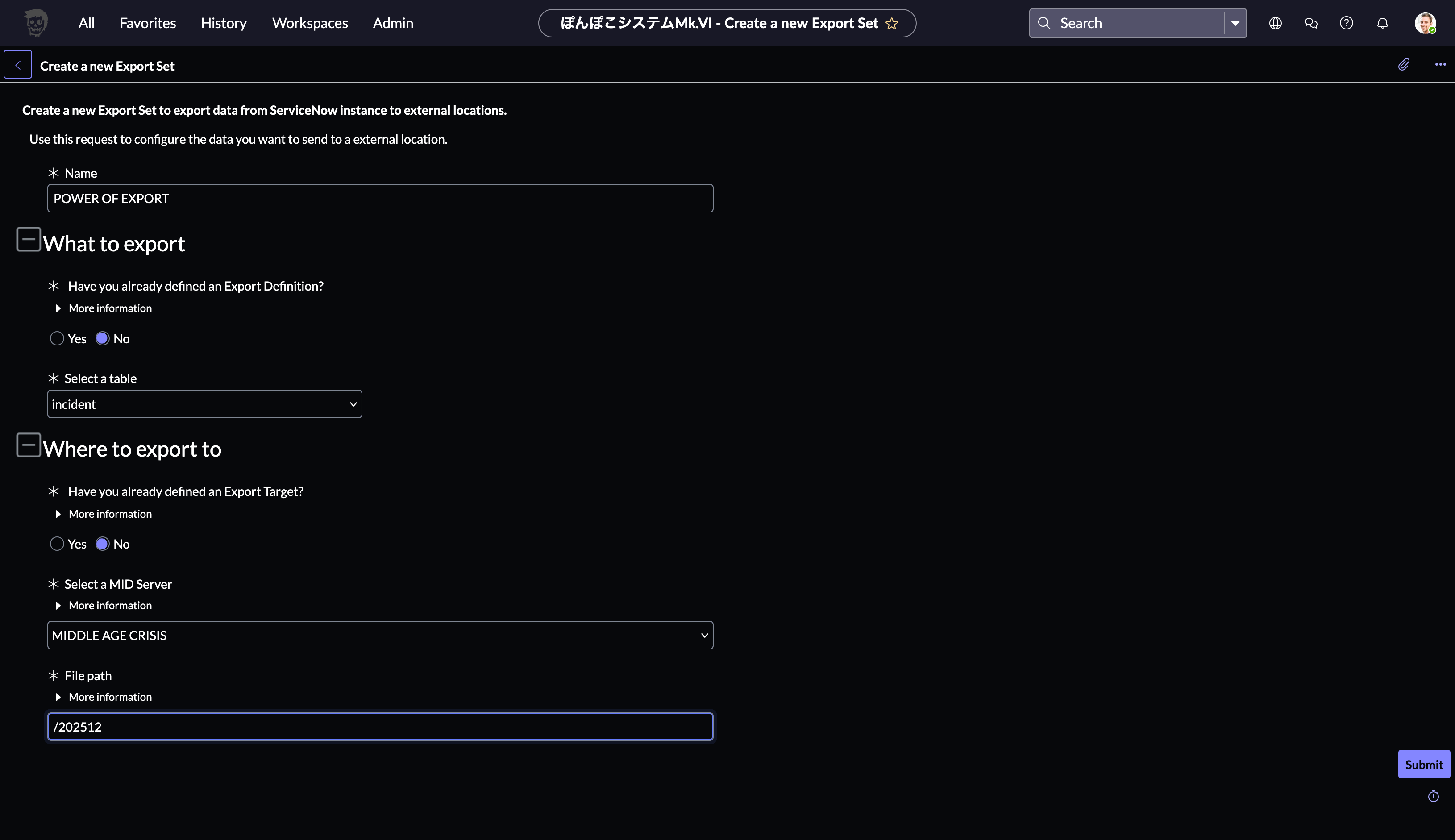
Nameに適当な値を入れてTableにIncidentを指定してMID Serverを選択してファイルパスを202512に指定して[Submit]します
画面遷移してExport Setができたようです
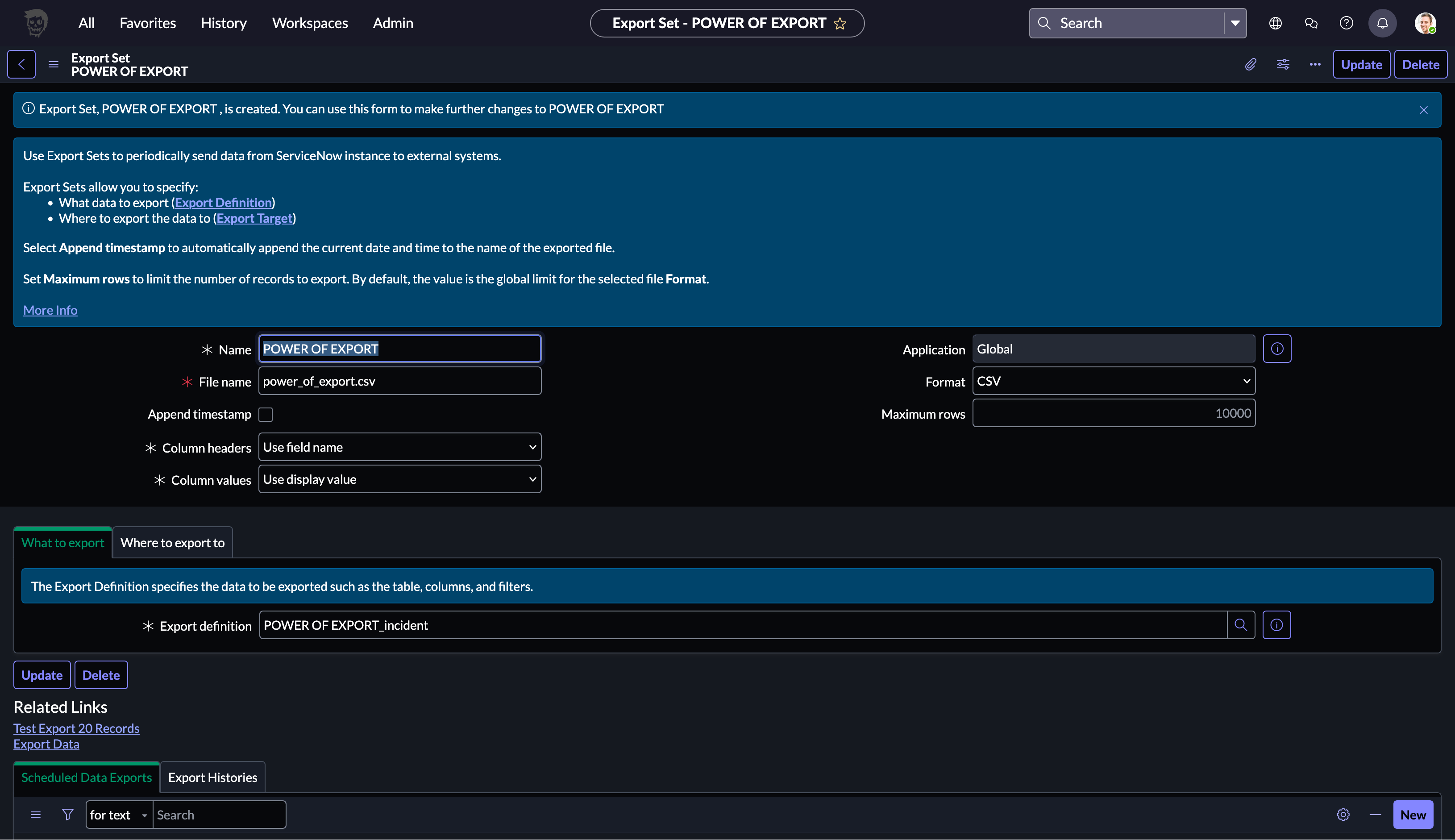
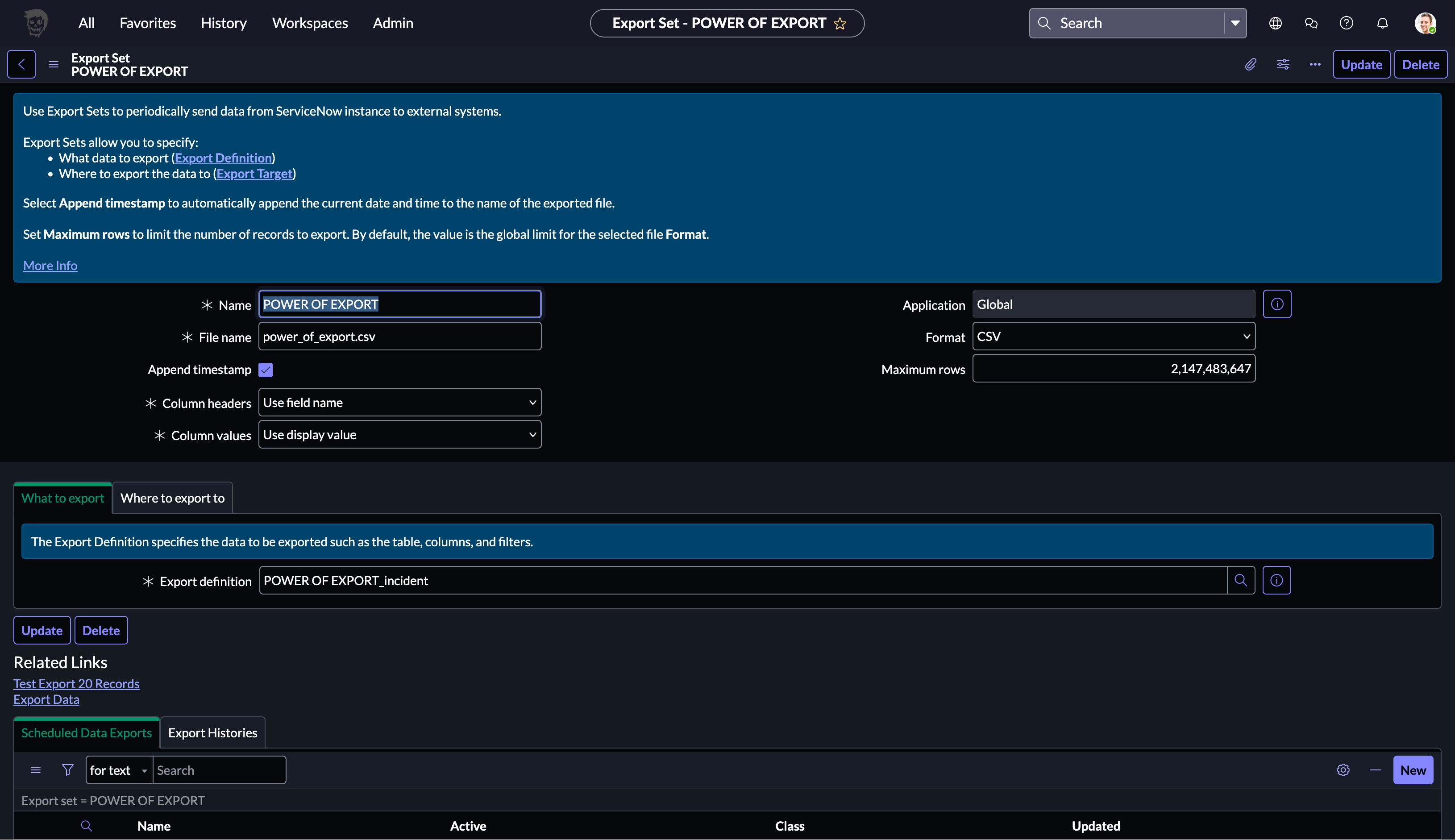
Append timestampはあったほうが便利そうなのでチェックしてMaximum rowsを99999999999999で詰めて画面上部を右クリックして表示されるメニューでSaveを選択して

Maximum rowsが2,147,483,647に戻されて保存できました
Export Data
Export Setの画面中ほどにあるRelated LinksのExport Dataをクリックして

Successしたようです
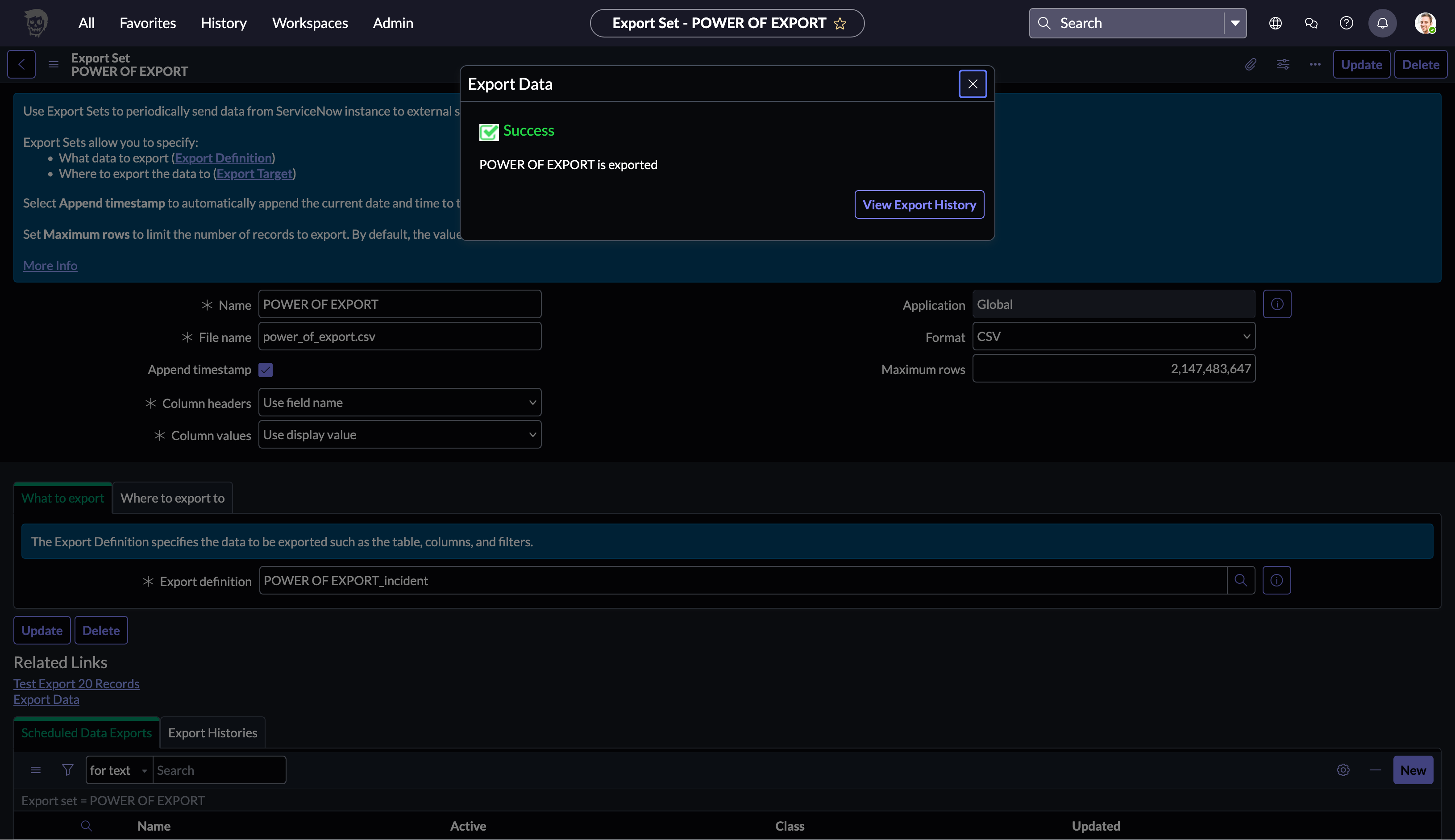
View Export History
View Export Historyをクリックすると履歴が確認できました

Exportされたファイルを確認
MID Serverのディレクトリ直下にexportというディレクトリが出来ていました
% pwd
/mid/agent
% ls -ltr
〜 略 〜
drwxr-xr-x    3 root  staff     96 12 24 07:47 export
exportというディレクトリの下にはExport Setで指定した202512というディレクトリが作成されていてその下にTimestampつきのcsvファイルが作成されています
% cd export
% ls -ltr
total 0
drwxr-xr-x  3 root  staff  96 12 24 07:47 202512
% cd 202512
% ls -ltr
total 32
-rw-r--r--  1 root  staff  16058 12 24 07:47 power_of_export_20251223144708.csv
Finderからcsvファイルを開いたところIncidentのデータがCSVファイルになっていることが確認できましたが出力する項目や条件が指定できないのかが気になります

Export Definition
出力する項目や条件を指定ができないか探してみます System Export Sets - Administration - Export Definitionsを選択して

Export Definitionの一覧が表示されたので先ほど作成したExport setの名前のレコードを選択して

内容を確認すると出力する項目やConditionを指定することが出来そうです

Scheduled Export
あとは定期的に実行する仕組みが欲しいと思って探したところSystem Export Sets - Administration - Scheduled Exportsというメニューがあって一覧表示後で[New]をクリックしたところExportを定期的に実行できる設定が見つかりました
