
Version: Xanadu
やること
HRSD(Human Resource Service Delivery)をPDI(Personal Developer Instance)にインストールします PDIはメールアドレスだけで取得できる個人的な開発用のインスタンスです 取得方法は検索すれば色々出ます
Pluginのインストール
画面左上のAllからFilter navigatorを表示して"plugins"などと入力して絞り込まれたメニューからSystem Defenition - Pluginを選択して

表示される画面で"hr"という文字列で検索します
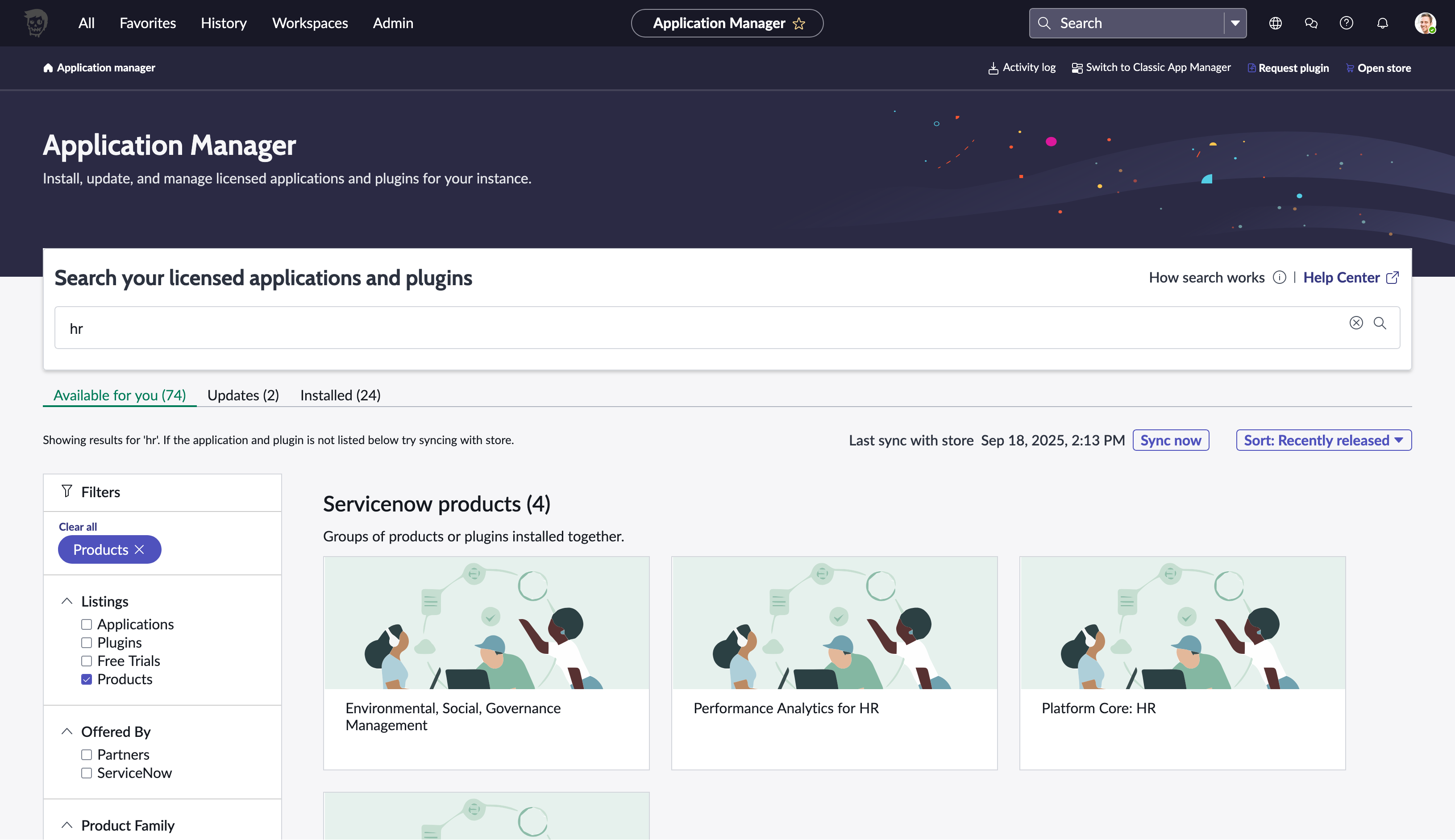
"Available for you"に表示された"Platform Core:HR"を選択して"Get started"の"Install"をクリックします
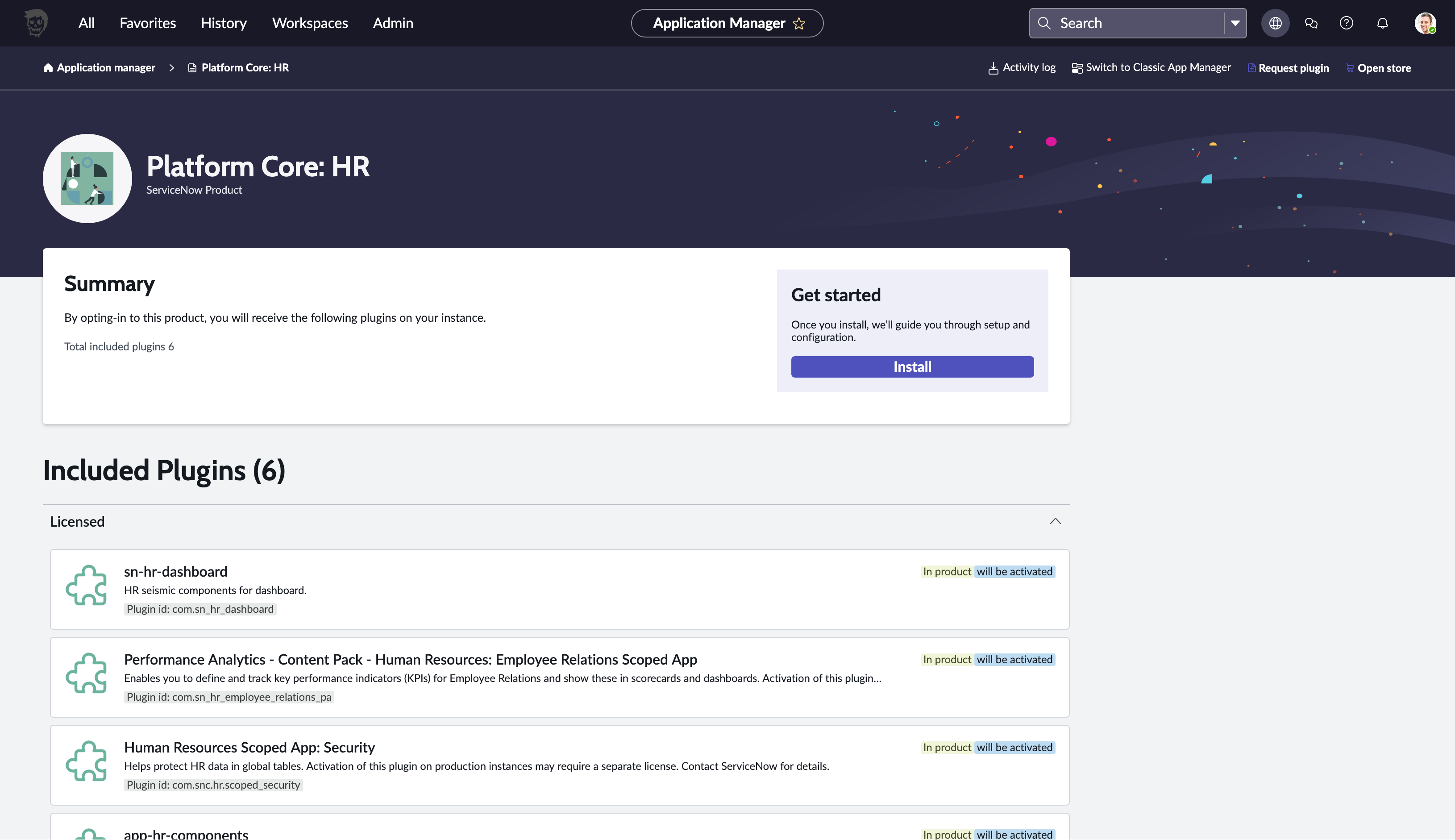
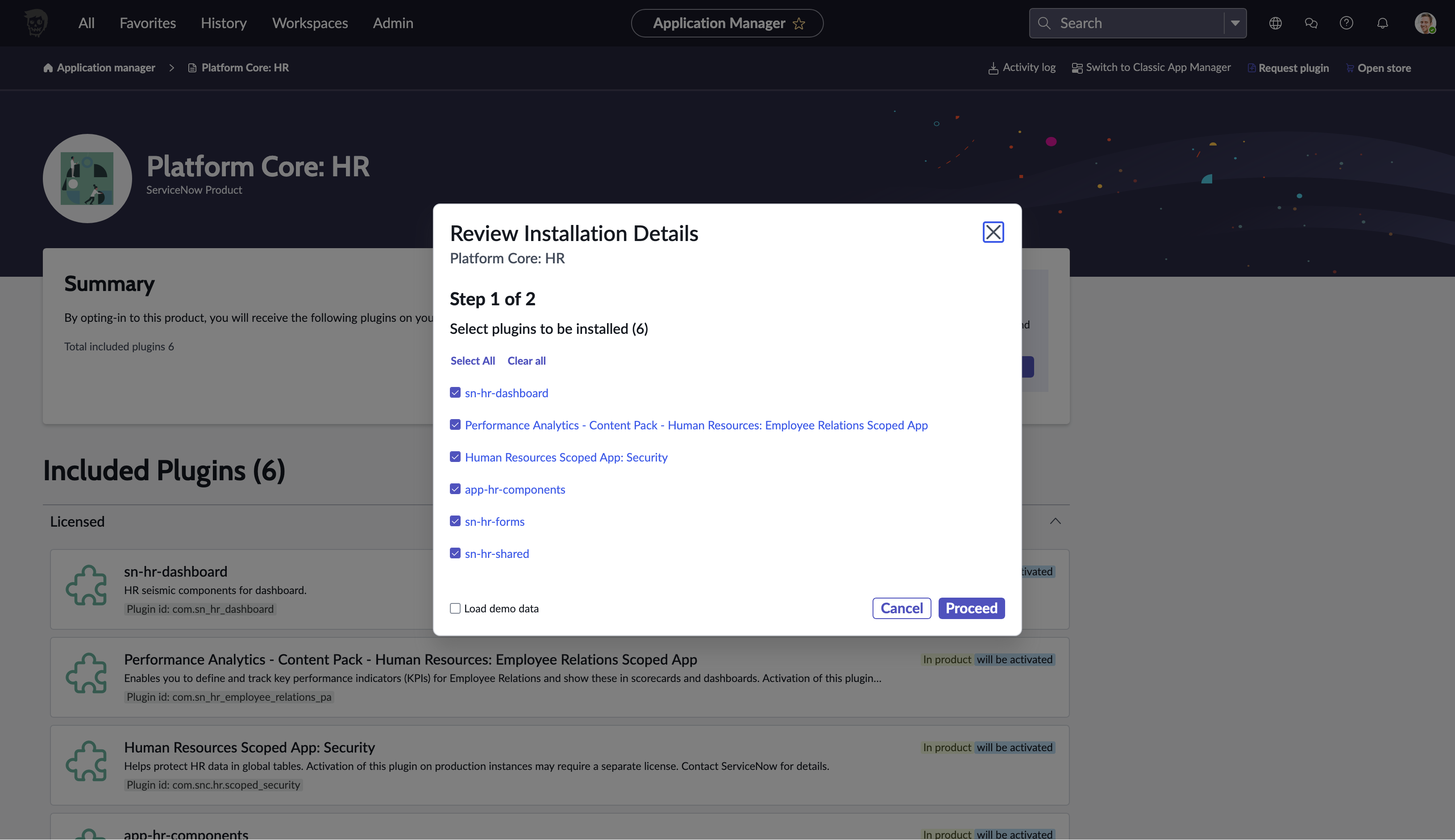
ダイアログでInstallの詳細が表示されます
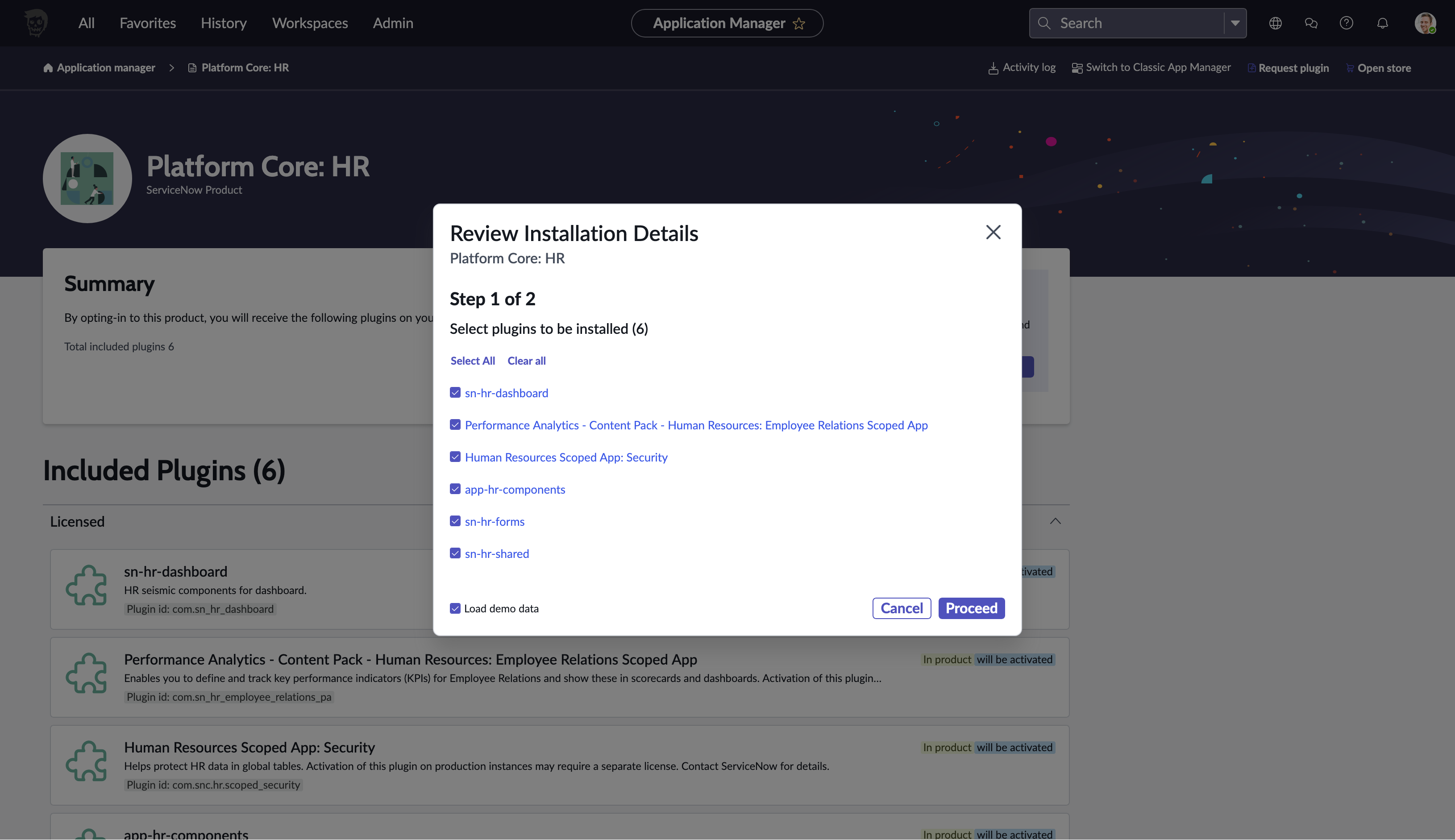
サンプルデータが含まれた方が良いと思えたので"Load Demo Data"をチェックして"Proceed"をクリックします
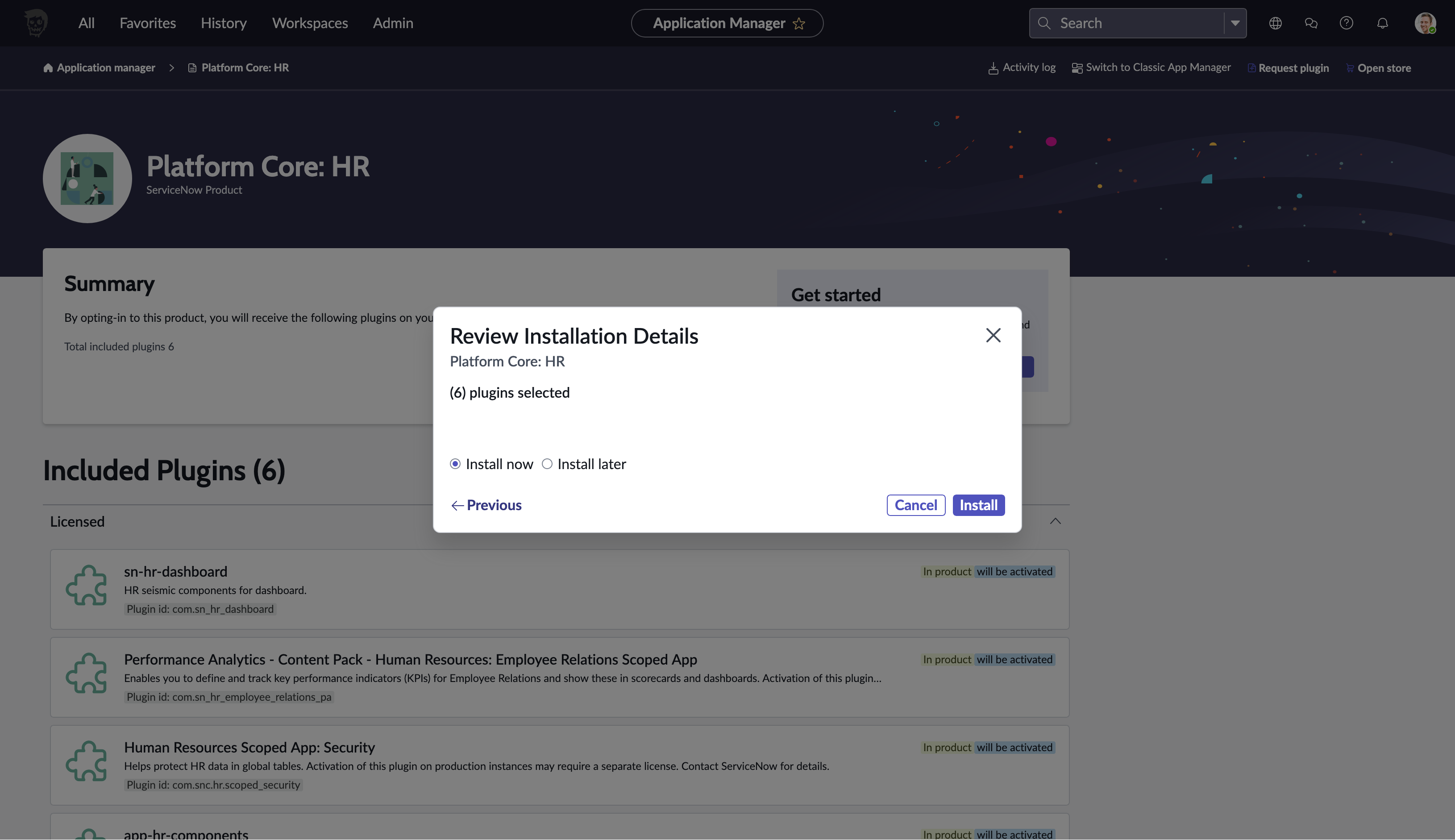
今すぐインストールしたいので"Install now"が選択されていることを確認して"Install"をクリックします
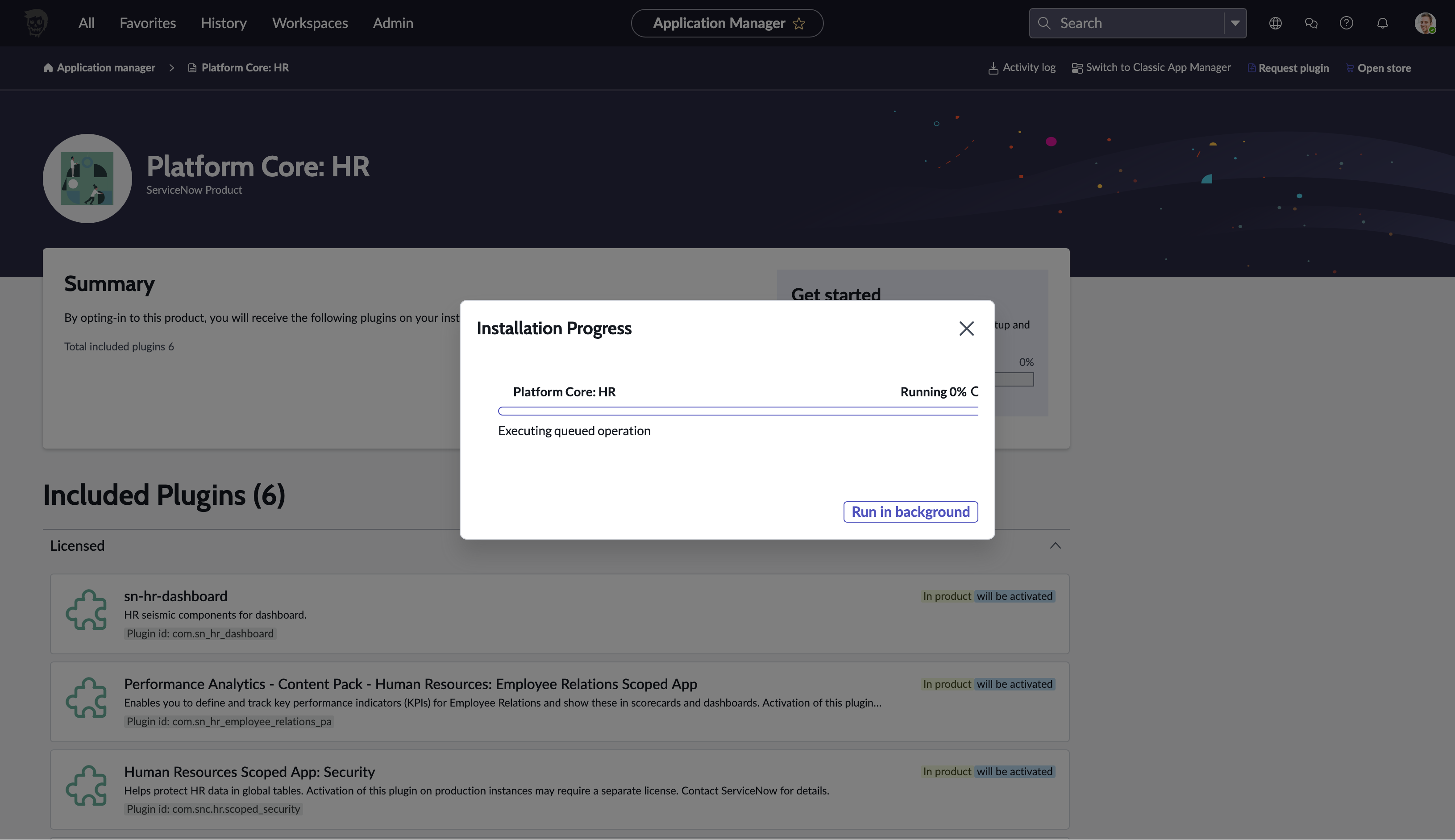
プログレスバーが表示されるので待ちます
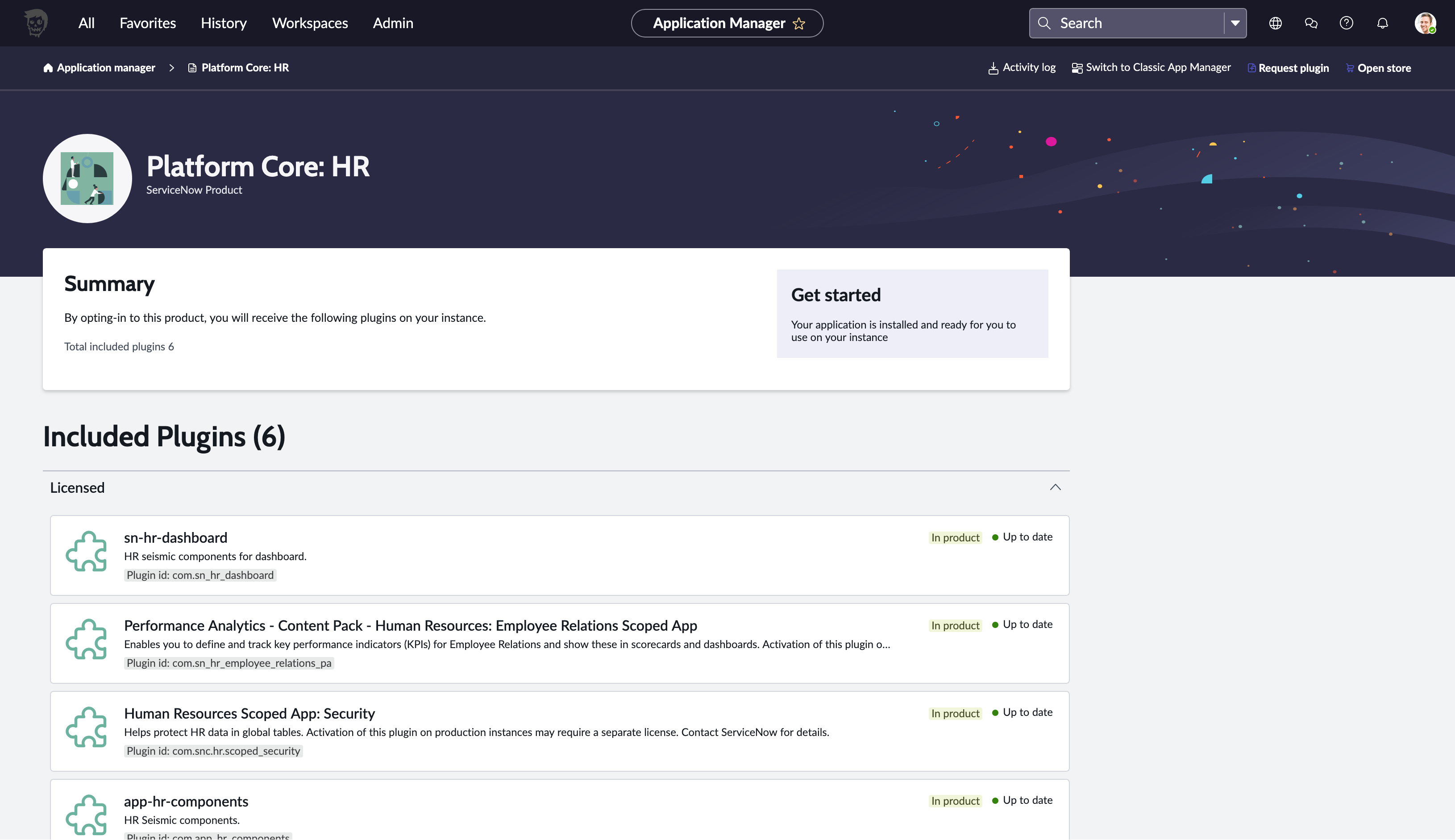
一晩放置したら終わっていたようです
少し試す
Filter navigatorに"HR"と入力してメニューを確認したところHR系のメニューが増えているようです

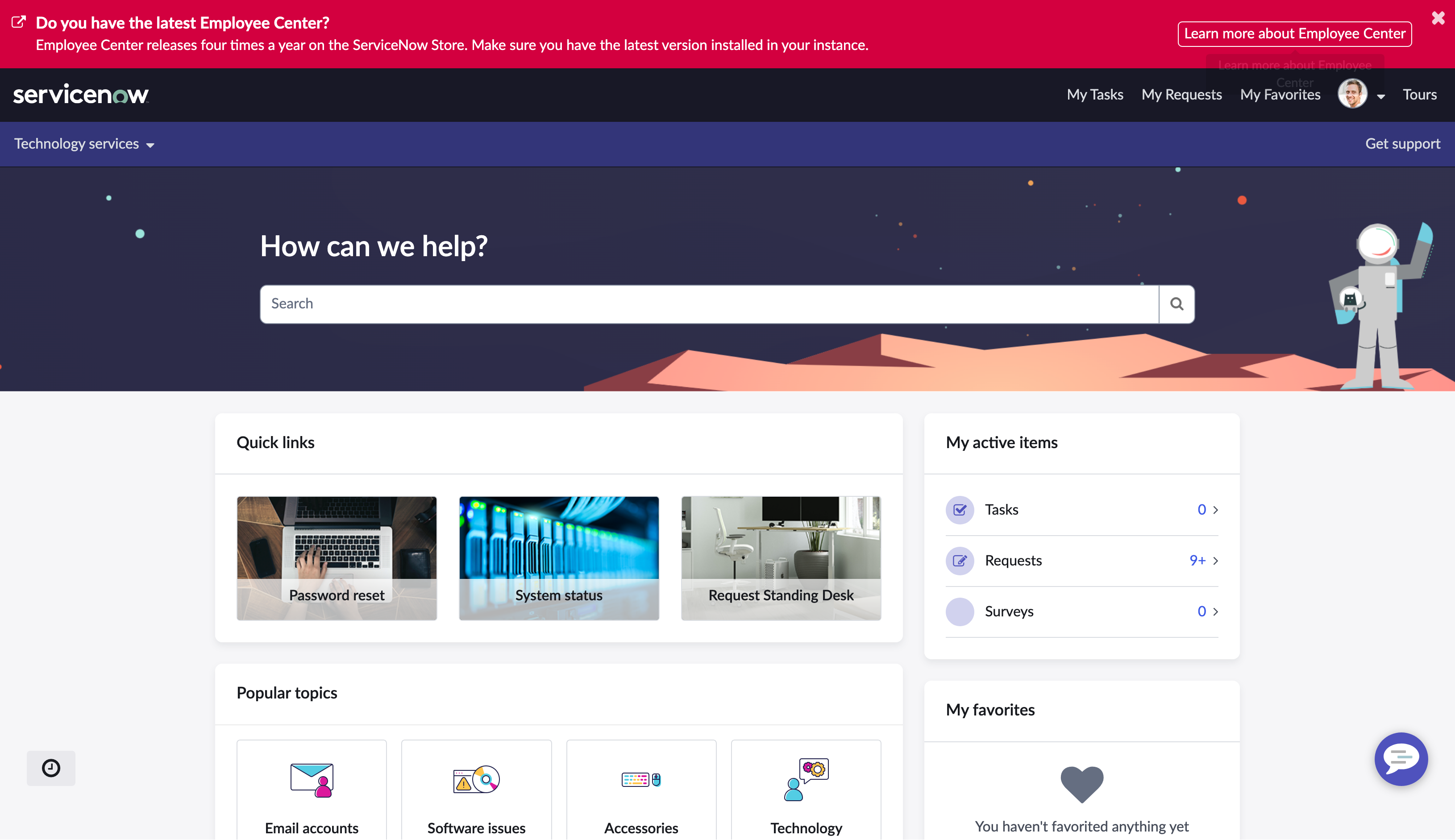
HR Case Management - Employee Centerを選択して表示してみました
HRSDに関してはこちらの歴史の記事が大変素晴らしいので勉強しておこうと思います