
Version: Xanadu
Agent Client Collectorとは
Agent Client Collector(ACC)はCI(機器)上にAgentをインストールしてCIの情報を収集したり監視する仕組みのようです Discoveryの場合MID ServerからCI(機器)に通信していますがACCはAgentからMID Server経由でServiceNowインスタンスに通信するようです Discoveryに関しては以下記事にまとめています
ACC Framework(ACC-F)が全体をコントールするものでACC Monitoring(ACC-M)が監視でACC Visibility(ACC-V)が可視化でACC Log Analytics(ACC-L)がログ分析なのかなと思います 以下ページから概要図を引用させていただきます
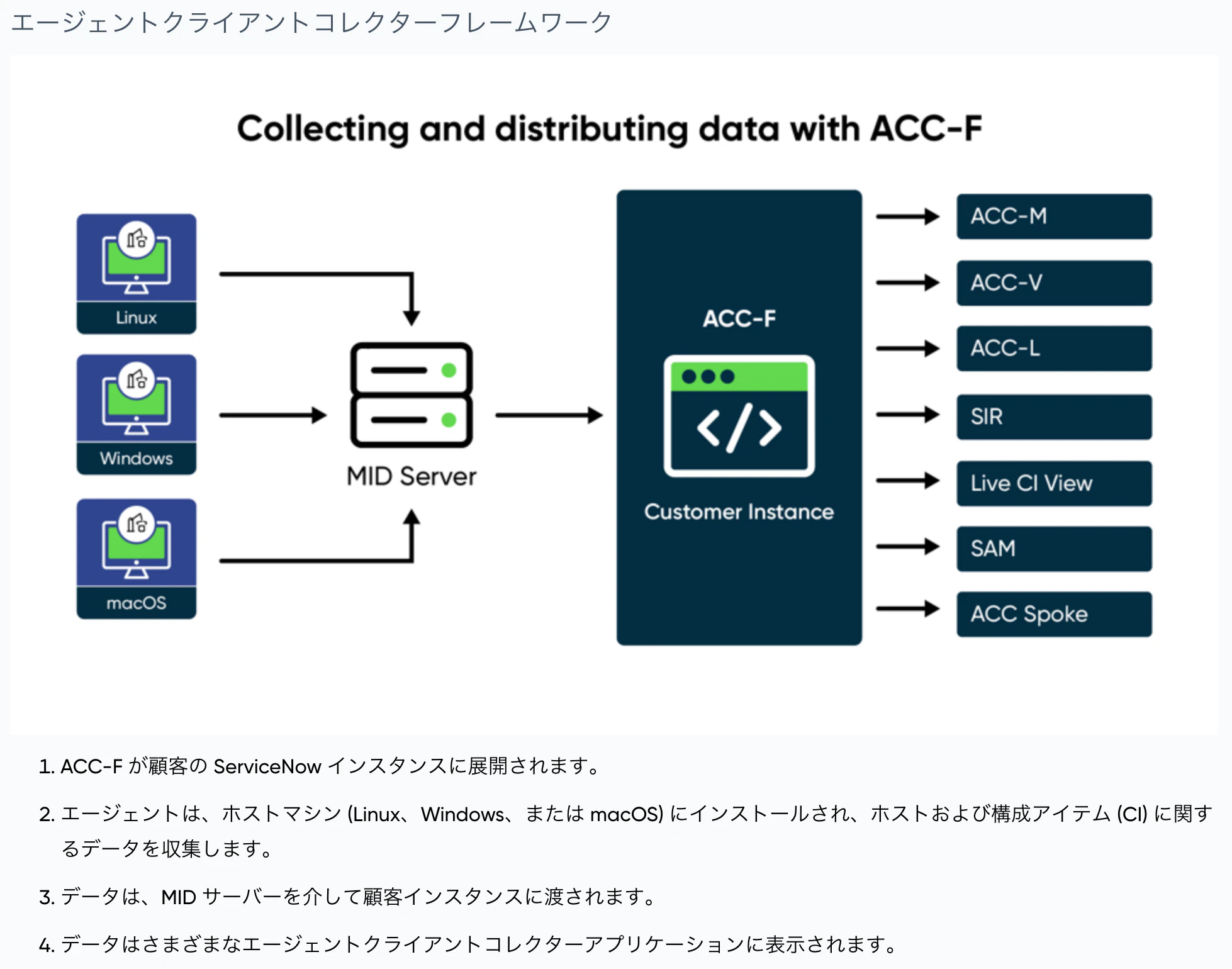
CIに外部から通信させたくない用途で使うものと思います Agentを配置できるOSがWindows/Mac/Linuxだけのようなのでネットワーク機器などでは使えないようです
ACCはRubyで実装されたSensuというフレームワークをアーキテクチャとしているようです
試したいこと
Mac OS(ARM)上にAgentとMID Serverをインストールしてとりあえず動かしてみます(AgentとMID Serverは通常別マシンで動作するものだと思います)
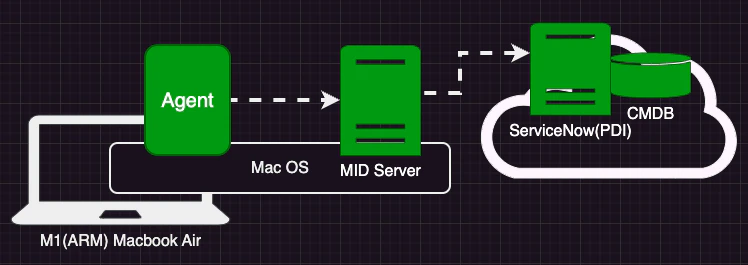
セットアップ
セットアップに関してはここの記述がわかりやすかったです
最低以下の4手順でACCの仕組みが出来るようです 3の手順でMID ServerがListenerでAgentからの接続を受け付けるようになり4の手順でListenerにアクセスするための情報も設定できます
- ServiceNowインスタンスにPluginをInstall
- CIと同じネットワークセグメントにMID Serverを立てる
- ServiceNowの画面でMID ServerのListenerを設定
- CIにAgentをInstall
1. ServiceNowインスタンスにPluginをInstall
必要なPluginを調べます たくさんあるようなので一旦最小限動けばいいかなぐらいで進めます
Filter navigatorでSystem Definition - pluginsを選択し

プラグインのインストール画面に遷移して検索窓で Agent Client Collector で検索したところ6つに絞られて
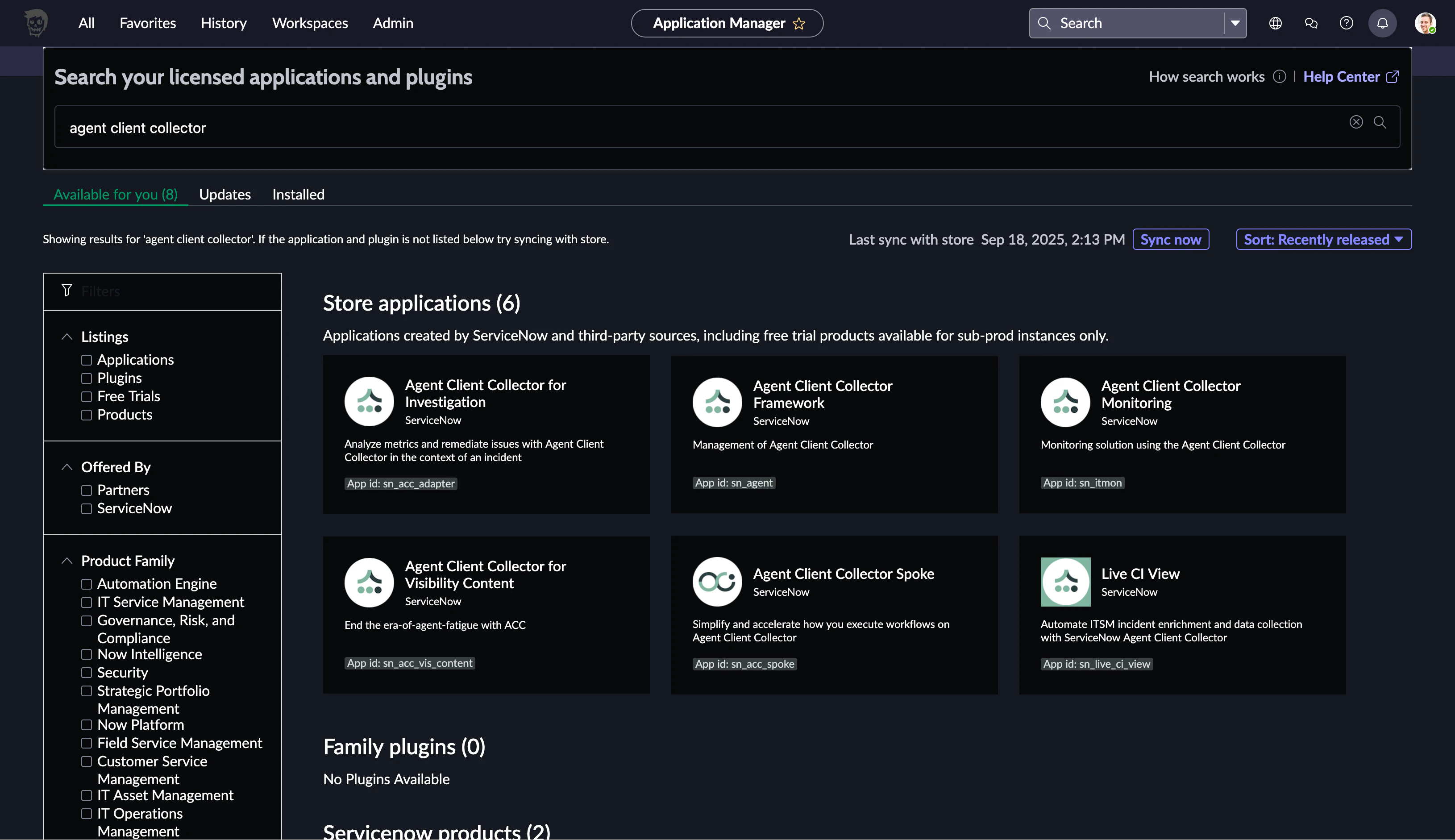
左上から見て4つがコアな機能に思われたのでインストールしてみます
Agent Client Collector Framework
最初に引用した絵でACC-FがServiceNowインタンス上で大事な動きをしていそうだったのでFrameworkからインストールしてみます 検索して表示されている項目をクリックしてInstall画面に遷移して
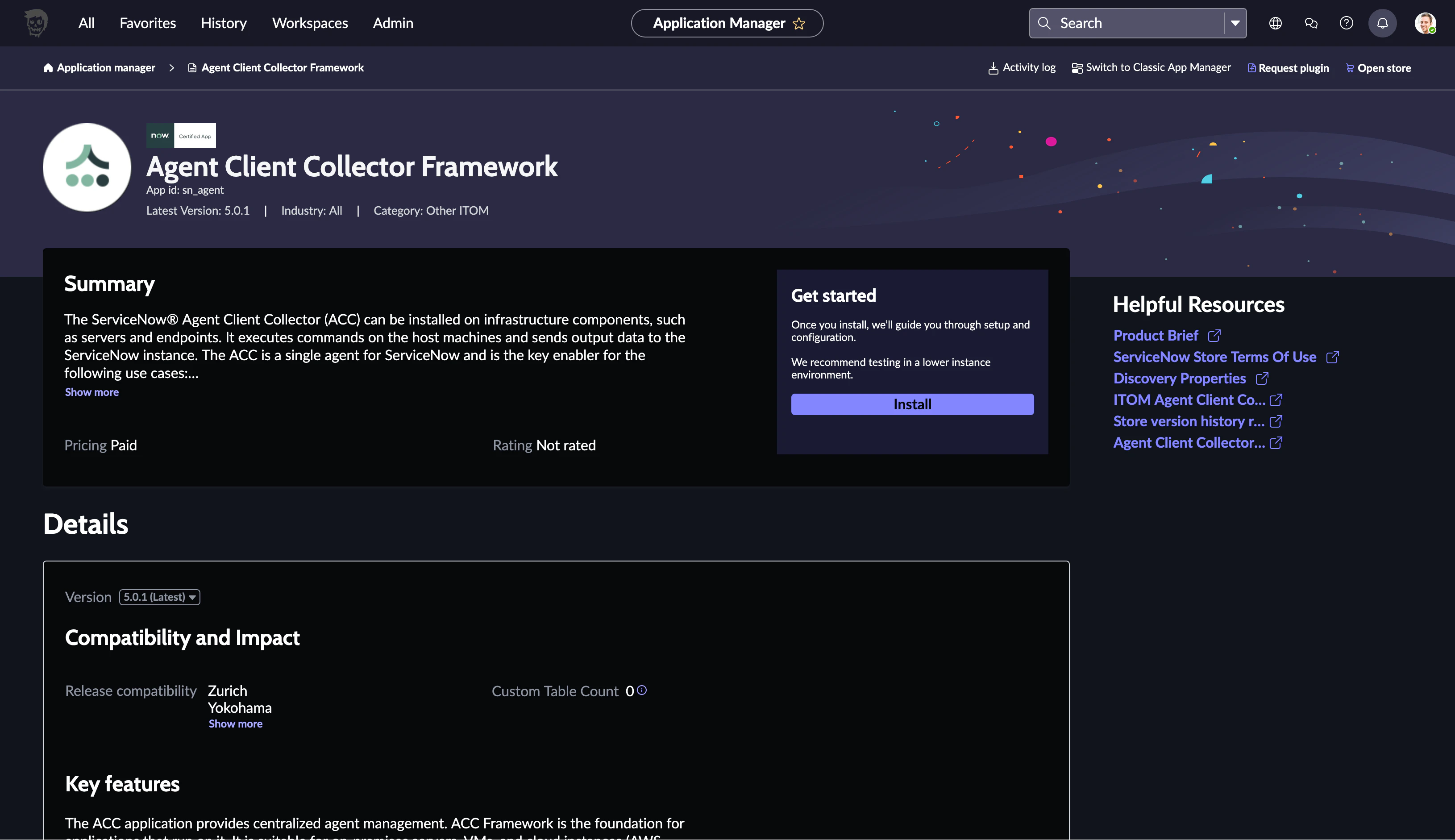
同時にIntallされるものを確認して Install をクリックします
ITOM系の他のPlugin(Discoveryなど)をInstall済みのインスタンスで行っています
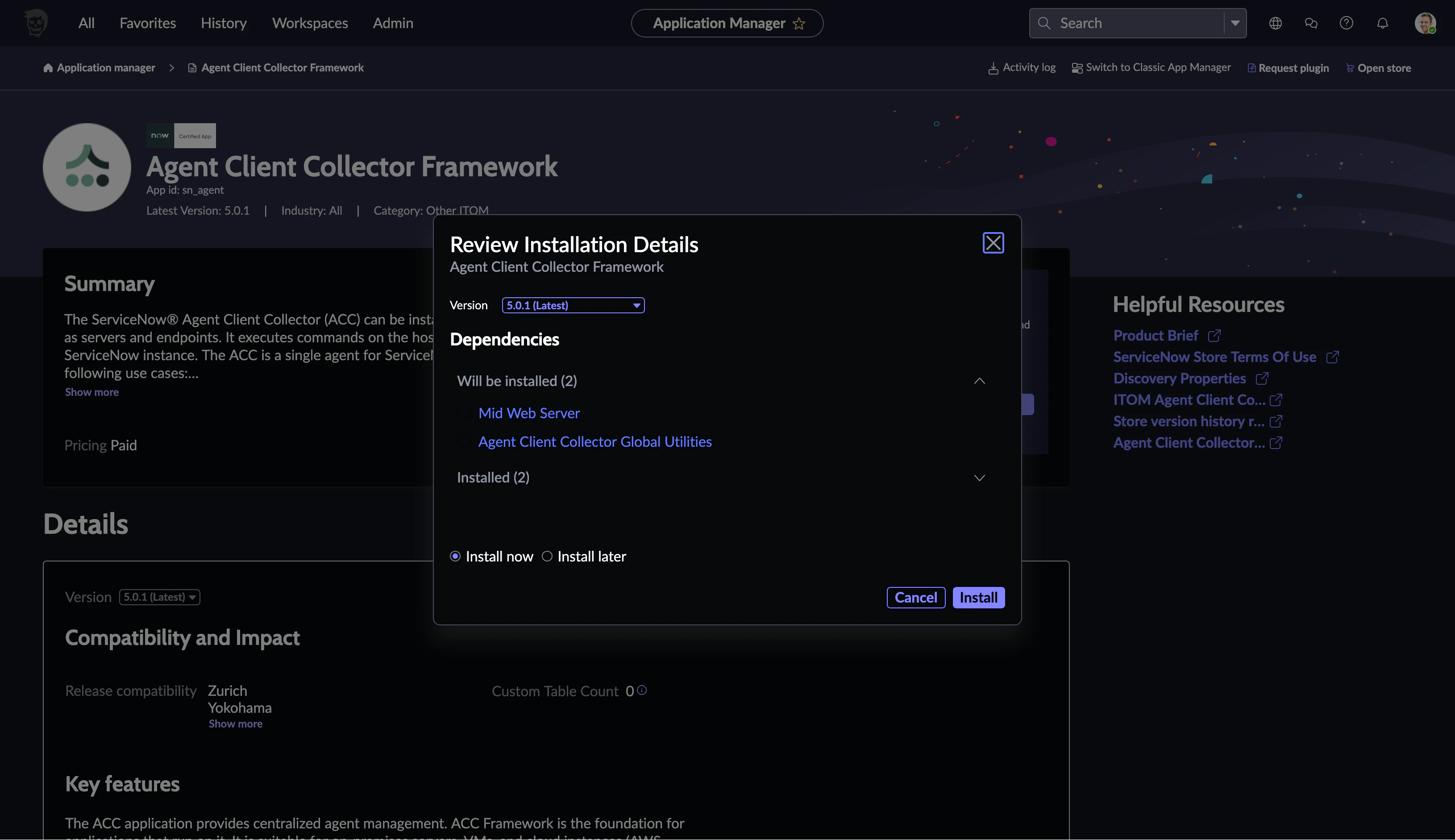
プログレスバーが表示され
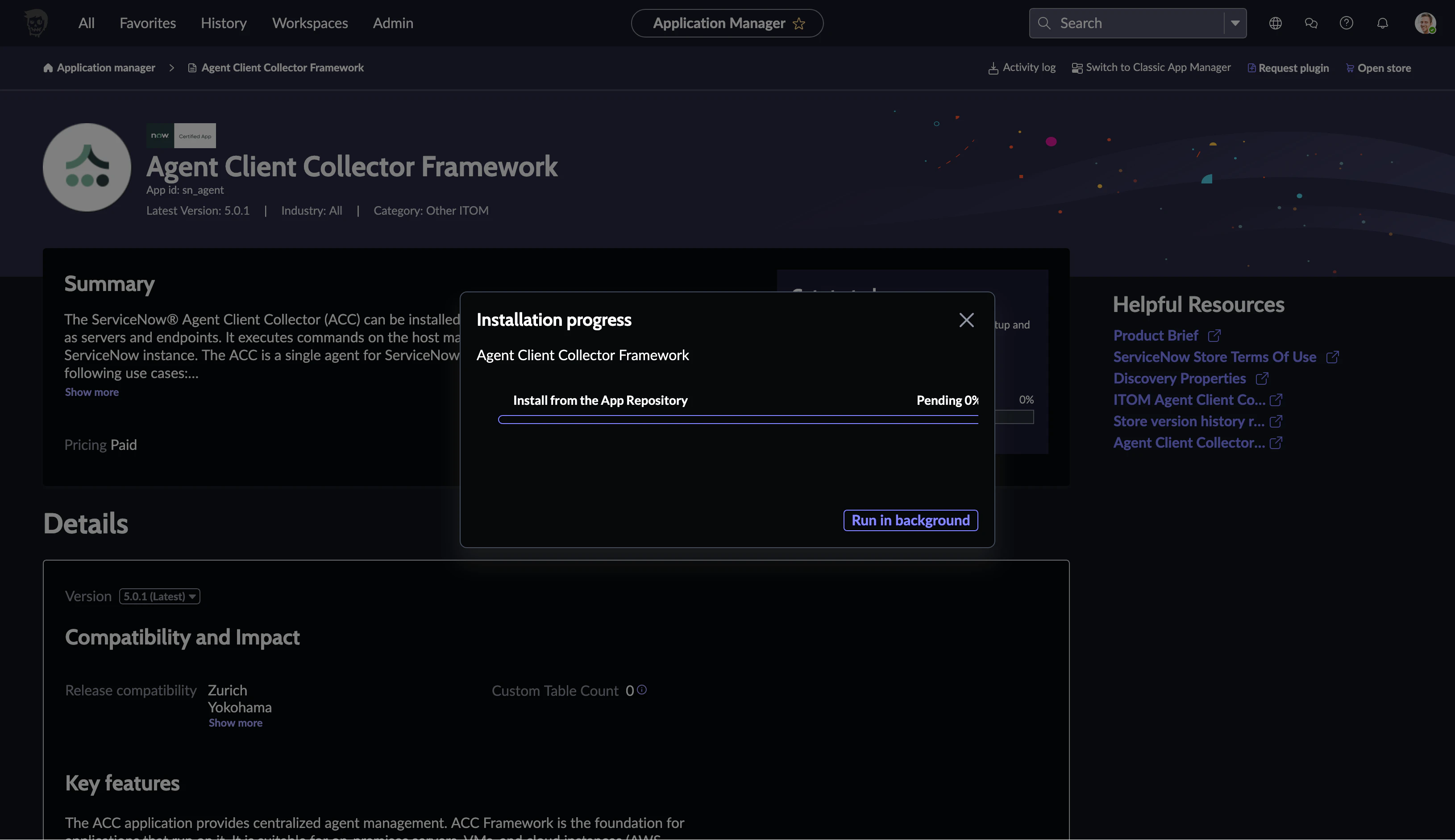
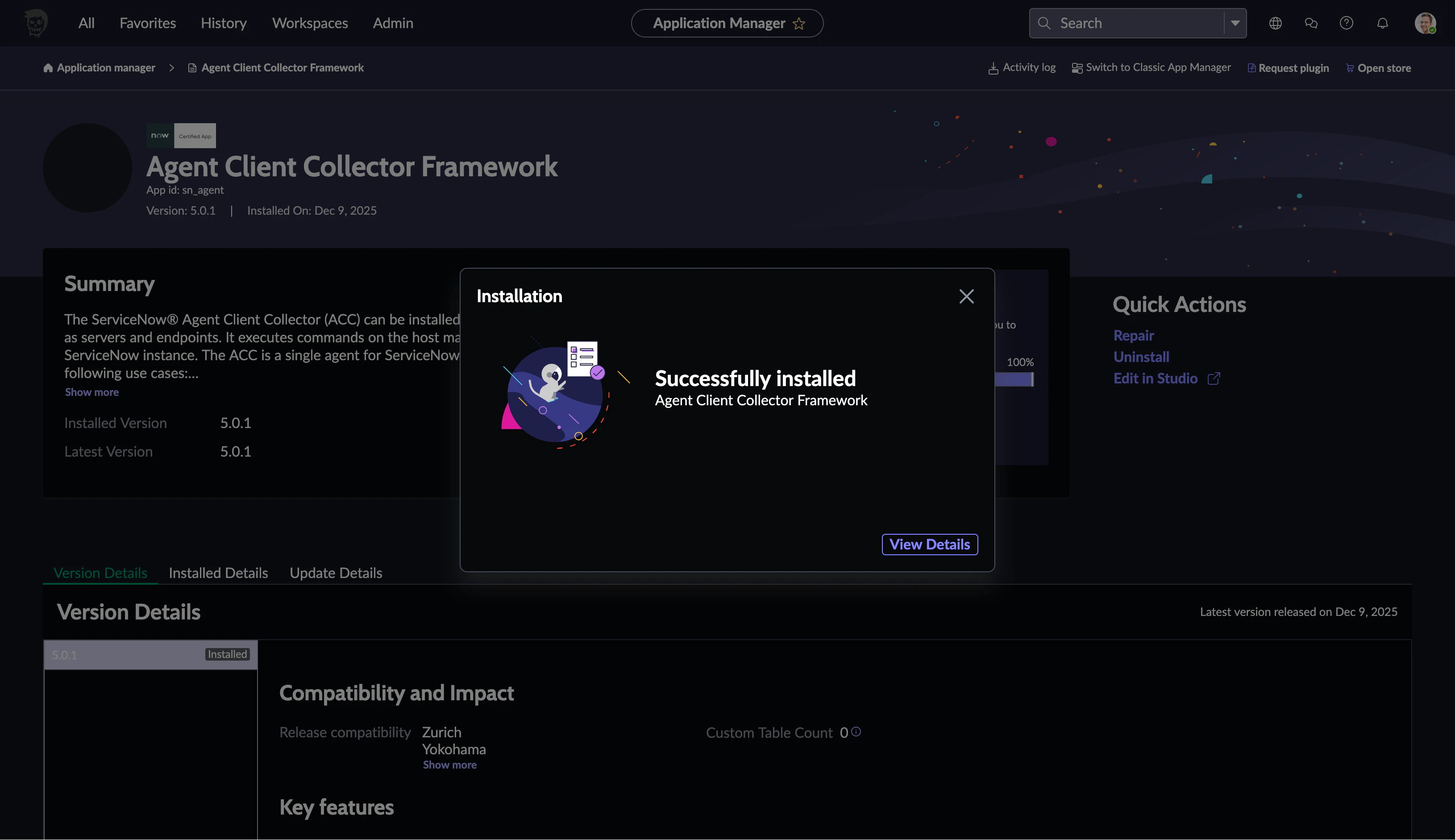
4分ほどで Successfully installed になりました
Agent Client Collector Monitoring
同じ手順で次はMonitorningをinstallします
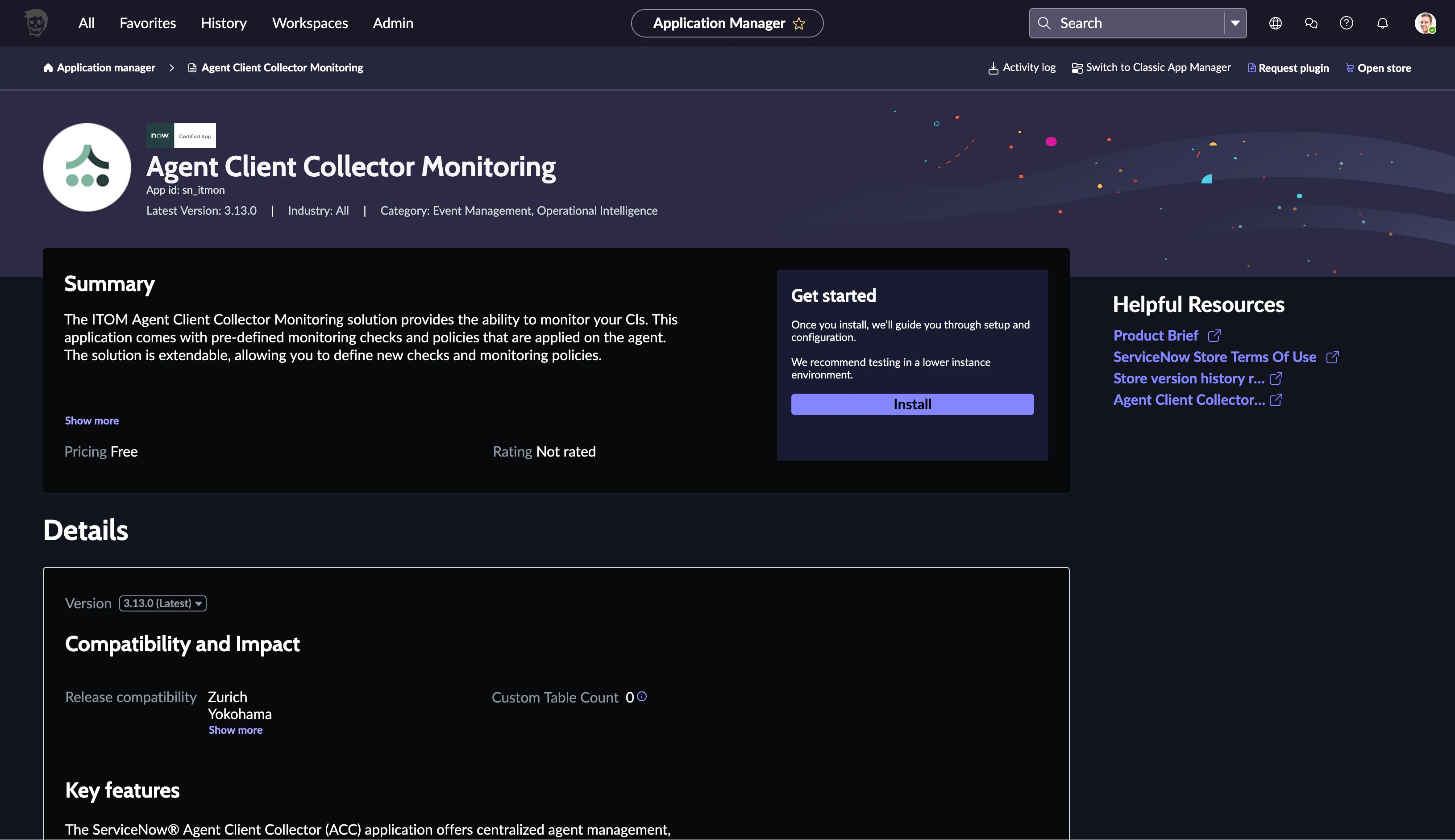
同時にInstallされるもの確認してInstall
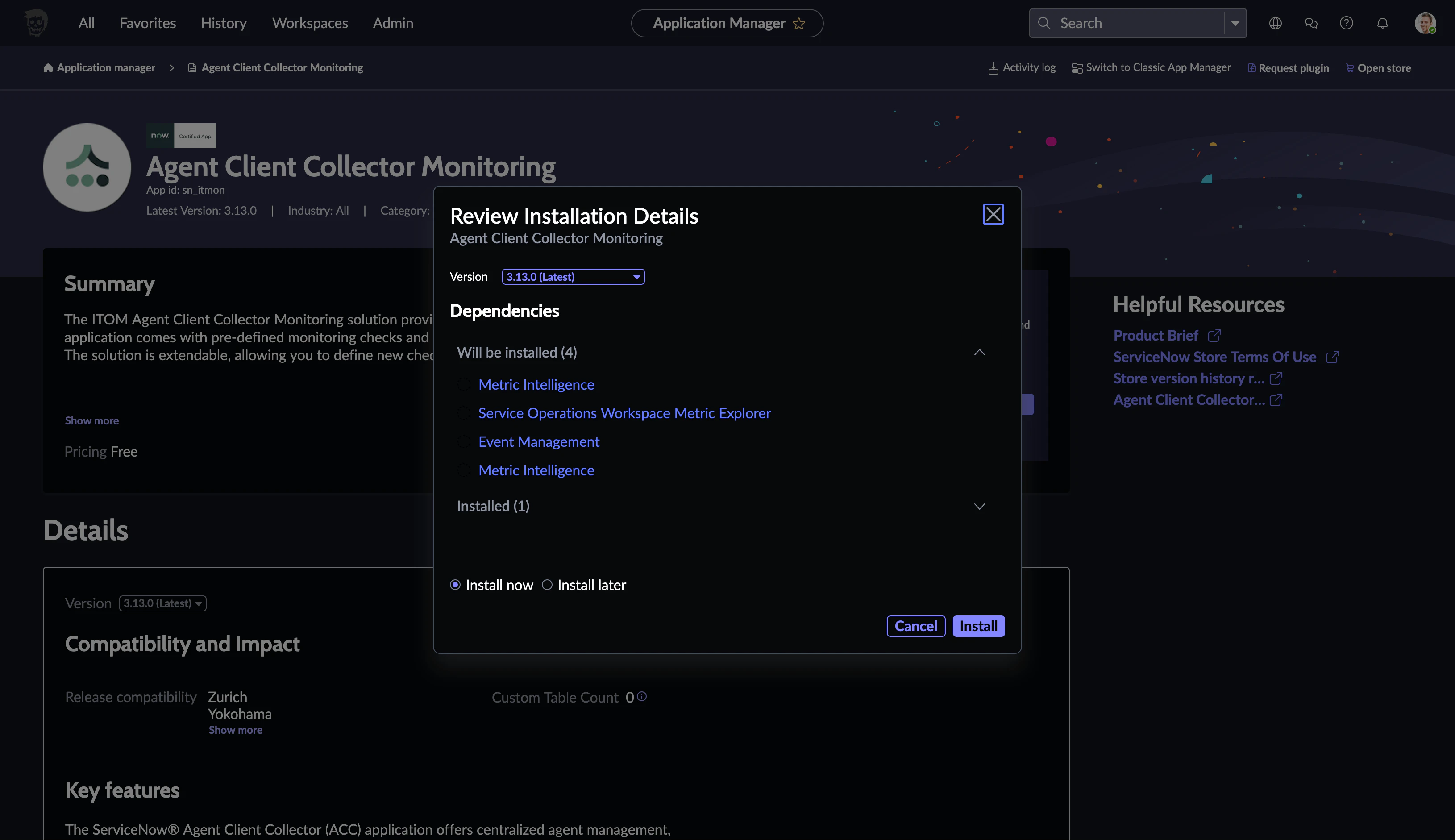
20分程でSuccessfly Installedになりました
Agent Client Collector for Investigation
同じ手順で次はInvestigationをInstallします
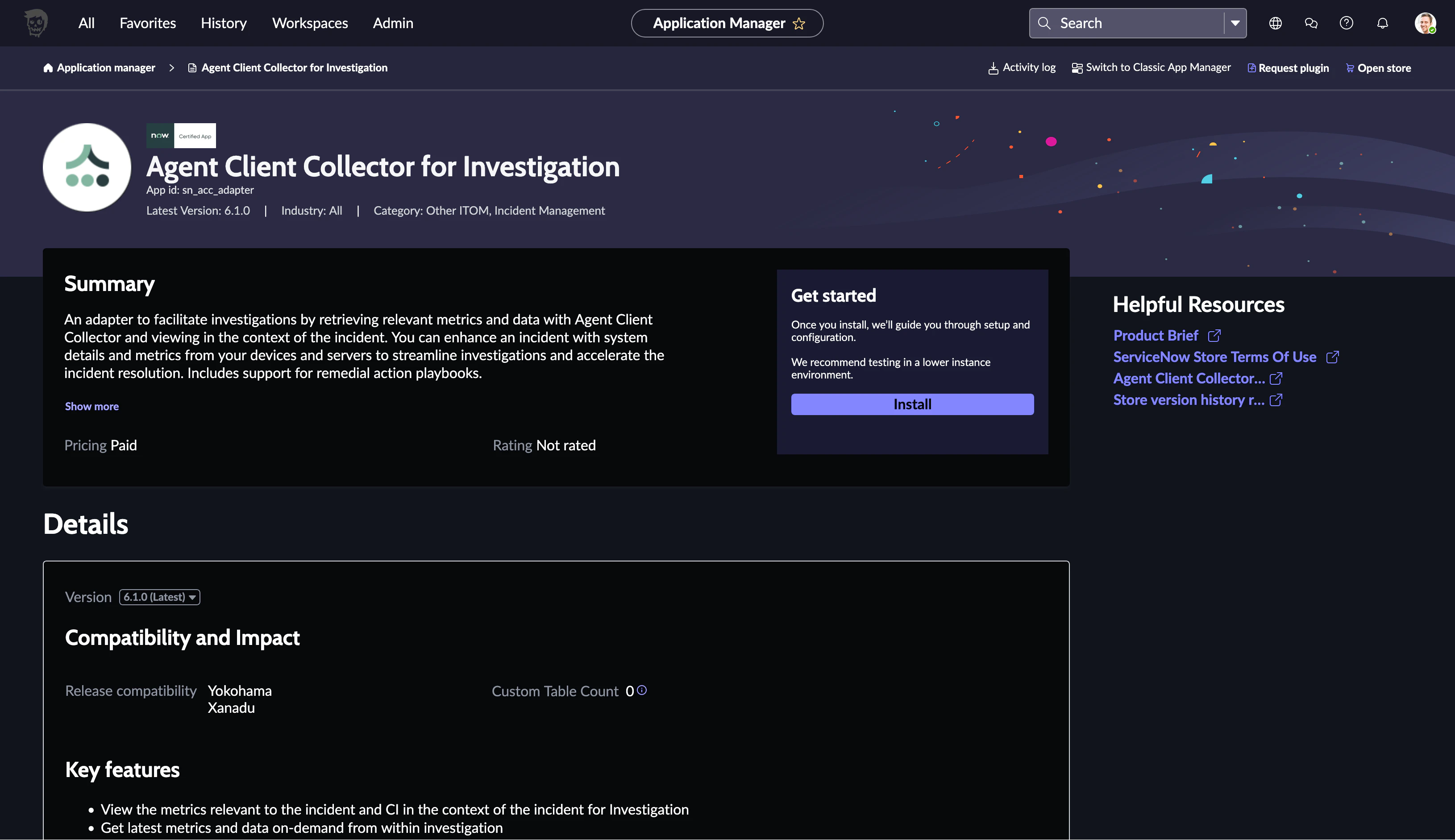
同時にInstallされるものを確認してInstall
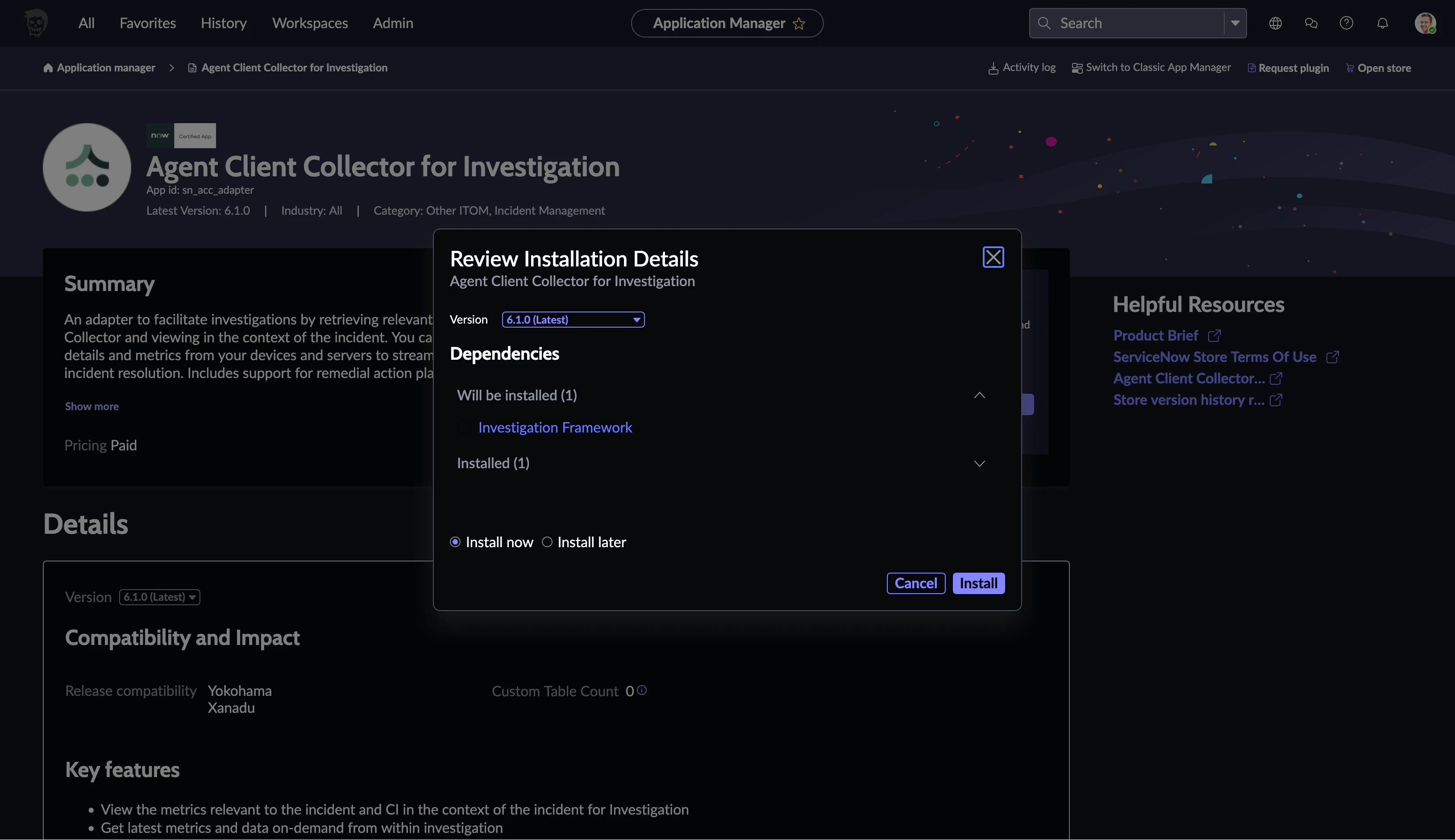
3分ほどでSuccssfully Instaledになりました
Agent Client Collector for Visibility Content
最後にVisibility ContentをInstallします
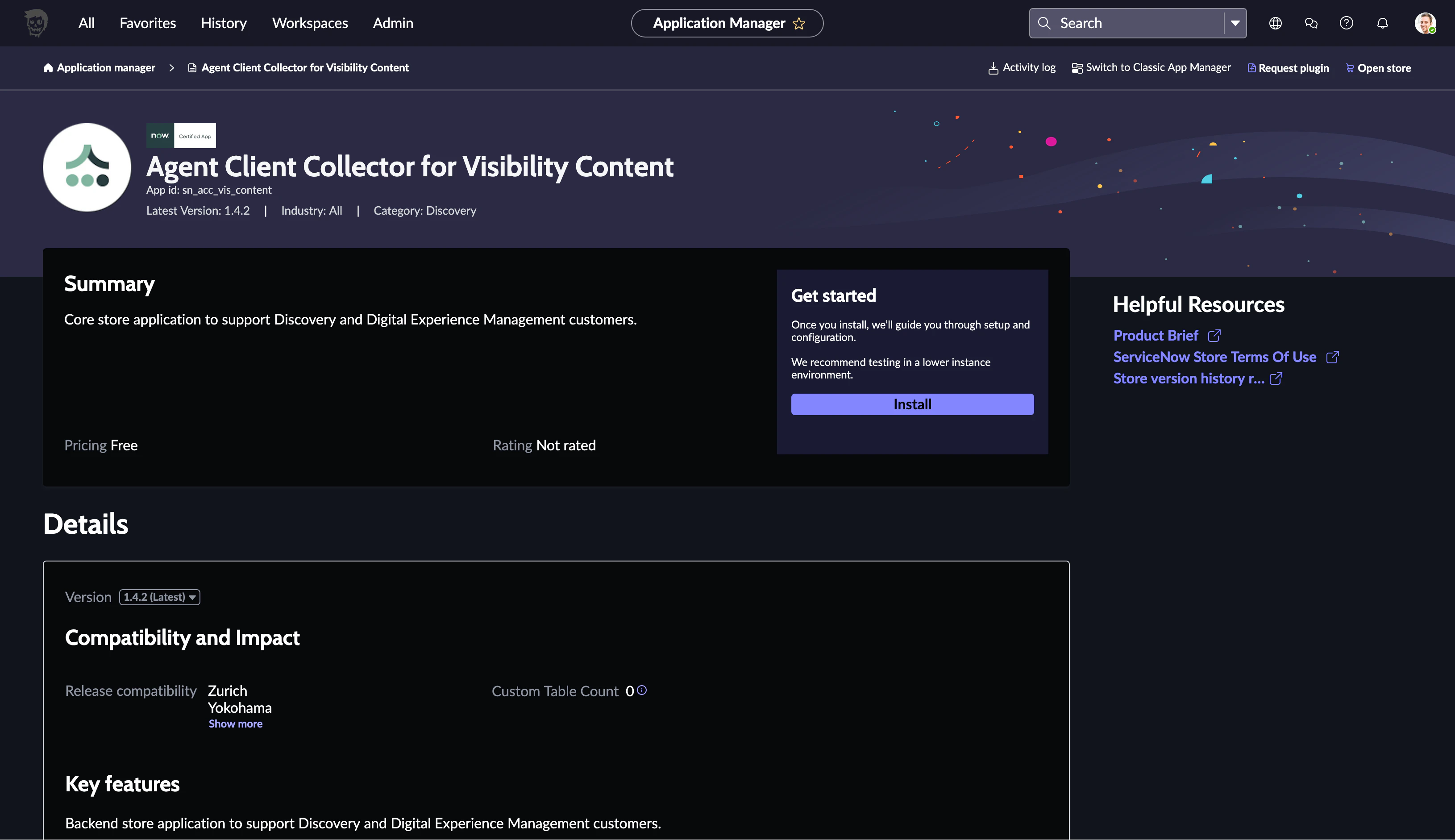
同時にInstallされるものを確認してInstall
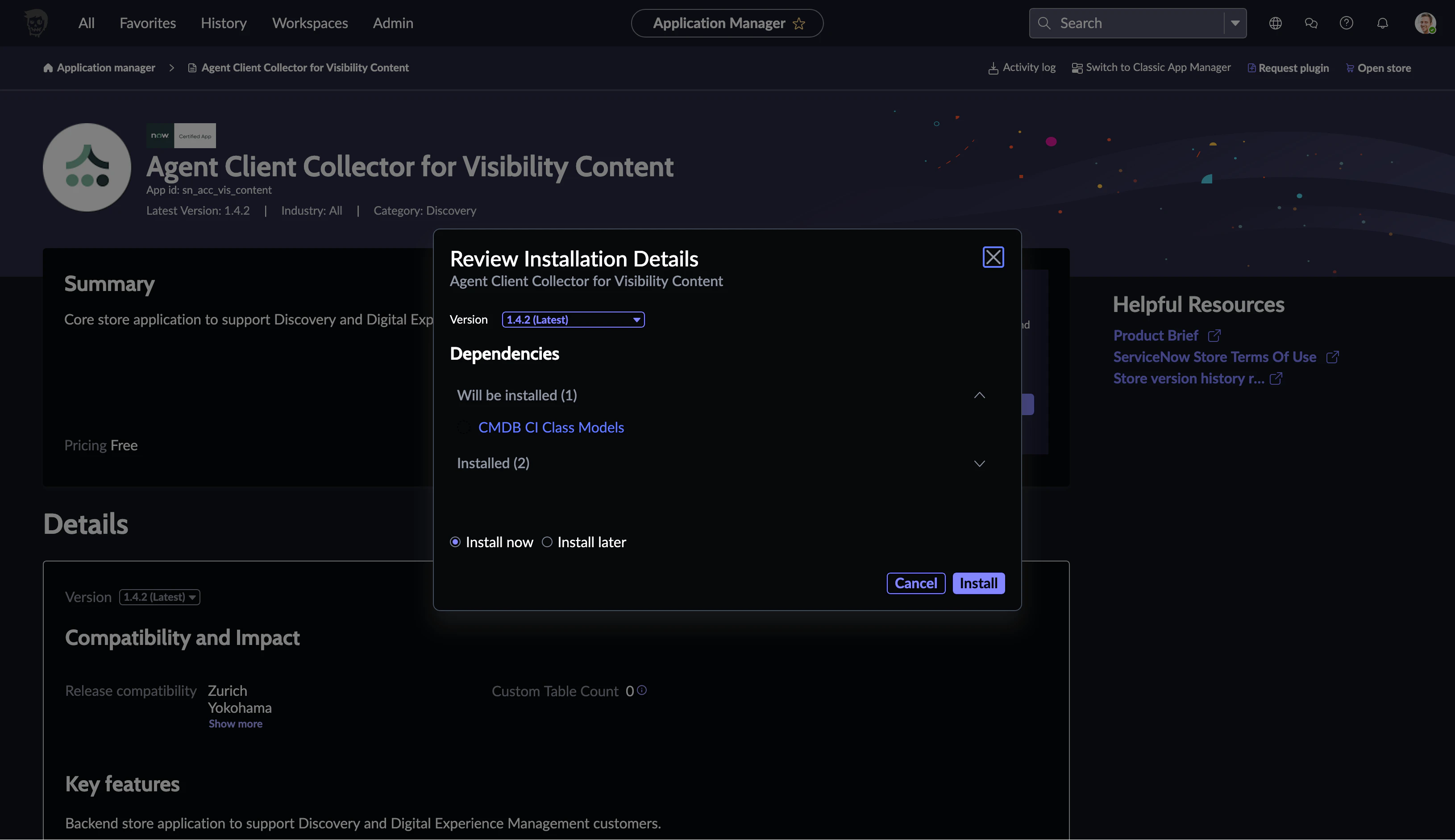
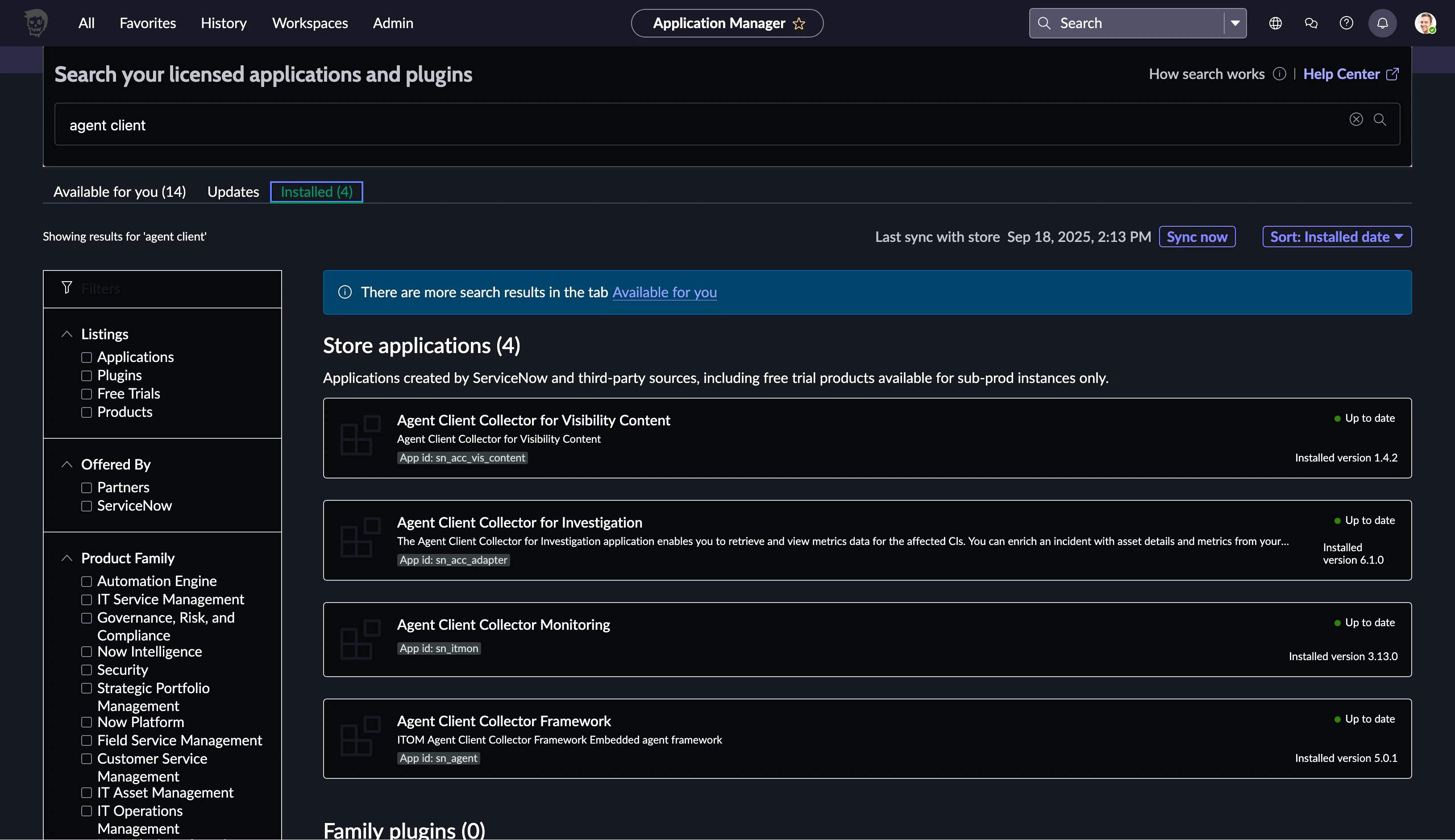
1時間以上経っても終わらないので不安になって別タブで複製してみてみましたが終わって無いです 一旦放置して1日経ってからPluginsの画面で確認したらInstalledになっていたようです
2. CIと同じネットワークセグメントにMID Serverを立てる
こちらの記事を書く際にインストール済みです
3. ServiceNowの画面でMID ServerのListenerを設定
MID Serverを起動してMID Serverの画面に遷移します
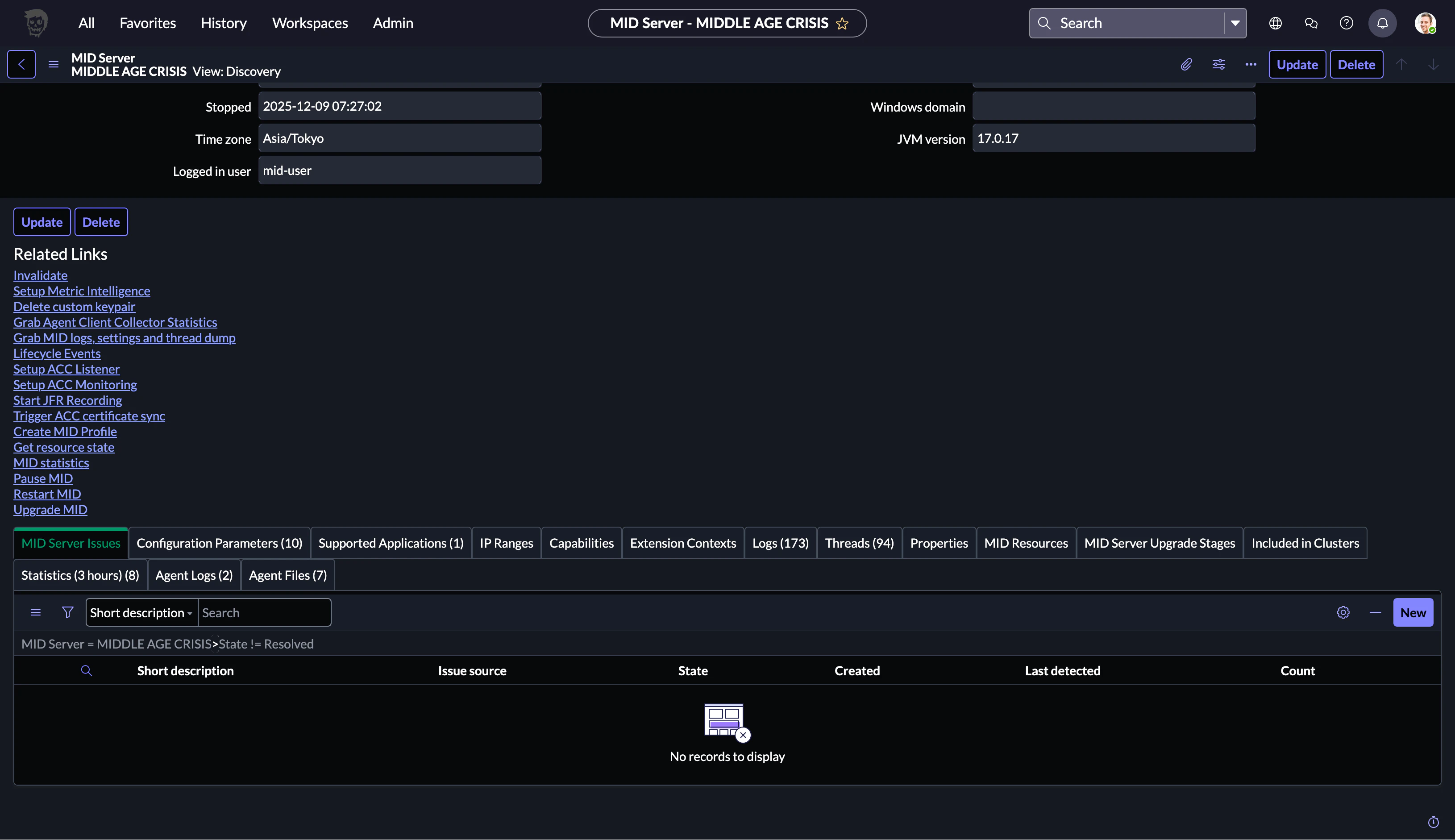
Relatated Linksの中にSetup ACC Listener, Setup ACC Monitoring, Start JFR Recordingといった見慣れないものが追加されていました
Set Up ACC ListenerをクリックしたところMID ServerのPortを指定しろと促されました
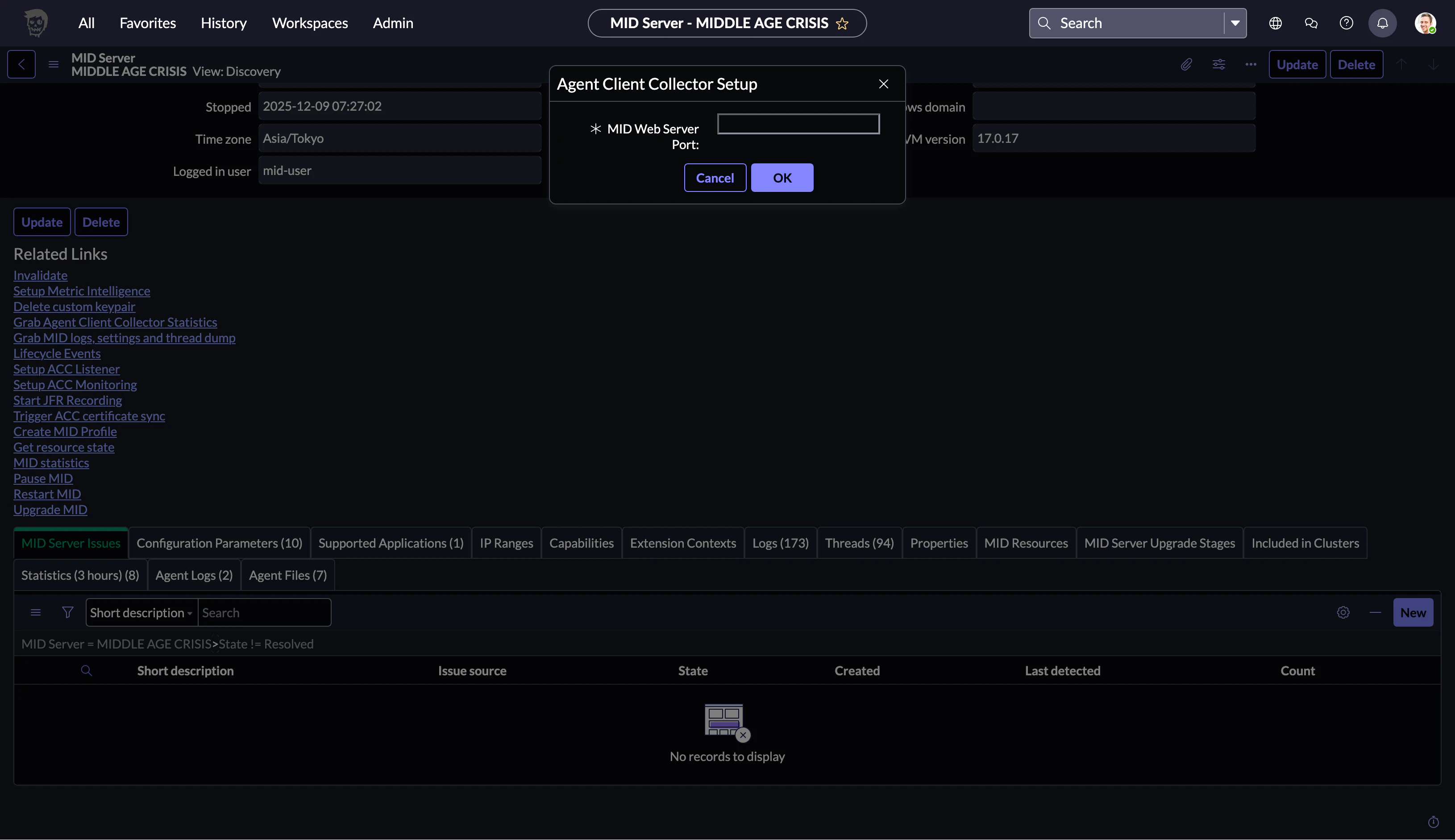
ここを参考にすると8800のようです
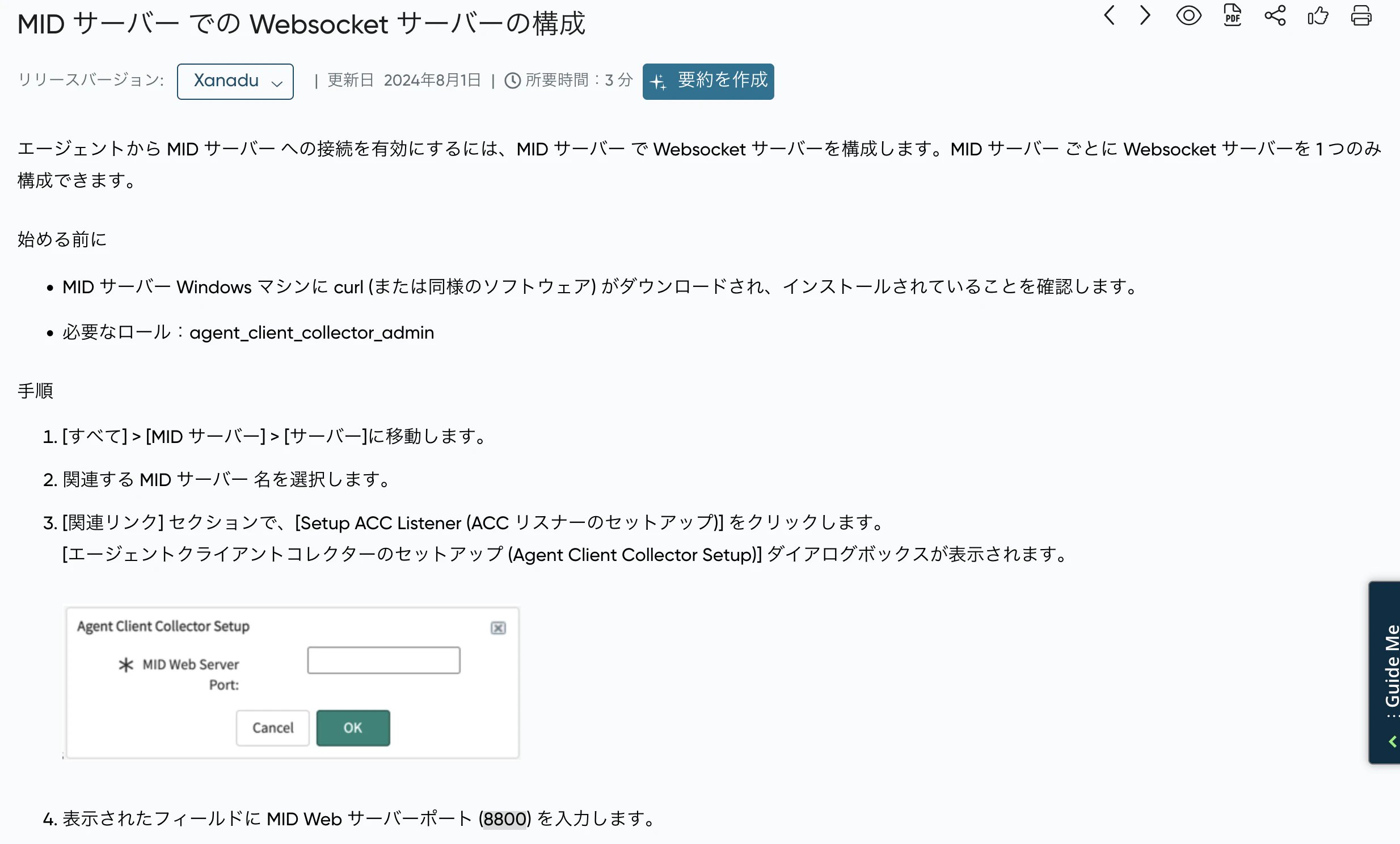
8800を入力してOKをクリックします
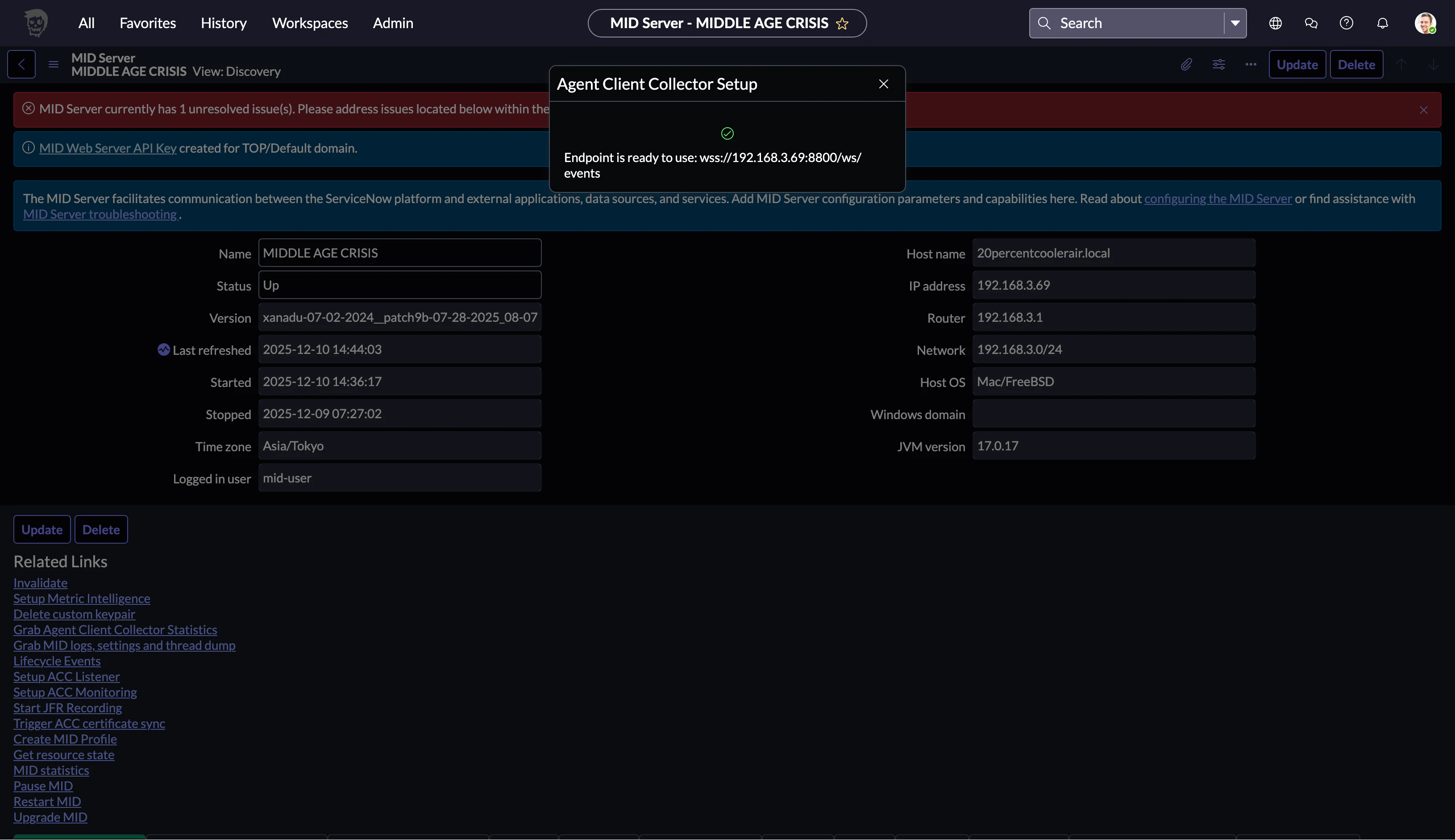
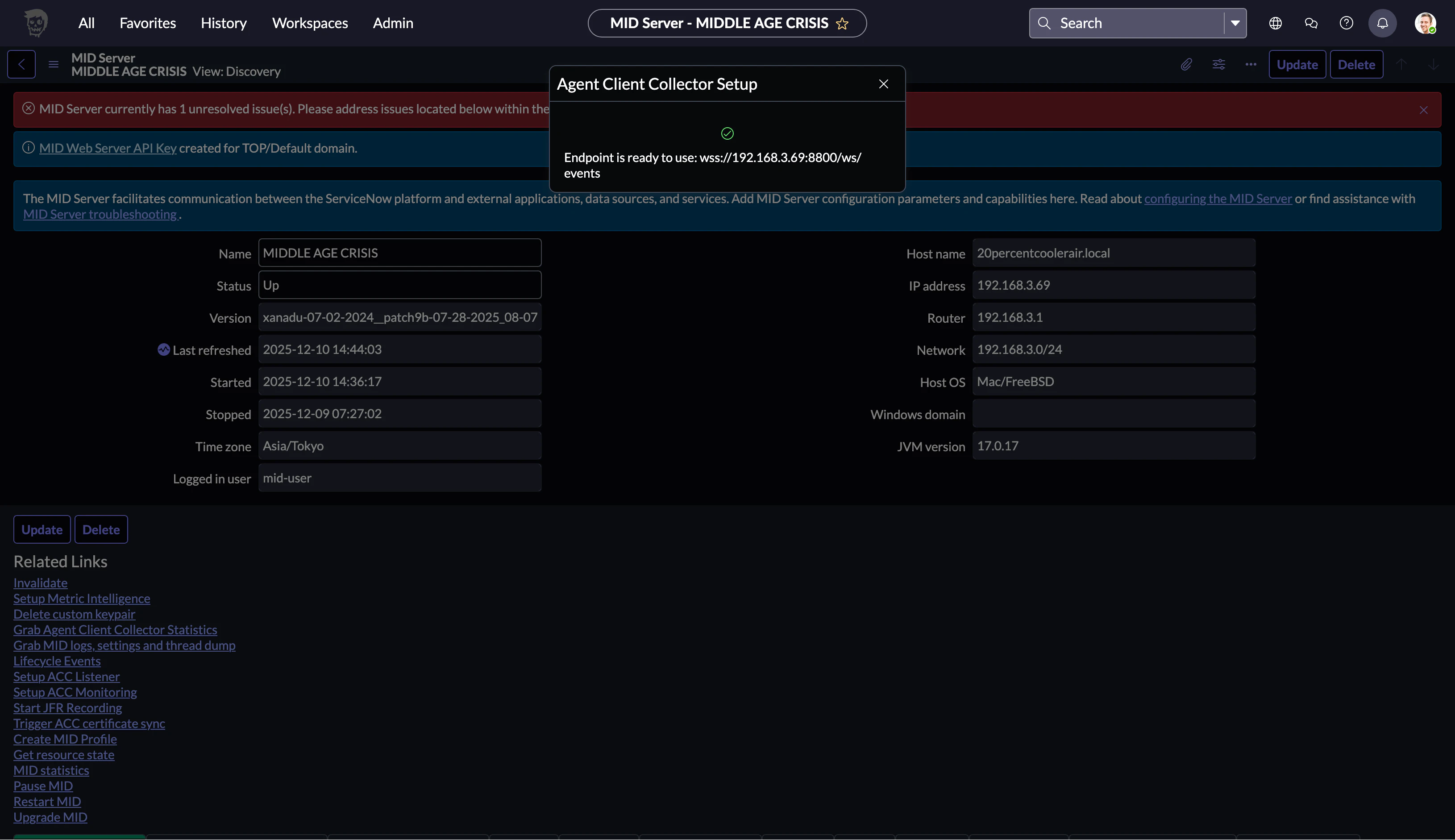
Setupが終わったようです
4. CIにAgentをInstall
Filter navigatorでAgent Client Collector - Deployment - Agent DownloadsでAgentのダウンロード画面に遷移します ダウンロード画面で今回はMac(ARM)にInstallするので
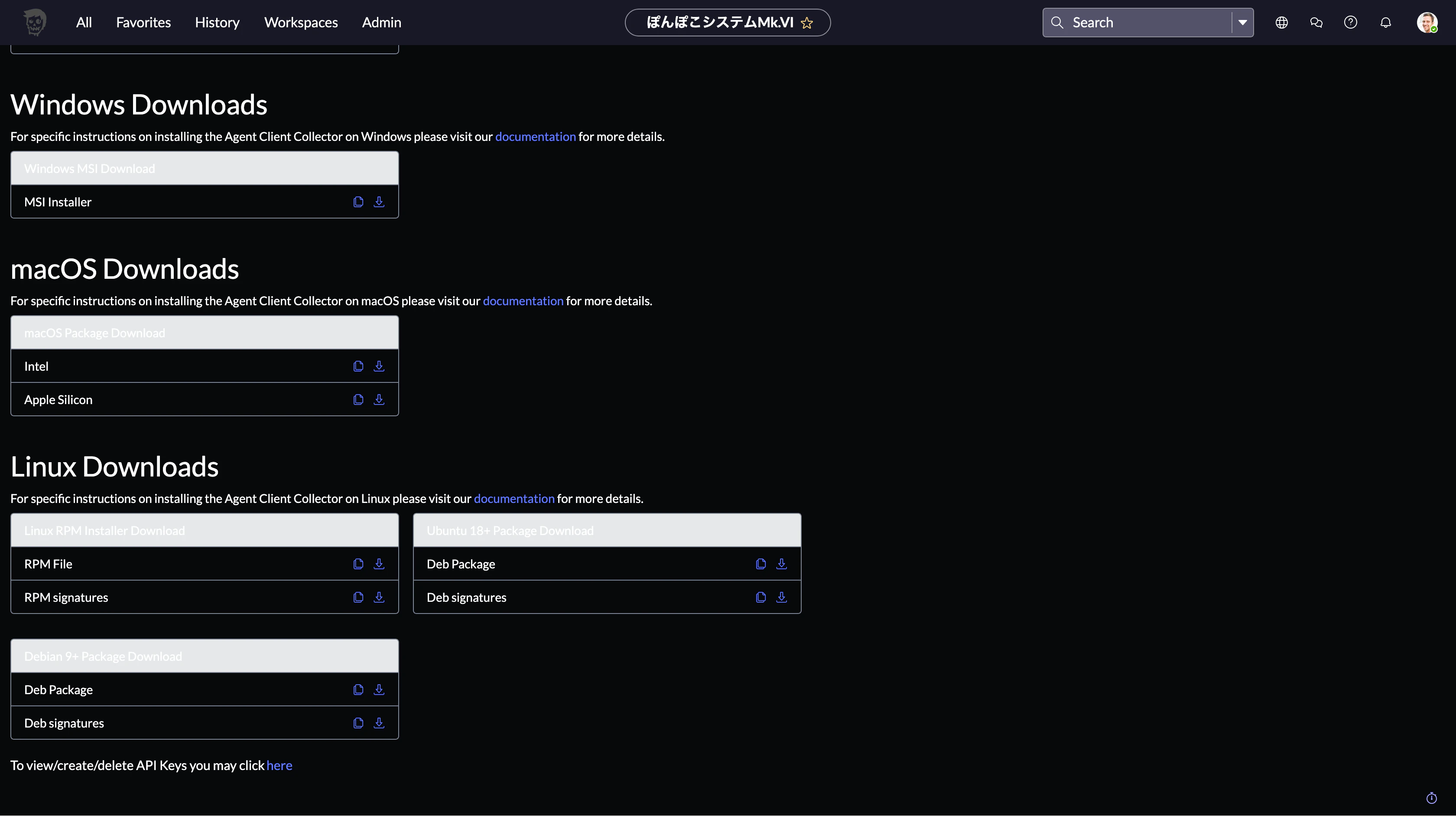
Single-line Installer Commandsをクリックして
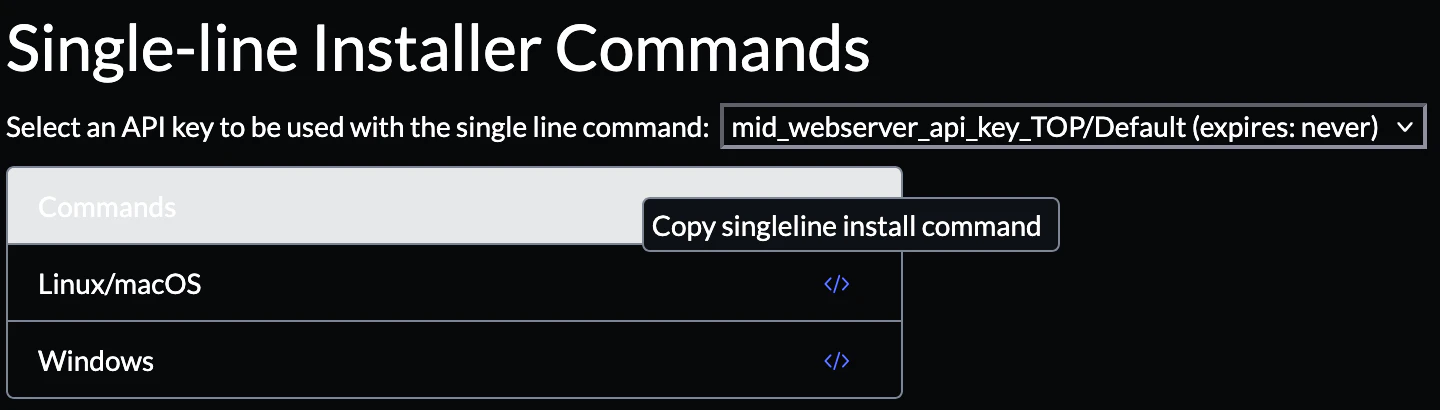
CopyしたコマンドをMacのコンソールで実行します ACC_API_KEYがAgentがMID ServerのListenerにアクセスする際の認証情報でACC_MIDがListenerのアドレス情報かなと思います
% ACC_API_KEY=******** ACC_MID="wss://***.***.***.***:8800/ws/events" bash -c "$(curl -L https://********.service-now.com/api/sn_agent/agents/install_agent)"
  % Total    % Received % Xferd  Average Speed   Time    Time     Time  Current
                                 Dload  Upload   Total   Spent    Left  Speed
100 31088    0 31088    0     0  26120      0 --:--:--  0:00:01 --:--:-- 26124
Distro: osx
Version: 24

* ACC_INSTALL_USR and ACC_INSTALL_USR_GRP not set. Using defaults for user/group _servicenow

CPU Architecture: arm64

* Downloading https://install.service-now.com/glide/distribution/builds/package/app-signed/agent-client-collector-5.0.1-macos_arm64.pkg

  % Total    % Received % Xferd  Average Speed   Time    Time     Time  Current
                                 Dload  Upload   Total   Spent    Left  Speed
100 36.1M  100 36.1M    0     0  2397k      0  0:00:15  0:00:15 --:--:-- 2573k
installer: Package name is Agent-client-collector
installer: Installing at base path /
installer: The install was successful.
---=== Configuring MID server connection properties ===---
--- Validating Configuration File Location ---
PASS: Found acc.yml file from default location: /Library/Application Support/ServiceNow/agent-client-collector/acc.yml
PASS: Successfully read and parsed file /Library/Application Support/ServiceNow/agent-client-collector/acc.yml
--- Validating Write Access ---
PASS: User can write to /Library/Application Support/ServiceNow/agent-client-collector/acc.yml
--- Validating Connection Parameters ---
PASS: API Key: ********
PASS: Backend URL(s): [wss://***.***.***.***:8800/ws/events]
PASS: Required connection parameters are present
--- Modify Configuration Settings ---
PASS: Configuration successfully updated for MID
--- Removing Existing ICS Certificates ---
WARN: Failed to remove /Library/Application Support/ServiceNow/agent-client-collector/cert/cnc/cnc_chain.crt due to error: remove /Library/Application Support/ServiceNow/agent-client-collector/cert/cnc/cnc_chain.crt: no such file or directory
WARN: Failed to remove /Library/Application Support/ServiceNow/agent-client-collector/cert/cnc/priv_key.pem due to error: remove /Library/Application Support/ServiceNow/agent-client-collector/cert/cnc/priv_key.pem: no such file or directory

Stop/Start the agent for the connection parameters to take effect and to register the agent

* Copying check-allow-list.json to the : /Library/Application Support/servicenow/agent-client-collector/check-allow-list.json


* Stopping agent service


* Starting agent service


* Install process completed successfully


* To view logs: tail -f /Library/Application\ Support/servicenow/agent-client-collector/log/acc.log
Filter navigatorから Agent Client Collector - Agents でAgent一覧を確認するとレコードが増えていました
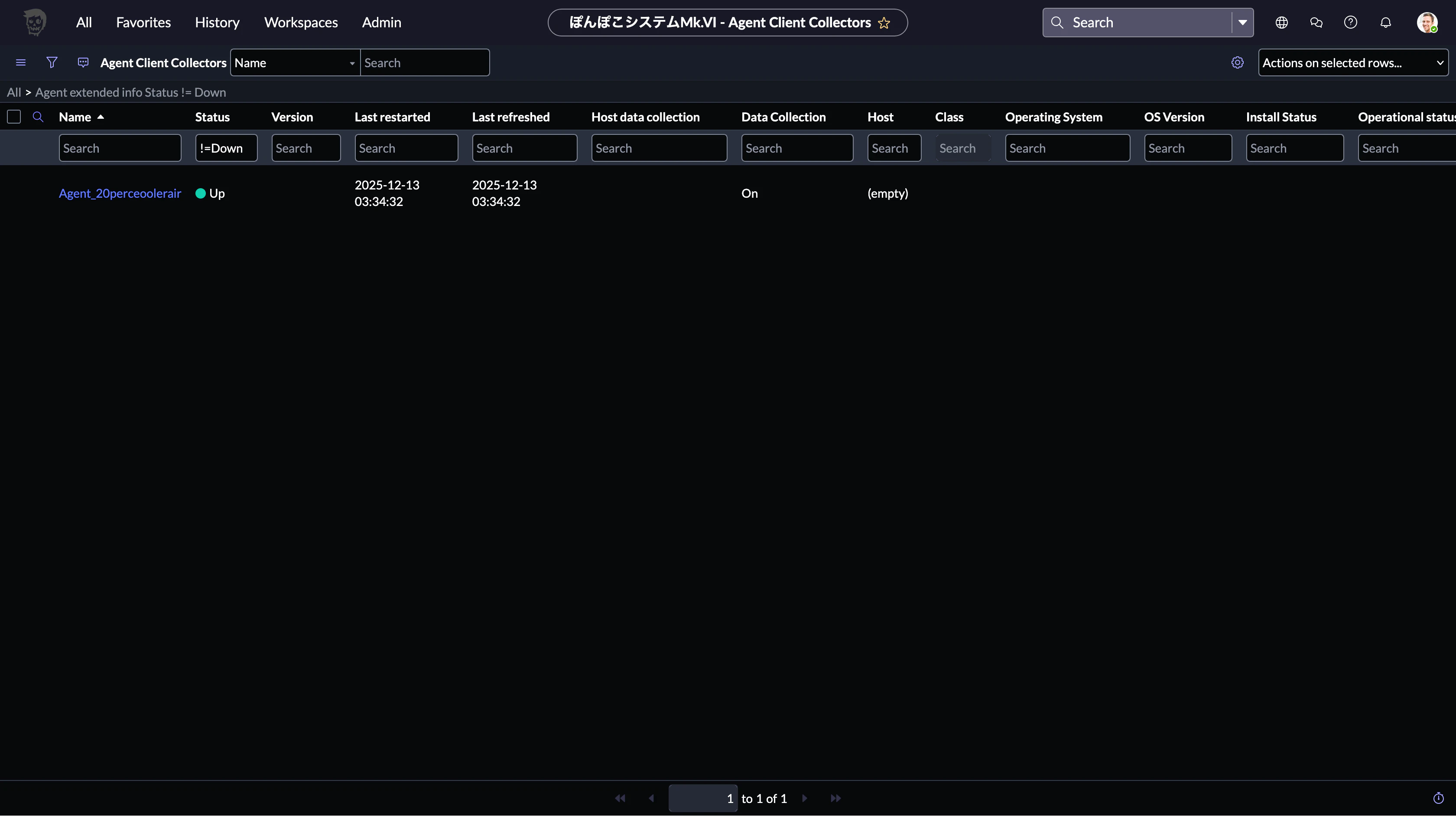
ACCの動作を確認
AgentのレコードをクリックしてAgentの情報を確認します
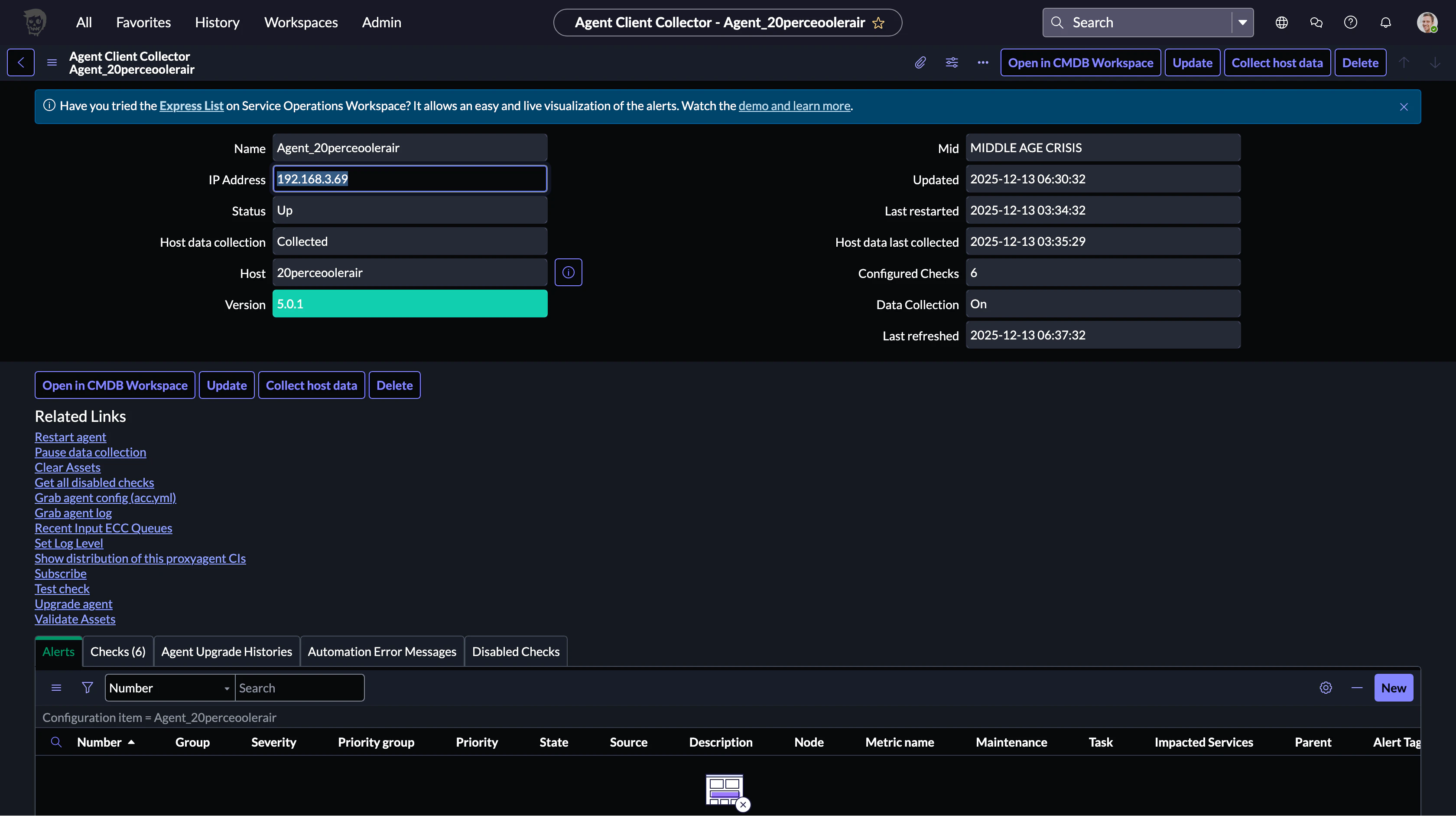
Hostをクリックして Open - Record をクリックして
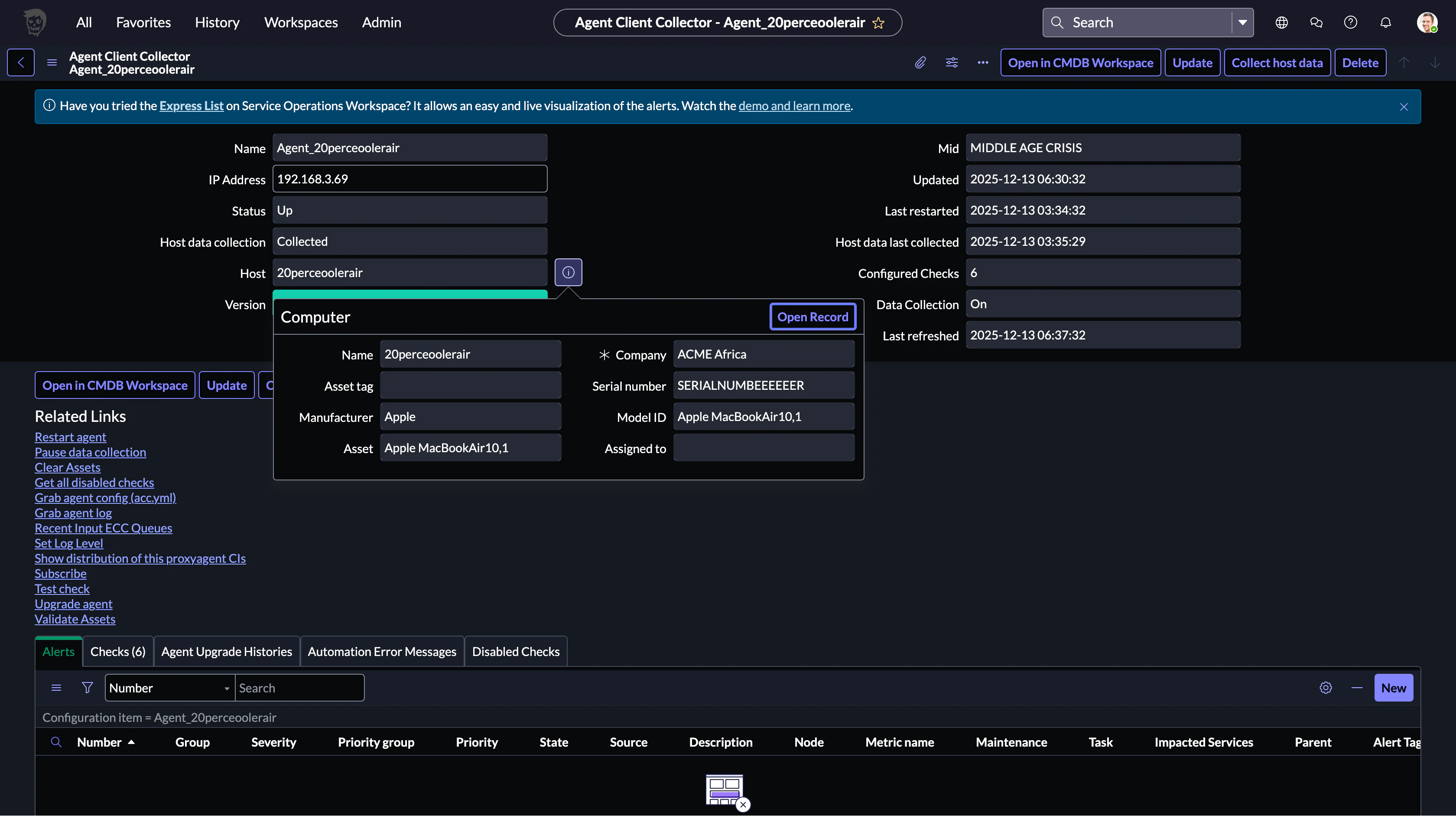
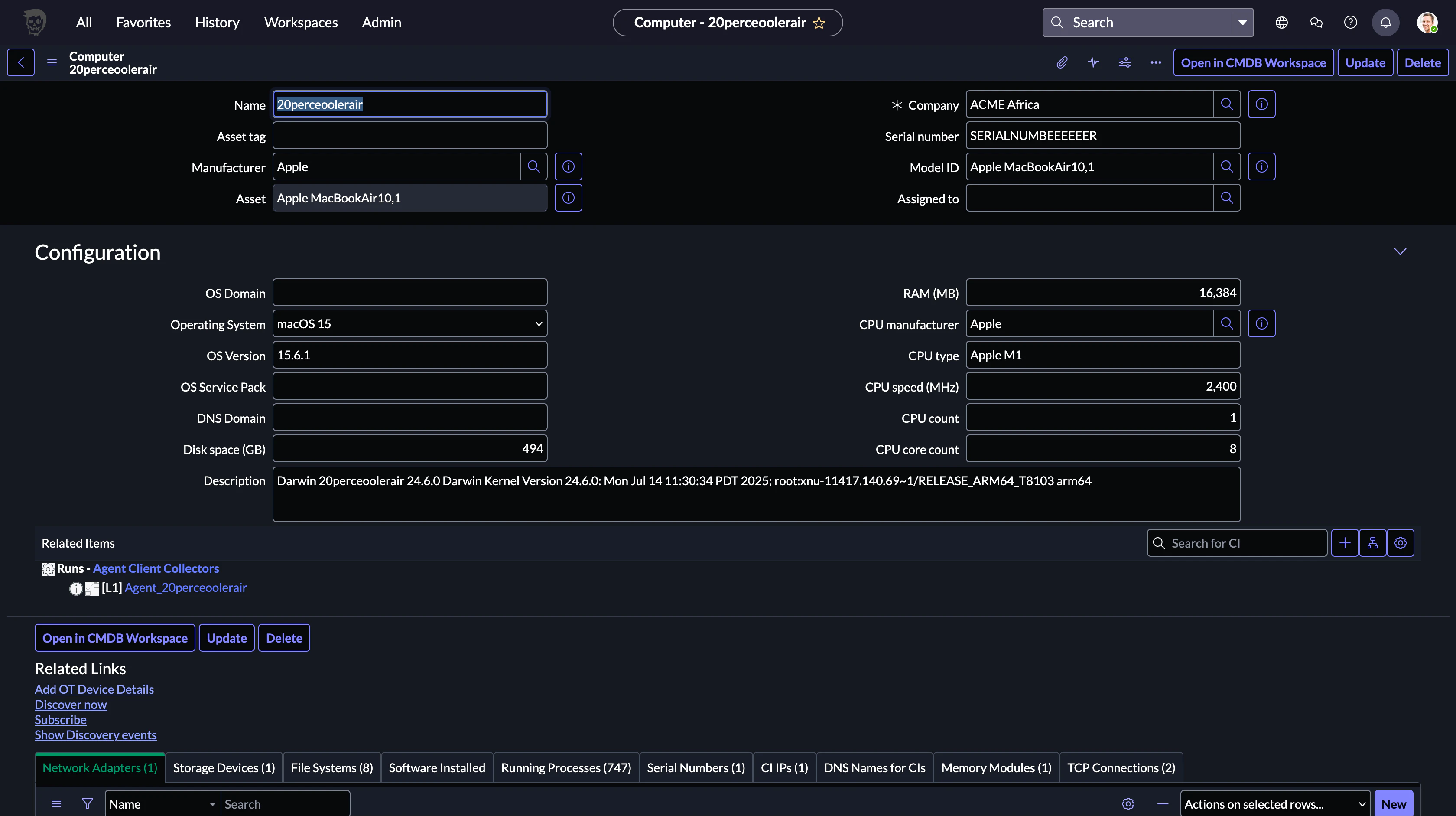
Computerの情報を収集できていることを確認できました(Serial Numberなど一部情報は載せるために書き換えています)
感想
Agentを起動させるだけで力尽きてしまいました 最初はACCがどんなものかわからず試行錯誤でしたがなんとかセットアップ手順をまとめることが出来たのかなと思います
Appendix
起動コマンド
Agentの起動/停止コマンドの一覧が欲しいので以下からコピペさせていただきます Macの開始コマンドがstopになっていますがそのままコピペします
| コマンドとログ | Windows | Linux | MacOS |
|---|---|---|---|
| ログフォルダー | C:\ProgramData\ServiceNow\agent-client-collector\ | /var/log/servicenow/agent-client-collector/ | /var/log/servicenow/agent-client-collector/acc.log |
| インストールフォルダー | C:\Program Files\ServiceNow\agent-client-collector\ | /etc/servicenow/agent-client-collector/ | /opt/servicenow/agent-client-collector/ |
| 停止 | サービス経由 (Agent Client Collector サービス) | sudo systemctl stop acc | sudo /bin/acc stop |
| 開始 | サービス経由 (Agent Client Collector サービス) | sudo systemctl start acc | sudo /bin/acc stop または、スタートアップ時に「/Library/LaunchDaemons/com.sn.acc.plist」で launchctl を構成 |
| 構成ファイル | \acc.yml | /acc.yml | /Library/Application Support/servicenow/agent-client-collector/acc.yml |
| 許可リスト | パスは acc.yml parameter allow-list にあります | パスは acc.yml parameter allow-list にあります | /Library/Application Support/servicenow/agent-client-collector/check-allow-list.json |
ですがstopを引数にしてもCommandがないと言われ
% sudo ./acc stop
Password:
Error: unknown command "stop" for "acc"
Run 'acc --help' for usage.
2025-12-17T07:52:50.19 [FATAL] [agent] [unknown command "stop" for "acc"] error executing agent
usageを確認するとstartしか無い…?よくわかりません
% pwd
/opt/servicenow/agent-client-collector/bin
% ./acc
acc

Usage:
  acc [command]

Available Commands:
  completion  Generate the autocompletion script for the specified shell
  gateway     Configure gateway connection settings
  help        Help about any command
  re-register Perform re-registration of ACC with ServiceNow instance
  self-test   Perform a self test to validate basic Agent configurations
  settings    Configure ACC-F settings
  start       Start the Agent Client Collector
  version     Show the Agent-Client-Collector version information

Flags:
  -h, --help   help for acc

Use "acc [command] --help" for more information about a command.