
とりあえず、こうしました。
cbar.ax.set_yticklabelsticksでラベルを変更しているが、全ての値が適用されなかったりする。
正規のやり方あったら教えてほしいです。
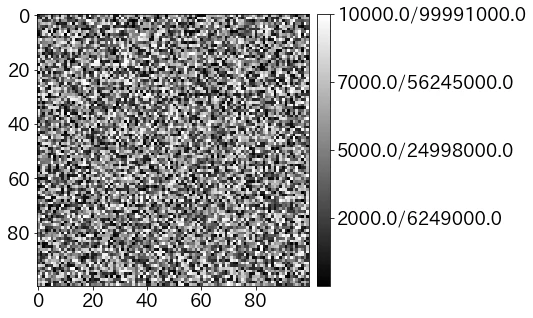
import matplotlib.pyplot as plt
import numpy as np
plt.rcParams['font.size']=18

# もとの値から表示したい値を返すの関数
def convert(org):
    return org*org


rand=np.random.rand(100, 100)*1e4
max=rand.max()
fig = plt.figure(figsize=(7,5))
ax = fig.add_subplot(111)
im=ax.imshow(rand,cmap='gray')

# ここからカラーバー
cbar=fig.colorbar(im, ax=ax,pad=0.02,shrink=1.0,ticks = [0,max/4,max/2,3*max/4, max])
ticks = cbar.get_ticks()
new_ticks=[]
for t in ticks:
    new_ticks.append(str(t.round(-3))+'/'+str(convert(t).round(-3)))
cbar.ax.set_yticklabels(new_ticks)
plt.show()