
Geant4のインストール
以前書いた記事を更新する。
https://qiita.com/niikura/items/6e34ae5d4bcb74a38669
今回は、v11.3.2をMacBook Air (M2 2022) にインストールする。
準備
あらかじめ入れておく必要があるのは、qtとcmake。他にもあるかも。qtは最新はqt@6だがqt@5を入れておかないとコンパイルできなかった。
brew install cmake qt@5
... (中略) ...
If you need to have qt@5 first in your PATH, run:
  echo 'export PATH="/opt/homebrew/opt/qt@5/bin:$PATH"' >> ~/.zshrc

For compilers to find qt@5 you may need to set:
  export LDFLAGS="-L/opt/homebrew/opt/qt@5/lib"
  export CPPFLAGS="-I/opt/homebrew/opt/qt@5/include"
書かれているように.zshrcに追記する。以前書いた記事とはhomebrewの場所が変わっているので注意。
.zshrc
export PATH="/opt/homebrew/opt/qt@5/bin:$PATH"
export LDFLAGS="-L/opt/homebrew/opt/qt@5/lib"
export CPPFLAGS="-I/opt/homebrew/opt/qt@5/include"
export PKG_CONFIG_PATH="/opt/homebrew/opt/qt@5/lib/pkgconfig"
Geant4の最新版をダウンロードする。
https://geant4.web.cern.ch/download/11.3.2.html
インストール
解凍して、buildおよびinstallするディレクトリを作る。
tar zxvf geant4-v11.3.2.tar.gz
mkdir geant4-v11.3.2-build
mkdir geant4-v11.3.2-install
cd geant4-v11.3.2-build
あとはcmakeして、make, make installするだけ。
cmake \
-DCMAKE_INSTALL_PREFIX=/opt/geant4/geant4-v11.3.2-install \
-DGEANT4_USE_QT=ON \
-DGEANT4_INSTALL_DATA=ON \
../geant4-v11.3.2/
make -j8
make install
これでインストールできる。
確認
まずは環境設定。zshrcに下記を追記。
.zshrc
export CMAKE_INSTALL_PREFIX=/opt/geant4/geant4-v11.3.2-install
alias geant4='source $CMAKE_INSTALL_PREFIX/bin/geant4.sh;cd ~/g4work/'
作業ディレクトリを作って移動。
mkdir g4work
source $CMAKE_INSTALL_PREFIX/bin/geant4.sh
cd g4work
サンプルをコピーする。
cp -r /opt/geant4/geant4-v11.3.2-install/share/Geant4/examples/basic/B1 .
mkdir B1-build
cd B1-build
コンパイルして実行する。
cmake ../B1
make
./exampleB1
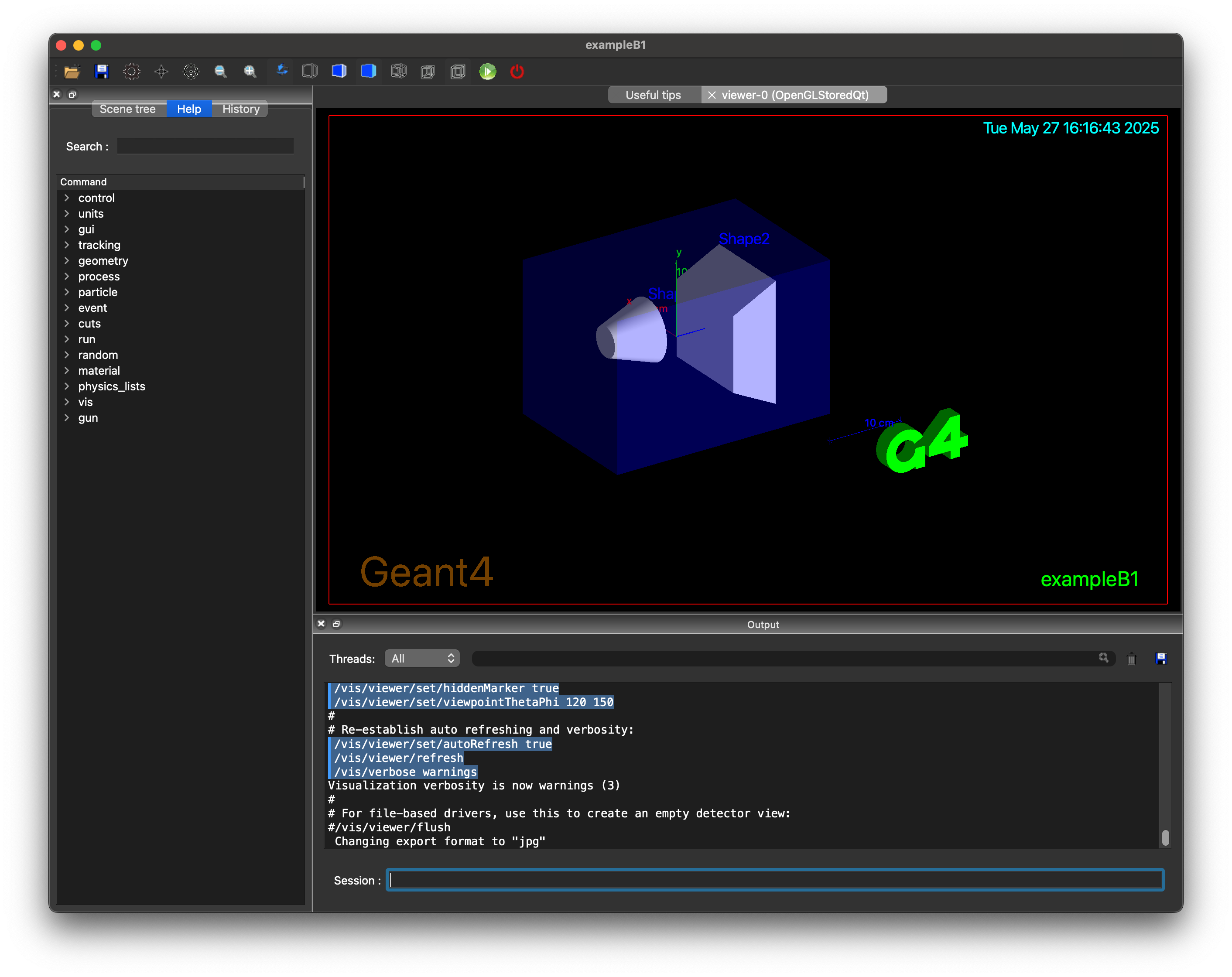
これで下記のようなウィンドウが表示されたら成功。
参考