0
0

Delete article

Deleted articles cannot be recovered.

Draft of this article would be also deleted.

Are you sure you want to delete this article?

図解比較~WordPressとHTMLでのGoogle reCAPTCHAの導入方法の違い~

0
Last updated at Posted at 2026-05-21

1. HTMLやGASでのGoogle reCAPTCHAの導入方法


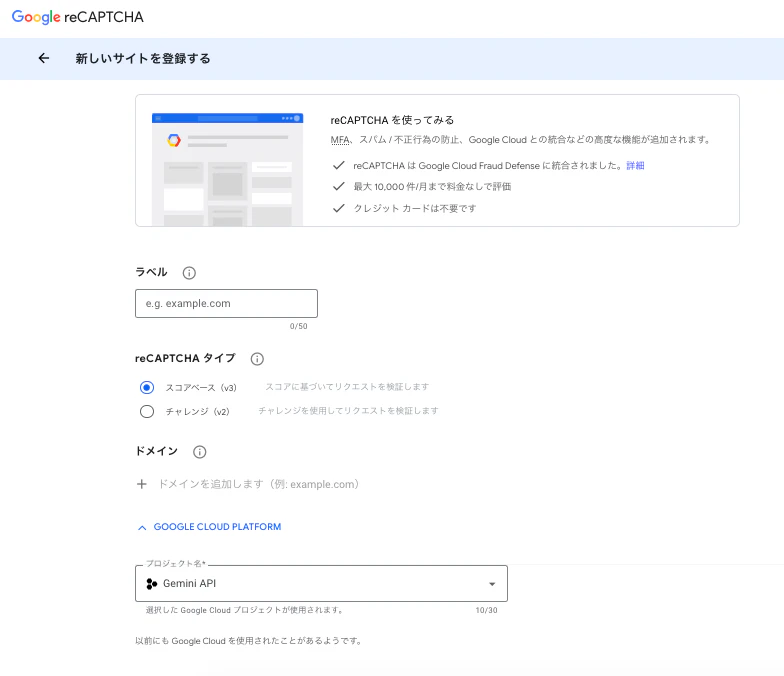
1-1. Google アカウントでドメインを設定

Google アカウントでドメインを設定します:https://www.google.com/recaptcha/admin/create
register.png

1-2.サイトキーとシークレットキーが発行されるので、それをHTMLやGASエディタに貼り付けます。

コードはChatGPTやGoogle AI Studio, Claudeで書いてもらいます。

1-3.デプロイする。(何度もする必要があるかも!)

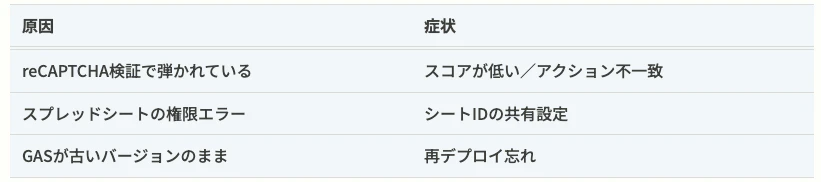
反映されない場合、以下の点が原因かも?

よくある原因
reason-status.png

完成 

私の場合は、Googleアカウント権限がひっかかってしまって、デプロイは20回ぐらいしましたが

無事に完成しました。

2. WordPressサイトへのreCAPTCHA導入

2-1. プラグインを探してインストールします。

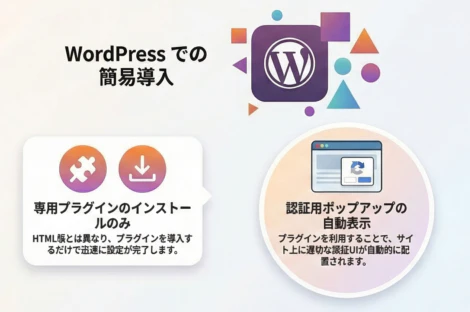
先ほどとは違って、WordPressサイトへの導入は下記URLからプラグインを通常通りインストールだけで完了しました。


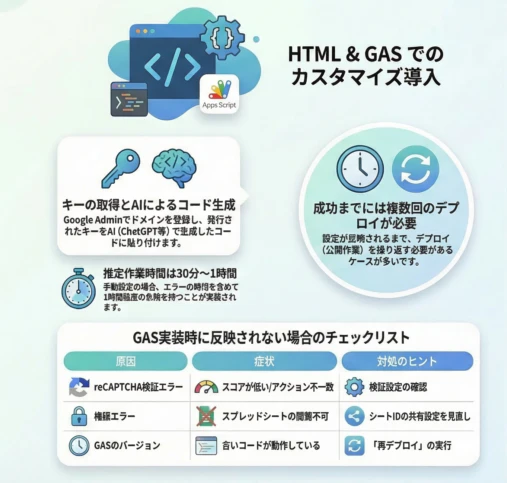
まとめ
html-recaptcha.png

wordpress-recaptcha.png

 
こちらもよろしくお願いします。
https://prompt-creator.jp/google-recaptcha-wordpress-html/

0
0
0

Register as a new user and use Qiita more conveniently

  1. You get articles that match your needs
  2. You can efficiently read back useful information
  3. You can use dark theme
What you can do with signing up
0
0

Delete article

Deleted articles cannot be recovered.

Draft of this article would be also deleted.

Are you sure you want to delete this article?