
CentOS7に素でインストールする手順
参考
timezone設定
timedatectl set-timezone Asia/Tokyo
パッケージインストール
odoo8パッケージインストール
yum install -y epel-release
yum install -y wget mailx mutt telnet netstat screen vim logwatch etckeeper git tig
wget -O /etc/yum.repos.d/odoo.repo \
  https://nightly.odoo.com/8.0/nightly/rpm/odoo.repo
yum install -y odoo ipa-*-fonts
yum install -y http://downloads.sourceforge.net/wkhtmltopdf/wkhtmltox-0.12.2.1_linux-centos7-amd64.rpm
systemctl enable odoo
systemctl start odoo
postgres設定
postgres
yum install -y \
  postgresql postgresql-server postgresql-libs
postgresql-setup initdb
systemctl enable postgresql
systemctl start postgresql
# su - postgres
$ psql
postgres=# CREATE DATABASE odoo;
postgres=# CREATE ROLE odoo WITH CREATEDB;
postgres=# ALTER ROLE odoo WITH LOGIN;
postgres=# ALTER ROLE odoo WITH PASSWORD 'odoo';
postgres=# \q
$ exit
/var/lib/pgsql/data/pg_hba.conf
- host    all             all             127.0.0.1/32            ident
+ host    all             all             127.0.0.1/32            md5
systemctl restart postgresql
接続設定
/etc/odoo/openerp-server.conf
admin_passwd = admin
db_host = localhost
db_port = 5432
db_user = odoo
db_password = odoo
ログの見方
journalctl -u odoo -f
この状態でのログインID/pass
http://server-ip:8069/web/login にて以下でログインができる。
- email: admin
- pass: odoo
postfix
yum install -y postfix
systemctl start postfix
systemctl enable postfix
8069を80番に転送
/etc/httpd/conf.d/odoo8.conf
<VirtualHost *:80>
	ServerName localhost.localdomain
	ServerAdmin admin@localhost.localdomain
	ProxyPreserveHost On
	ProxyPass / http://127.0.0.1:8069/
	ProxyPassReverse / http://127.0.0.1:8069/
	TransferLog /var/log/httpd/odoo8.log

        <Location /web/login>
                Require host 127.0.0.1
        </Location>
</VirtualHost>
- /web/login には 80番からのアクセスでは閲覧できないようにした。
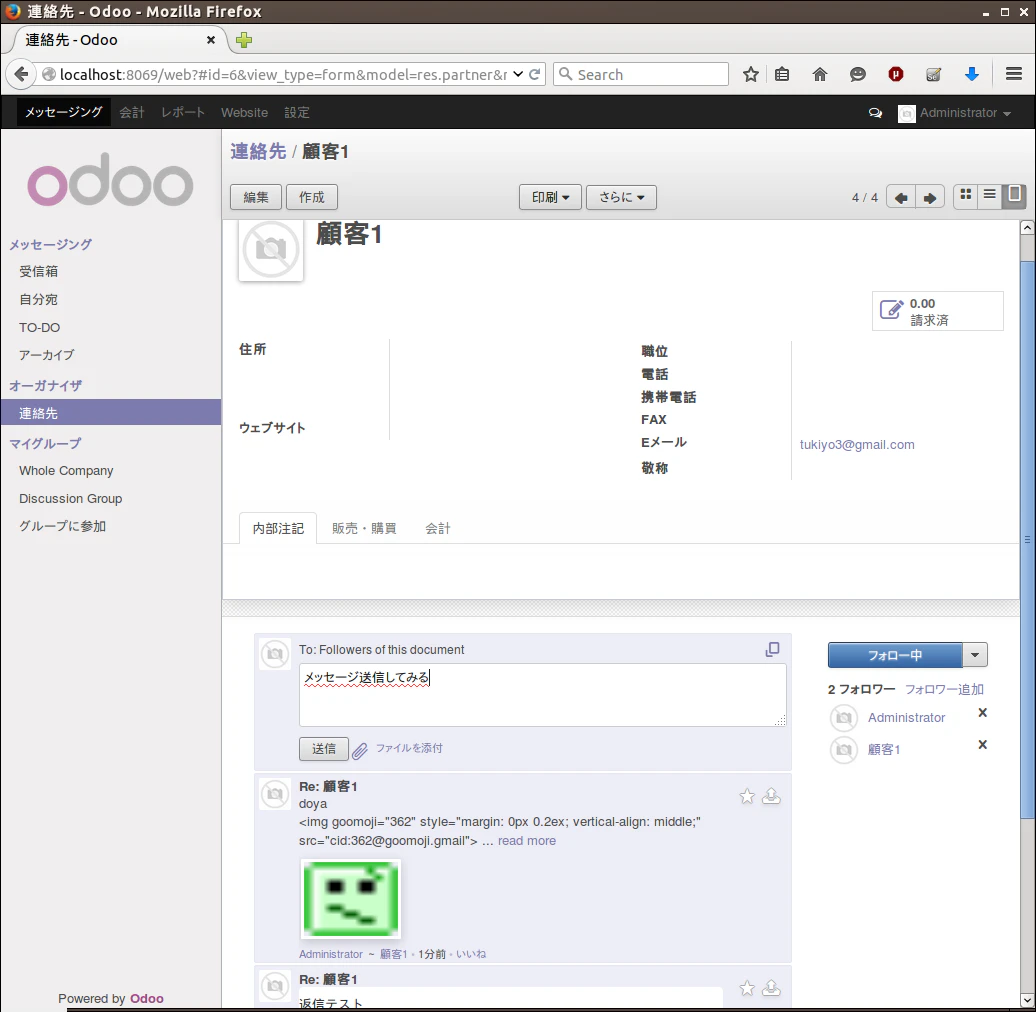
メール送受信
DBのバックアップ
dockerで起動
docker run -d -e POSTGRES_USER=odoo -e POSTGRES_PASSWORD=odoo --name db postgres
docker run -p 127.0.0.1:8069:8069 --name odoo --link db:db -t odoo
admin以外で連絡先作成ができない場合
The requested operation cannot be completed due to security restrictions.
Please contact your system administrator.
(Document type: Partner, Operation: create)
- 設定>ユーザ>その他>ポータルのチェックを外す
- 設定>ユーザ>その他>公開のチェックを外す
これで作成ができる。